LTC Repair Electrical Troubleshooting
wc_tx000429gb.fm 99
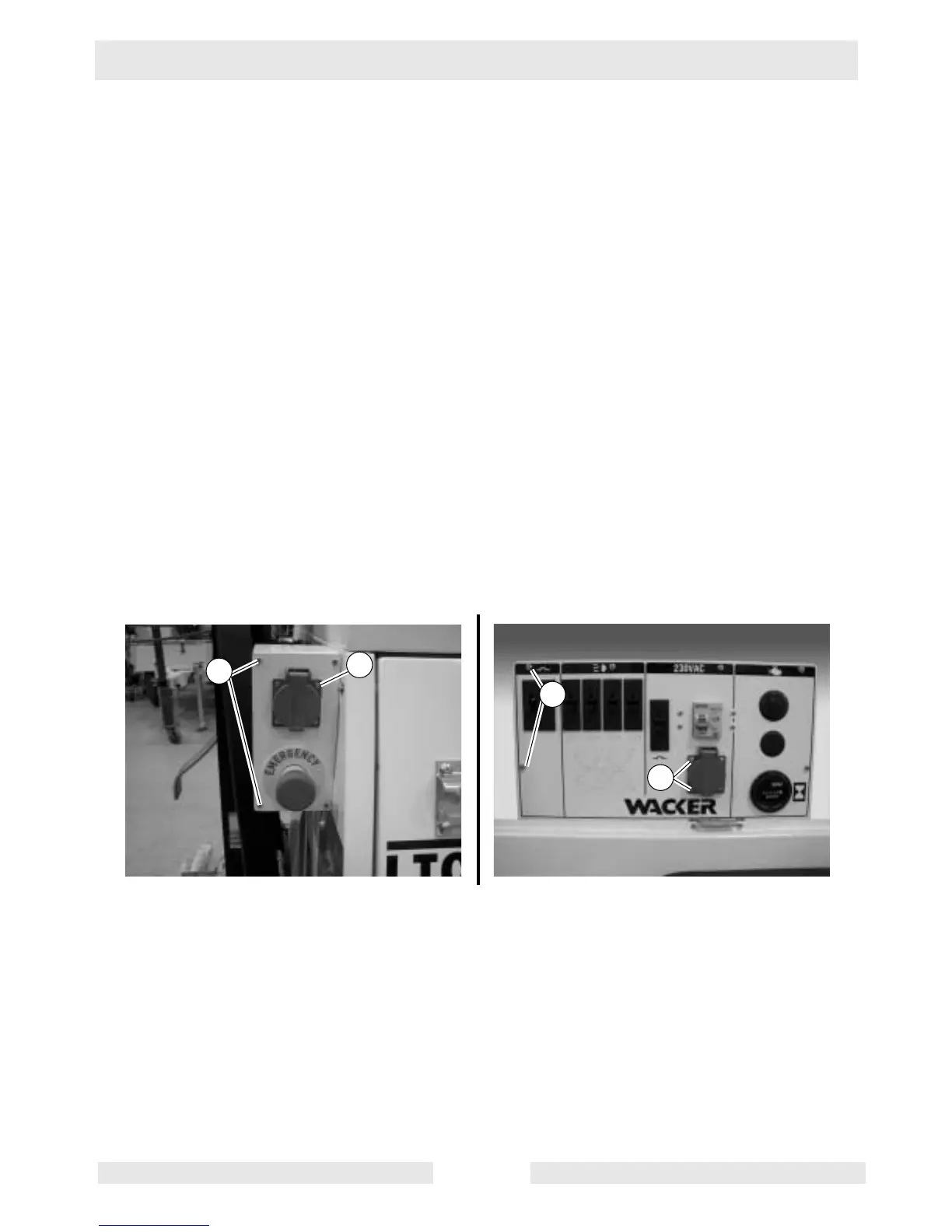
7.14 Replacing Receptacle
See Graphic: wc_gr002453
Carry out this procedure with the engine shut down.
Removal:
7.14.1 Remove the screws (a) securing the control panel cover and remove
the cover.
7.14.2 Make note of the wire connections on the back of the receptacle.
Loosen the screws securing the wires and remove the wires.
7.14.3 Remove the screws (b) securing the receptacle to the control panel
cover and remove the receptacle.
Installation:
7.14.4 Mount the receptacle to the control panel cover.
7.14.5 Attach the wires to the appropriate terminals on the back of the
receptacle.
7.14.6 Attach the control panel cover to the control panel.



 To Next Page