LTC Repair Electrical Troubleshooting
wc_tx000429gb.fm 131
7.35 Removing/Installing Rotor
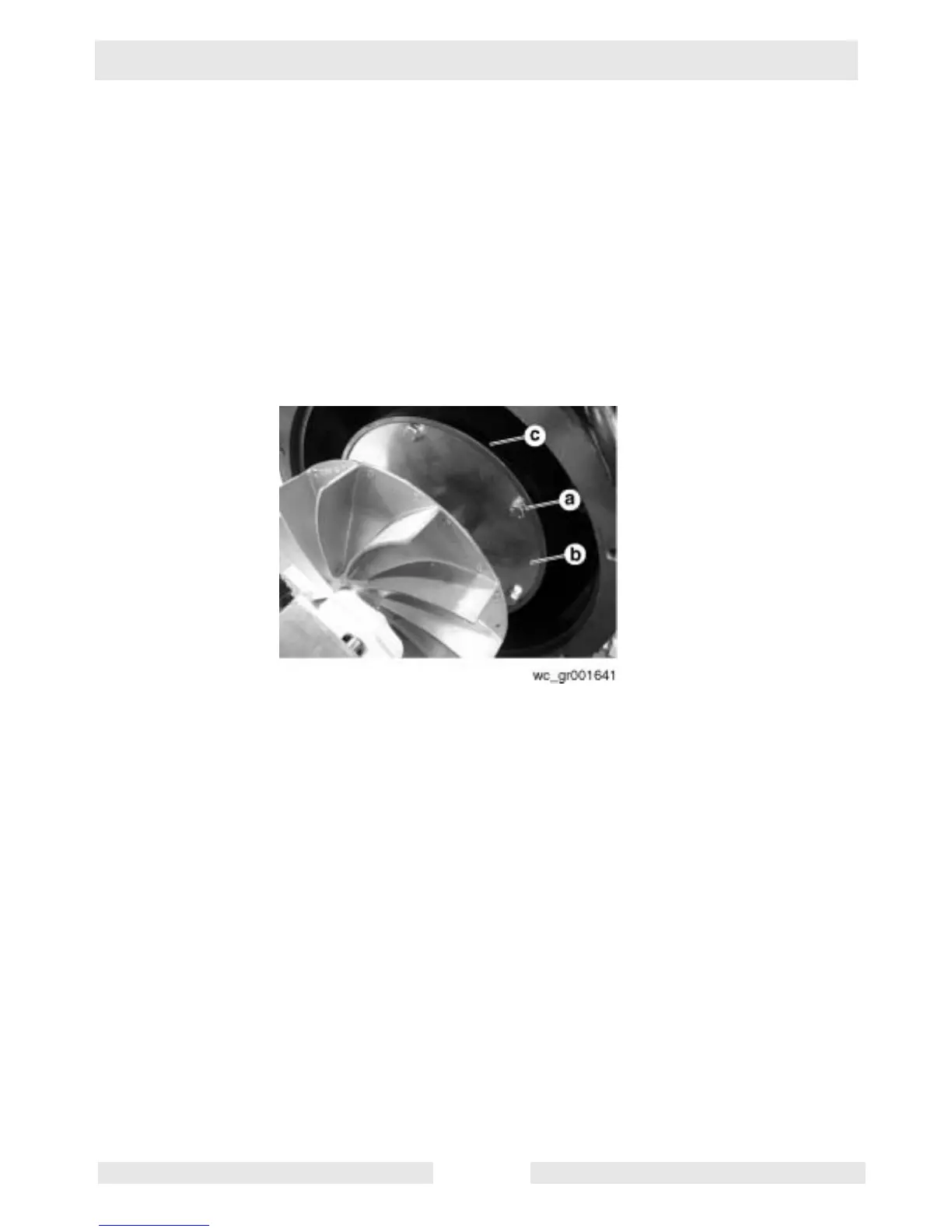
See Graphic: wc_gr001641
Removal
7.35.1 Remove the M8 bolts (a) securing the rotor flex discs (b) to the engine
flywheel (c) and remove the rotor assembly.
Installation
7.35.2 Secure the rotor flex discs to the engine using M8 bolts. Torque the
bolts to 15 ft.lbs. (21 Nm). Make sure the discs are seated completely
and evenly into the engine flywheel.



 To Next Page