LTC Repair Electrical Troubleshooting
wc_tx000429gb.fm 109
7.21 Confirming a Faulty Control Panel Capacitor
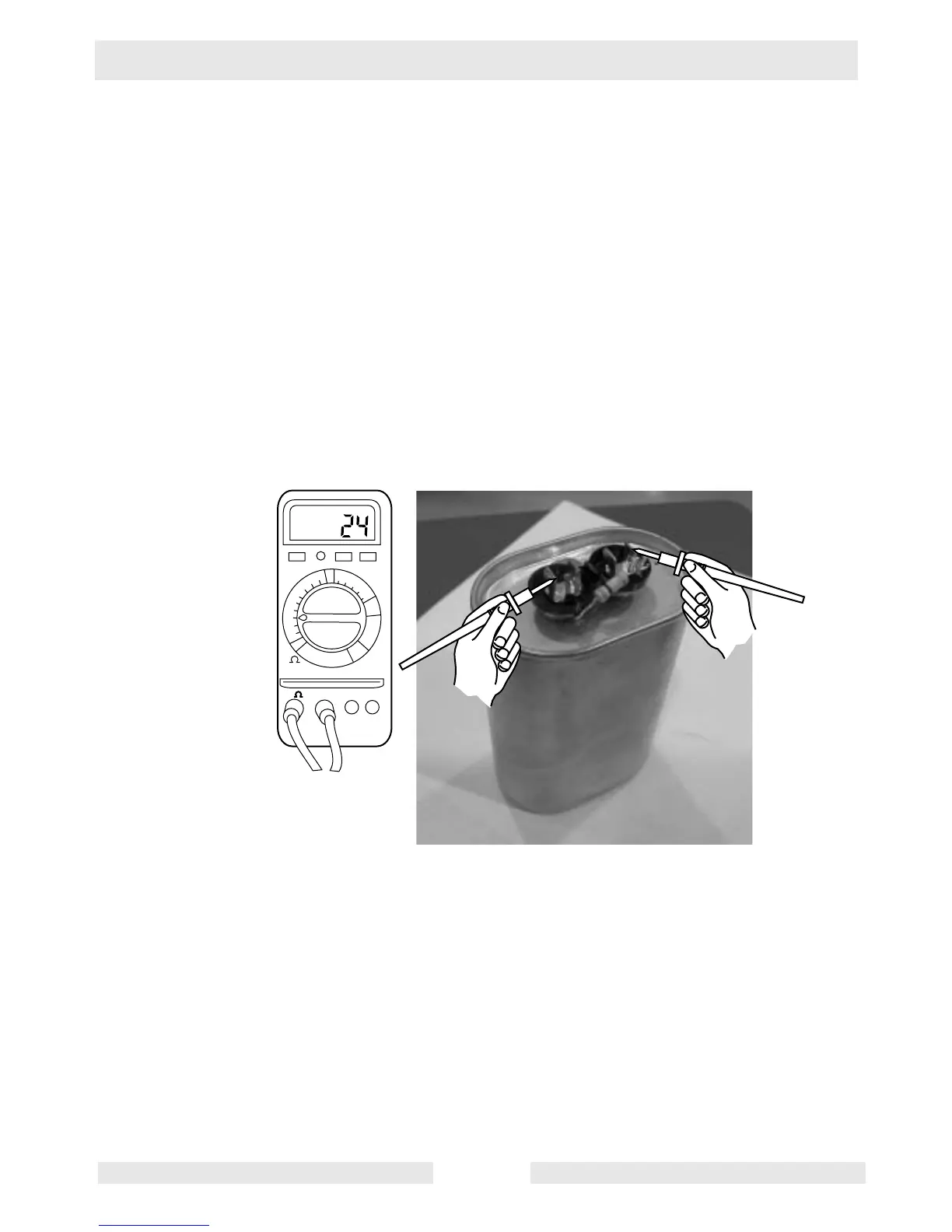
See Graphic: wc_gr002455
Carry out this procedure with the engine shut down.
7.21.1 Remove the input and output wires from the capacitor.
Note: The capacitor is shown with the resistor disconnected; the
resistor may be left connected if desired.
7.21.2 Discharge the capacitor by placing the blade of an insulated
screwdriver across the two spades of the capacitor.
7.21.3 Using a multimeter set to the Farad (F) or capacitance (C) scale (200
µF), measure the capacitor’s capacitance. Each capacitor should
measure 24±2 µF. If the reading is not within this range, replace the
capacitor.
wc_gr002455
200
20
2
200n
20n
2n
200p
2000
20m
F
V
A
V- COM
µ
µ
µ
µ



 To Next Page