wallPen E2 | User Manual
12
Safety Information
3 Safety Information
3.1 Mechanical Hazards
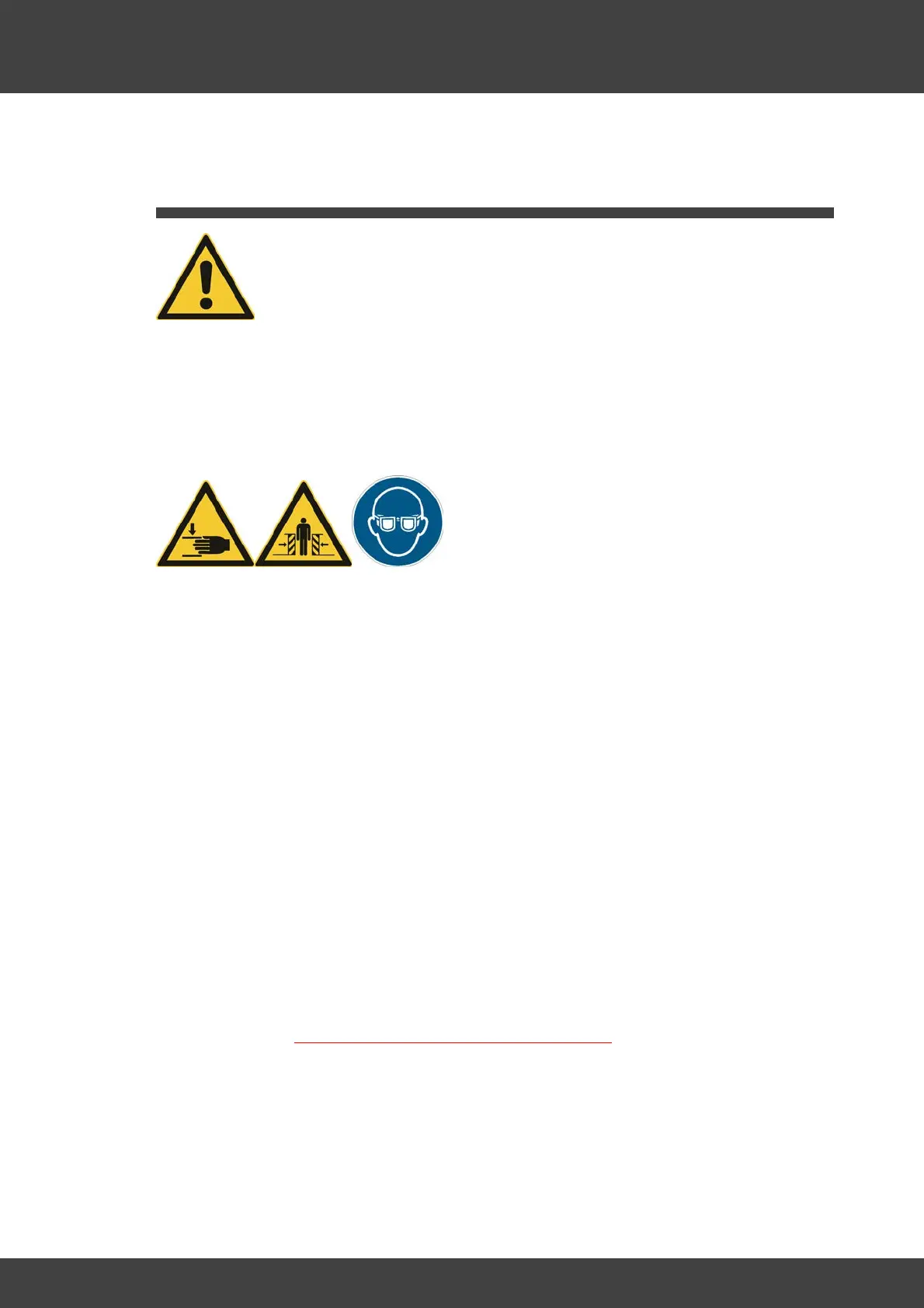
When operating the wallPen, there is a risk of unprotected parts moving in a controlled
manner. During operation, the wallPen printer must always be protected against
unauthorized access and well monitored.
The emergency stop switch must be freely accessible at all times!
The wallPen must always be secured and monitored during operation. The greatest
possible care and respect is required at all times! There is a very high risk that
unprotected machine parts move "up and down" and "back and forth" in a controlled
manner at high speed. A transparent plastic protection shield reduces the risk of
trapping and crushing limbs.
Interrupted printing cannot continue, so be careful when handling it. Never use the
printer without the strut with the Plexiglas protection shield! It effectively repels
significant hazards, does not interfere with operation, and is very easy to transport and
install. Despite the protection, the machine is dangerous! Always have the greatest
respect for the dangers of the machine and always remain vigilant and careful! Prevent
access to the printer at a safe distance of at least three meters.
Effectively close off the printing area with barriers!
Be ready to stop the printer with the emergency stop switch at any time!
Be vigilant! Never leave the printer unattended!
Always wear UV protective goggles in the area of less than 5 meters around the
machine
Moving parts are dangerous! Always be careful!
ALWAYS PROTECT YOURSELF AND OTHERS!
Pause a running operation when you leave the danger zone and always have the
machine guarded by a competent, adult and reliable person, even during a break.
If possible, always stay outside the danger zone of the printer when it is in operation.
Always pause the printer if you need to check the print quality and use great care and
foresight. Careless handling may result in serious injury from crushing or shearing
limbs.



 To Next Page