111
Version 2.0.4 | © 2016-2021 wallPen GmbH
Calibration
9.2 Calibration
The wallPen E2 uses four (optionally expected to be available from Q4/2021 five) single
printheads to print colors CMYK (W). Since these printheads are mounted separately
and they must be calibrated to each other in order to achieve optimum printing results.
The calibration according to these instructions should only be performed each time a
printhead has been disassembled / assembled.
The used Ricoh GH2220 printheads have two offset nozzle rows, each with a pixel
density of 150 DPI. Their arrangement, staggered by half a nozzle distance, achieves
300 DPI in the printed image.
To easy judge and align the printheads to each other, a calibration image is used. To
calibrate and rate the printheads, a wallPen calibration image is printed which shows
vertical and horizontal adjustments in all colors. Please download the latest calibration
image ("E2-Calibration.tif" or "E2-Calibration_3x6_1x_300x300_bi.wallpen") from the
"Knowledge Base / Downloads"-Section in https://service.wallpen.com.
The "E2-Calibration_3x6_1x_300x300_bi.wallpen" file might be printed directly on the
machine, but if the E2-Calibration.tif file is used, process this image in the wallPen
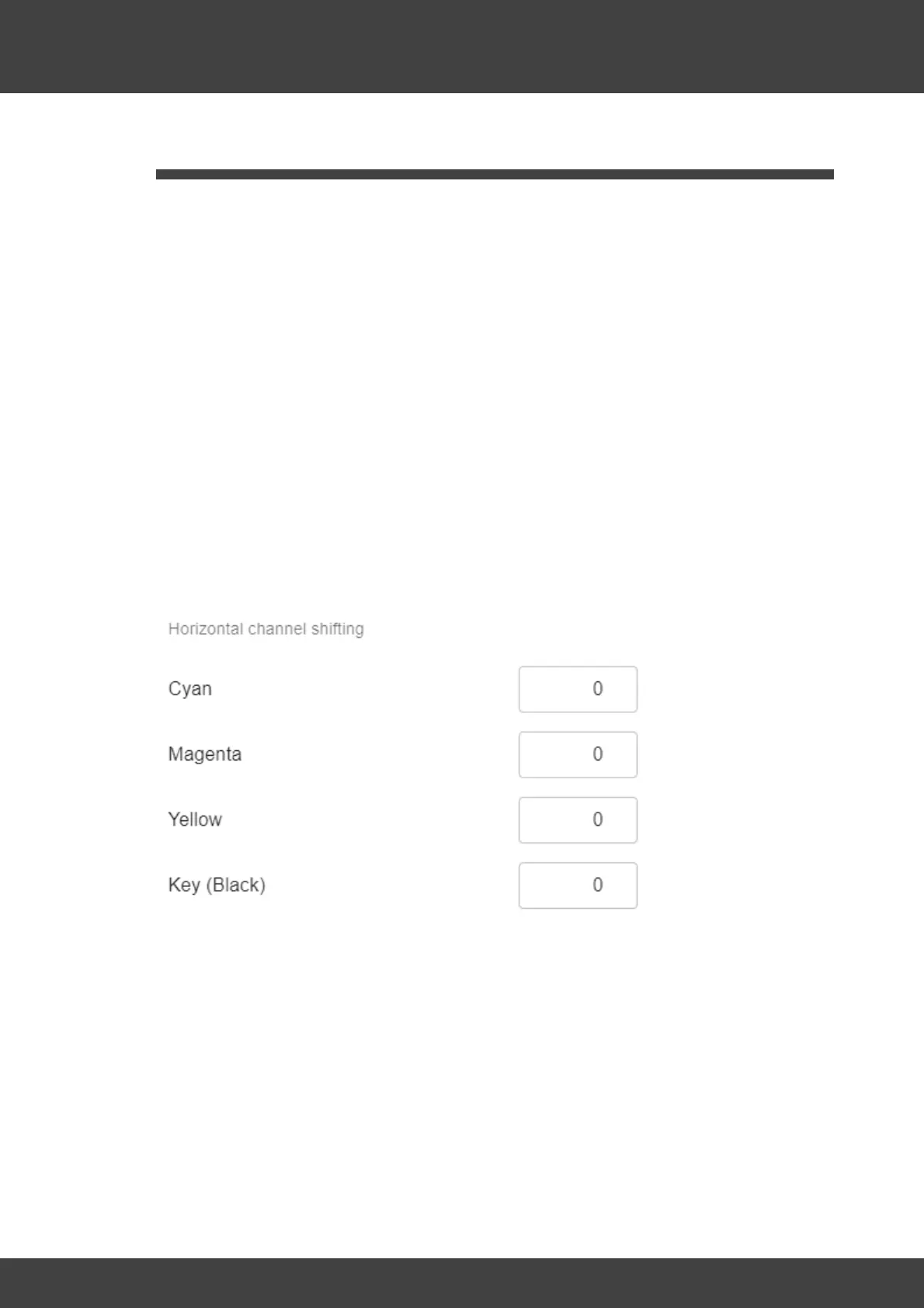
Processor by setting all four values for "Horizontal Channel Shifting" to 0 (zero) in the
settings under "Presets/Edit/Horizontal Channel Shifting" dialog:
Then drag & drop the image "E2-Calibration.tif" is loaded into the processor and the
values for Intensity, ICC and print parameters are to be set as shown in the figure:



 To Next Page