wallPen E2 | User Manual
112
Service
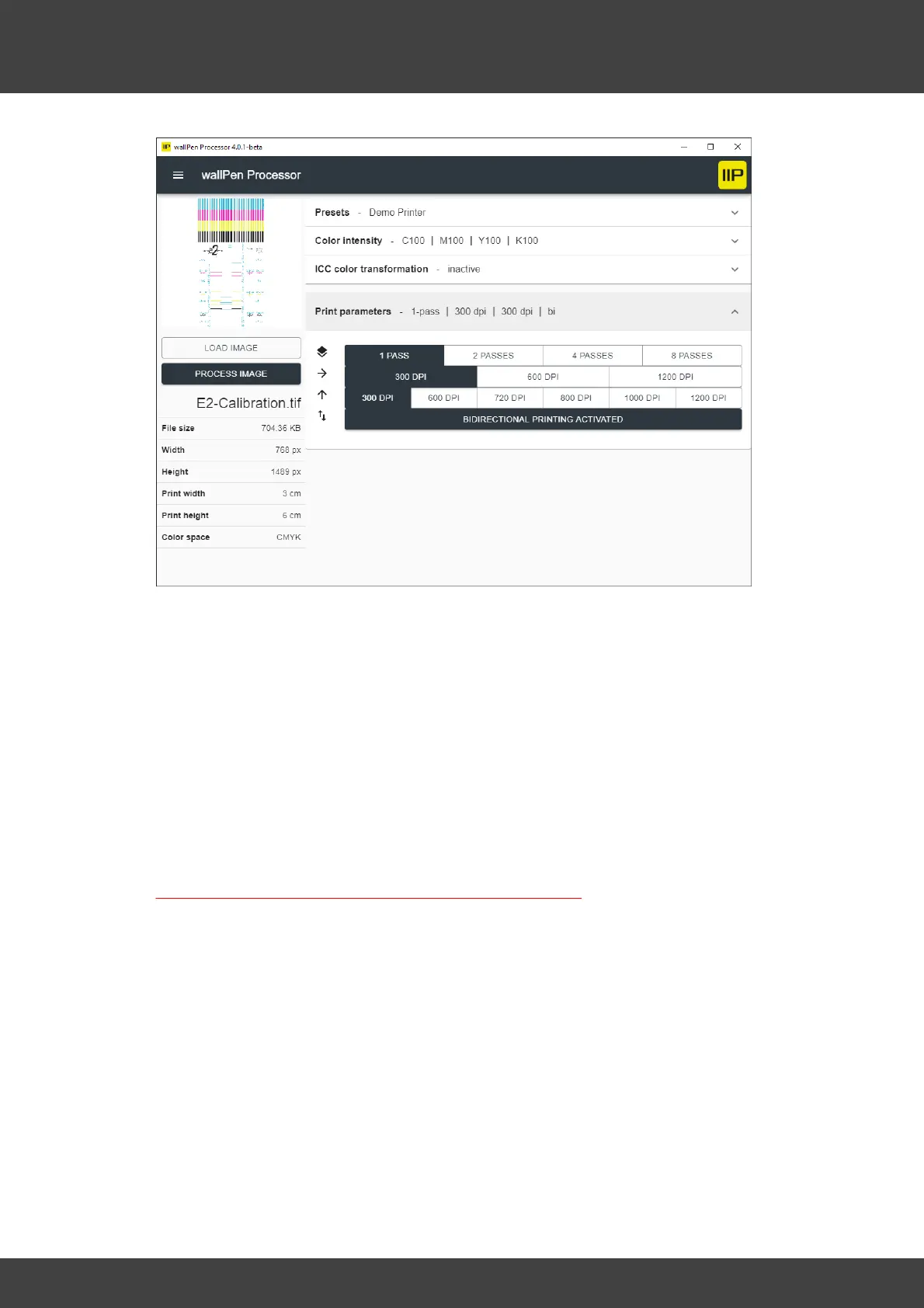
Make sure "ICC color transformation" is disabled, process the image, copy the
according ".wallpen" file onto a flash drive and load it on your wallPen printer.
Prepare to print the processed file onto a smooth, white surface, best to use a blank
paper sheet. To obtain an unaltered result, deactivate the "Distance Control" function
on the wallPen before printing the reference image. Make sure that the print head
housing will not touch the wall during printing while moving upward and downward.
If all the settings are correct, one swath is printed upwards, the printer travels about 3
centimeters to the right, prints another swath downwards, and finishes printing.
After printing check the result (in detail with a magnifying glass or a hand-held
microscope). The aim is to shift the colors upwards & downwards relative to each
other, so that all colors match vertically and horizontally.
Reference for the entire calibration is upward printed cyan!



 To Next Page