wallPen E2 | User Manual
108
Service
9.1.4
Care of the Toothed Belt
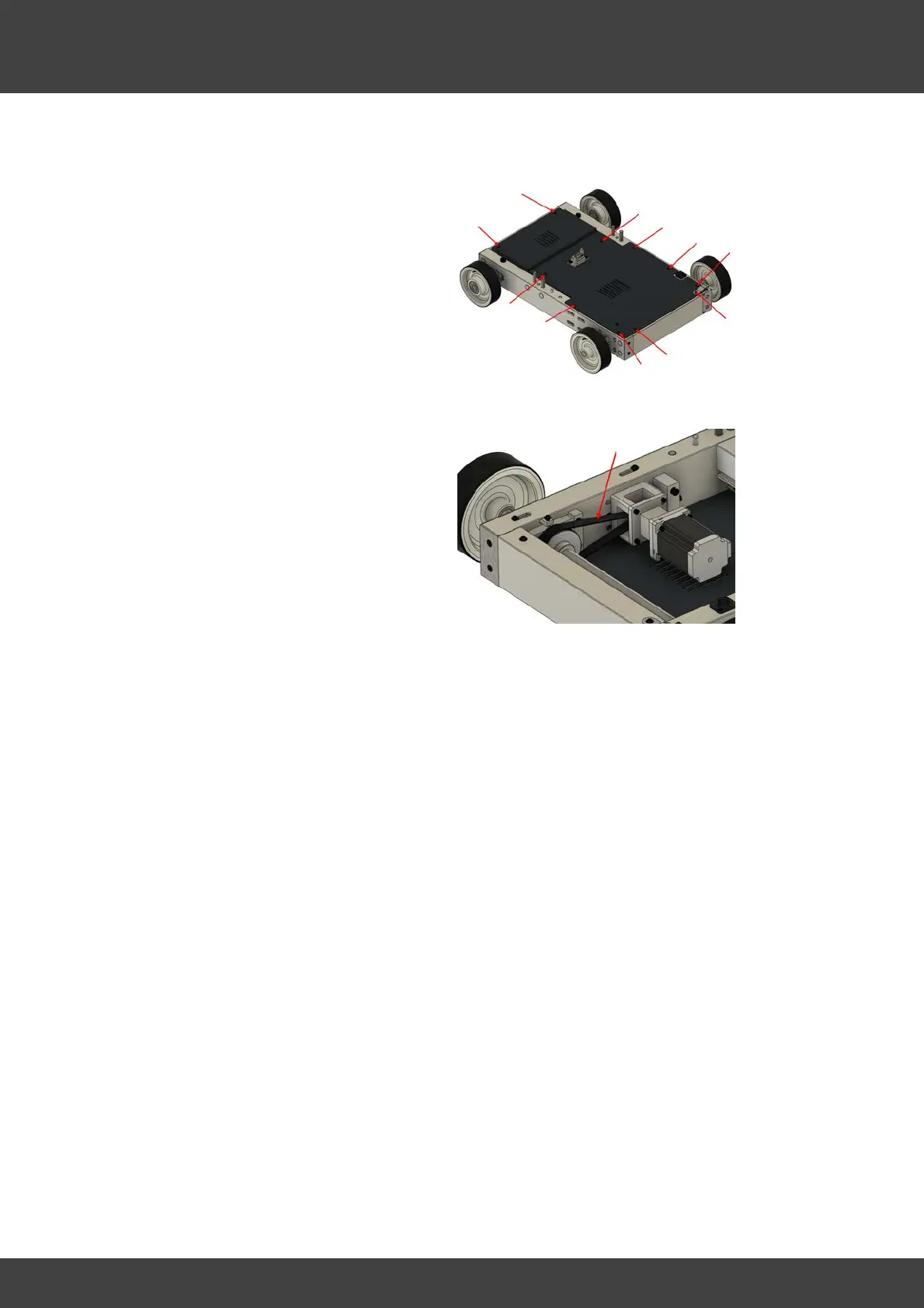
Every approx. 50 to 60 operating
hours remove the top rear Aluminium
cover plate of the platform (11 Allen
screws) and check the toothed belt for
correct tension.
Ideally, the toothed belt should have a
tension frequency between 210 and
220 Hz. We use special frequency
measuring devices to initially setup the
tension precisely in the factory.
However, it is also possible to set the
belt tension quite accurately with the
help of an Android or Apple
smartphone. Numerous apps that
measure and display vibrations in Hz
can be found in the App Stores under
the search term "measure frequency".
· Make sure the environment is as quiet as possible.
· Pick the belt sideways and gently with one finger, similar to picking a guitar string.
The optimal position is shown by the arrow in the illustration. You should clearly hear
the tension sound of the belt, a little bit similar to the string sound of a stringed
instrument.
· While doing so, hold your smartphone close to the belt and read the frequency peak
in Hz while picking a few times.
· If the determined frequency is too low, tighten the belt as described below and
repeat the measurement.
· If the determined frequency is too high, relax the belt as described below and
repeat the measurement.
The optimum tension is reached when the frequency is about 208 Hz. If the belt is
significantly too tight, the motor bearing can be damaged over time. If the belt tension
is too low, the entire platform may have some play and the print results may be
negatively affected.



 To Next Page