wallPen E2 | User Manual
110
Service
9.1.5
Vertical Axis Brake Release
The wallPen E2 is equipped with a high-quality motor brake on the vertical drive. In the
de-energized state, the brake is closed, so it blocks the motor. This prevents the entire
slide unit, including the print head, from falling down in the event of a power failure,
possibly causing lasting damage or even injury.
In some cases it may be desirable to move the slide unit manually. This might be
necessary, for example, to adjust the backlash of the gear to the rack or to bring the
slide into the parking position without having to switch on the entire printer again, in
case it was forgotten while still powered on.
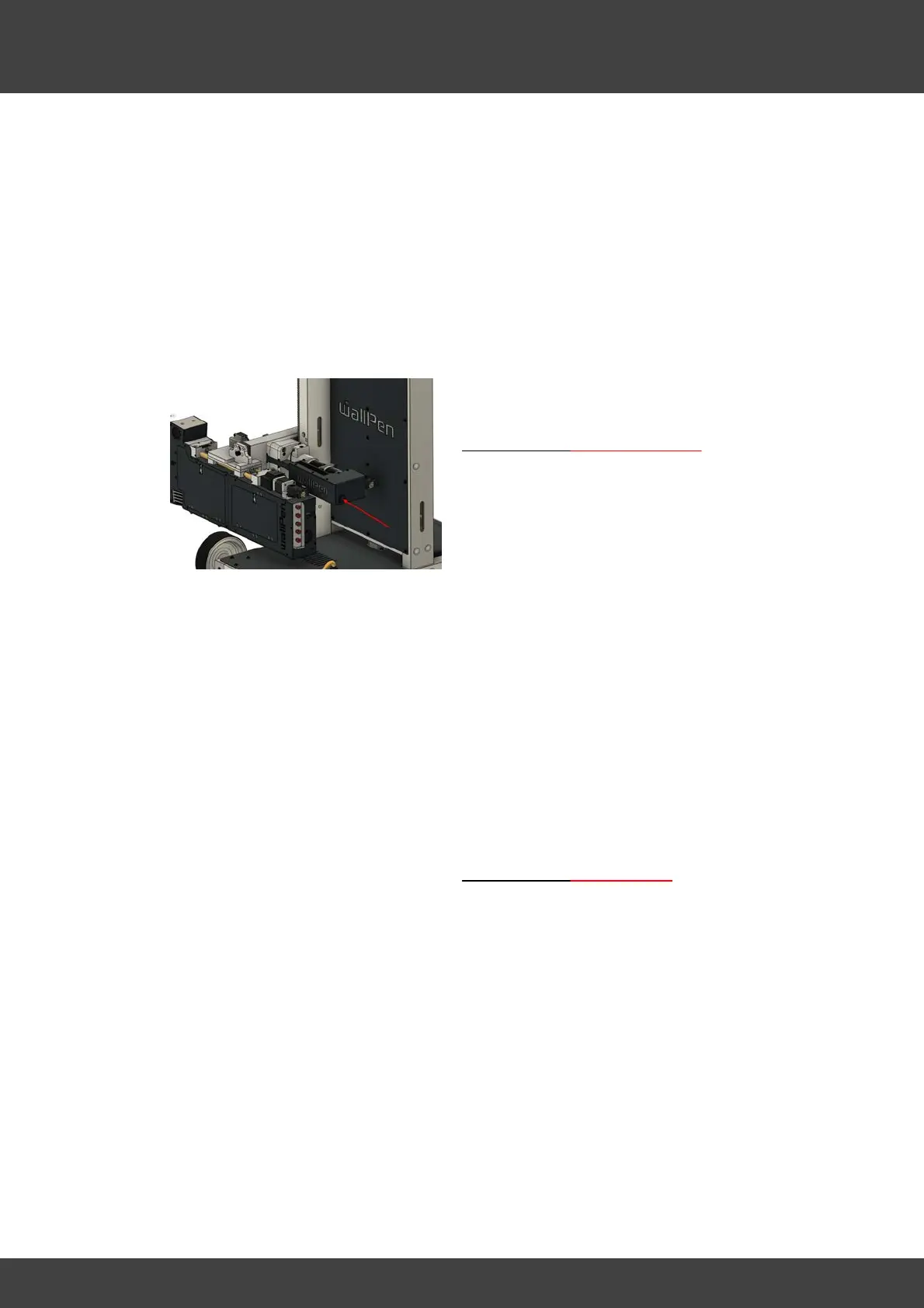
For this reason, a black push button is
located at the front of the slide housing.
If the machine is not powered up
· Disconnect the print-head cable of the
print-head (if connected).
· Turn the power switch on.
· Hold the slide housing firmly with
your other hand, as the entire unit
pulls down immediately with full
weight of about 20kg without any
braking force.
· Push the button.
· Move the slide unit slowly up or down
into the desired target position
· Release the button to close the brake.
· Turn the power switch off.
If the machine is powered up
· Hold the slide housing firmly with
your other hand, as the entire unit
pulls down immediately with full
weight of about 20kg without any
braking force.
· Push the button.
· Move the slide unit slowly up or down
into the desired target position
· Release the button to close the brake
again.



 To Next Page