wallPen E2 | User Manual
28
Hardware
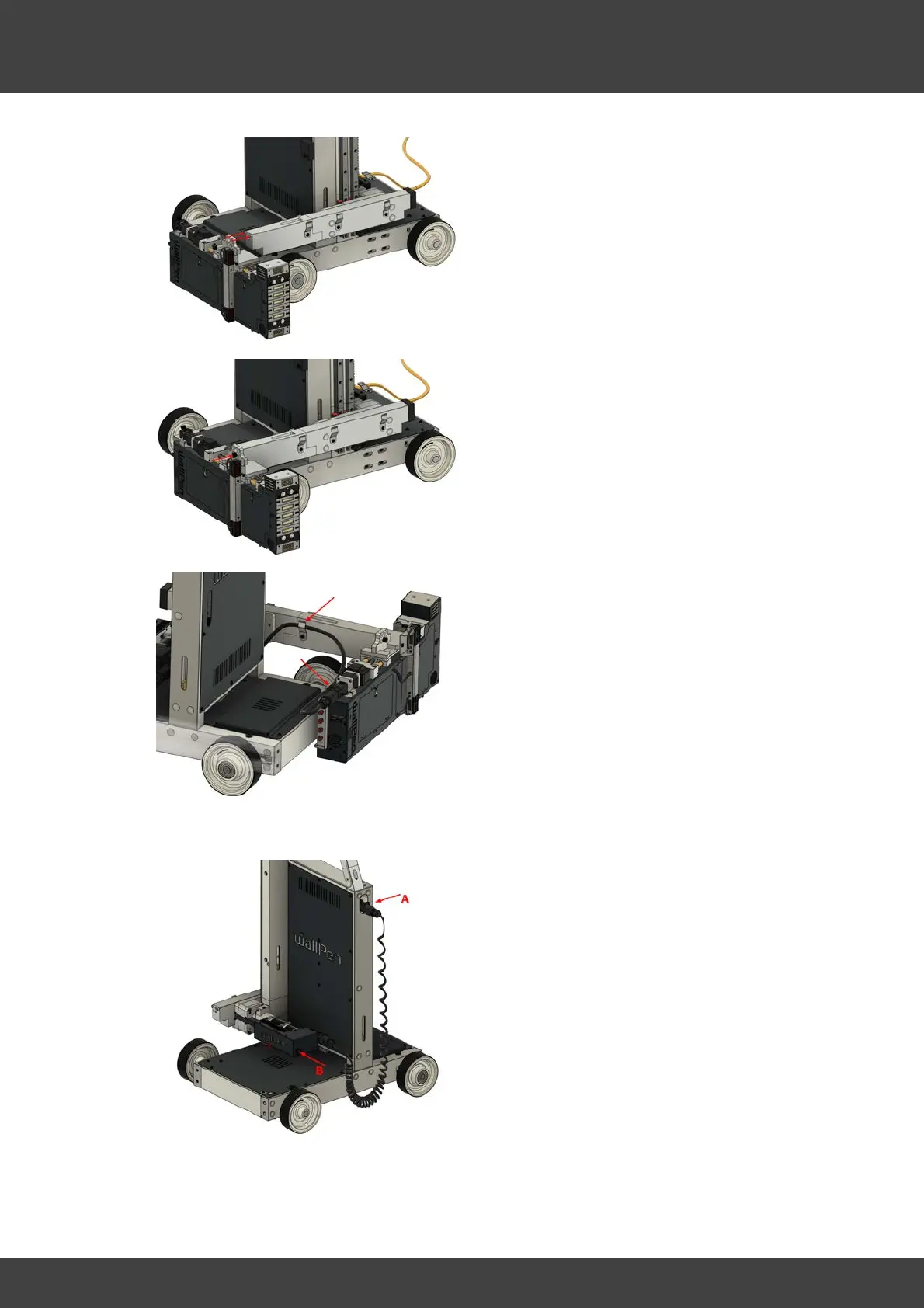
Fit the printhead onto the two locating
pins of the cross profile extension as
shown
Slightly tighten the screw to fix the
printhead unit in place
Route the cable from the slide unit to the
printhead as shown in the figure, plug it
into the back of the printhead and lock it.
4.2.3
Print-head Assembly Half-front
Turn the power switch (not shown) to "ON"
(A)
Prepare to release the break by holding
the slide with your left hand (red marker)
to avoid it to drop down, once the break
is released
Push the "Brake Release Button" with your
right hand ...



 To Next Page