5.2.4
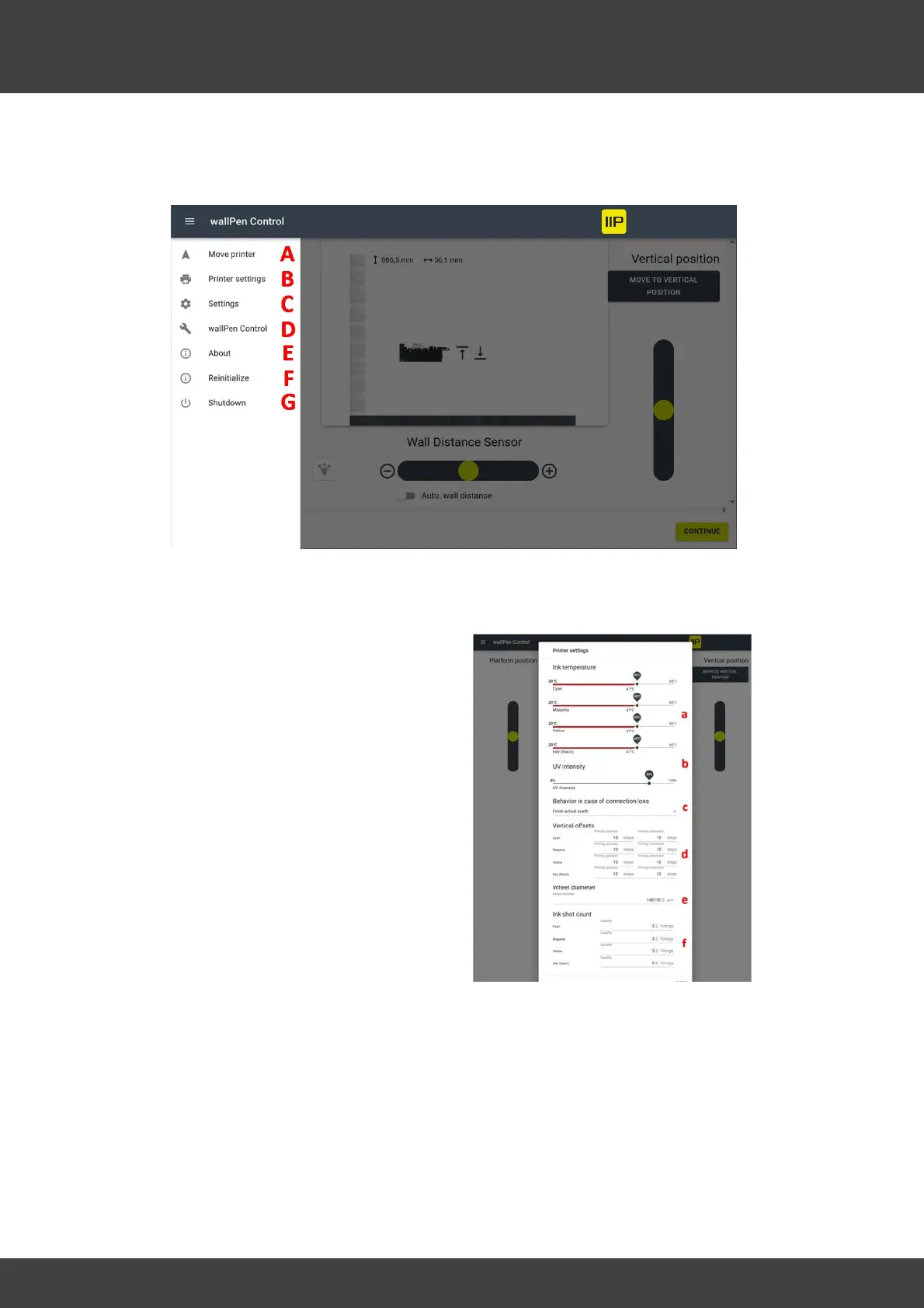
B - Printer Settings
a - Set the ink temperature in Celsius for
each individual color. The default
temperature for wallPen ink is 47°C.
b - Changes the intensity of the UV lamps
in real time, even during the printing
process. The more intense the UV light is
set, the more the ink is cured. If the
intensity is reduced, the print tends to
become glossier, but at the risk of the ink
no longer curing completely.
A value of 80 to 90 percent has proven to
be effective here for most applications and
substrates.



 To Next Page