The UV radiation used is dangerous! Always wear appropriate protective goggles!
Never look into the UV light without an effective protection, even if it is reflected
over the subtract. Irreparable retinal damage may result! PROTECT YOURSELF AND
OTHERS!
c - Selection of what happens in case of a WiFi connection loss. The device can either
stop printing after the current swath or continue printing.
IMPORTANT NOTE: In case the connection is interrupted and the option "Continue
Printing" is selected, the printer can still be controlled by the black push-button on the
front panel (between the EMERGENCY STOP switch and the main switch). A short press
on the button pauses the printing, another short press continues printing. If the button
is held for longer than 2 seconds, the printing process is irrevocably aborted after it is
released.
d - Vertical offsets - Adjusts the colors in vertical direction to each other. Further details
can be found in the chapter "Service / Hardware Maintenance / Calibration".
e - Wheel diameter - The wheel diameter defines the size of the lateral step-over
between the print paths in Micrometer (1000 Micrometer = 1 Millimeter !!!). Changing
this value has drastic effects on your print result!
Always change the value only minimally and thus feel your way to the perfect setting for
your device! Even a change of only 100 or 200 micrometers will have an effect on your
print result. Values of less than 147000 micrometers (= 147 mm) or more than 149000
micrometers (= 149 mm) make no sense here!
If vertical overlaps appear in the print image (i.e. the step-over is too small and the
image is compressed), then a smaller value should be entered here.
If vertical gaps / light stripes appear in the print image (i.e. the step-over is too large
and the image is stretched), then a larger value should be entered here.
f - Ink shot count - The print heads shoot tiny ink drops in extremely rapid succession.
Just a single shot produces only a very small drop that flies relatively unstably and will
barely reach the surface to be printed. To stabilize this drop, another drop is fired just
nanoseconds after the first shot, reaching the first drop in flight, thus stabilizing it and
also doubling its volume. If necessary, the same principle can be used to fire additional
drops for stabilization/enlargement. Here a setting of 3 has proven itself, alternatively it
is also possible to print with 2 or 4 shot counts, if it makes sense or is desired for the
respective substrate.
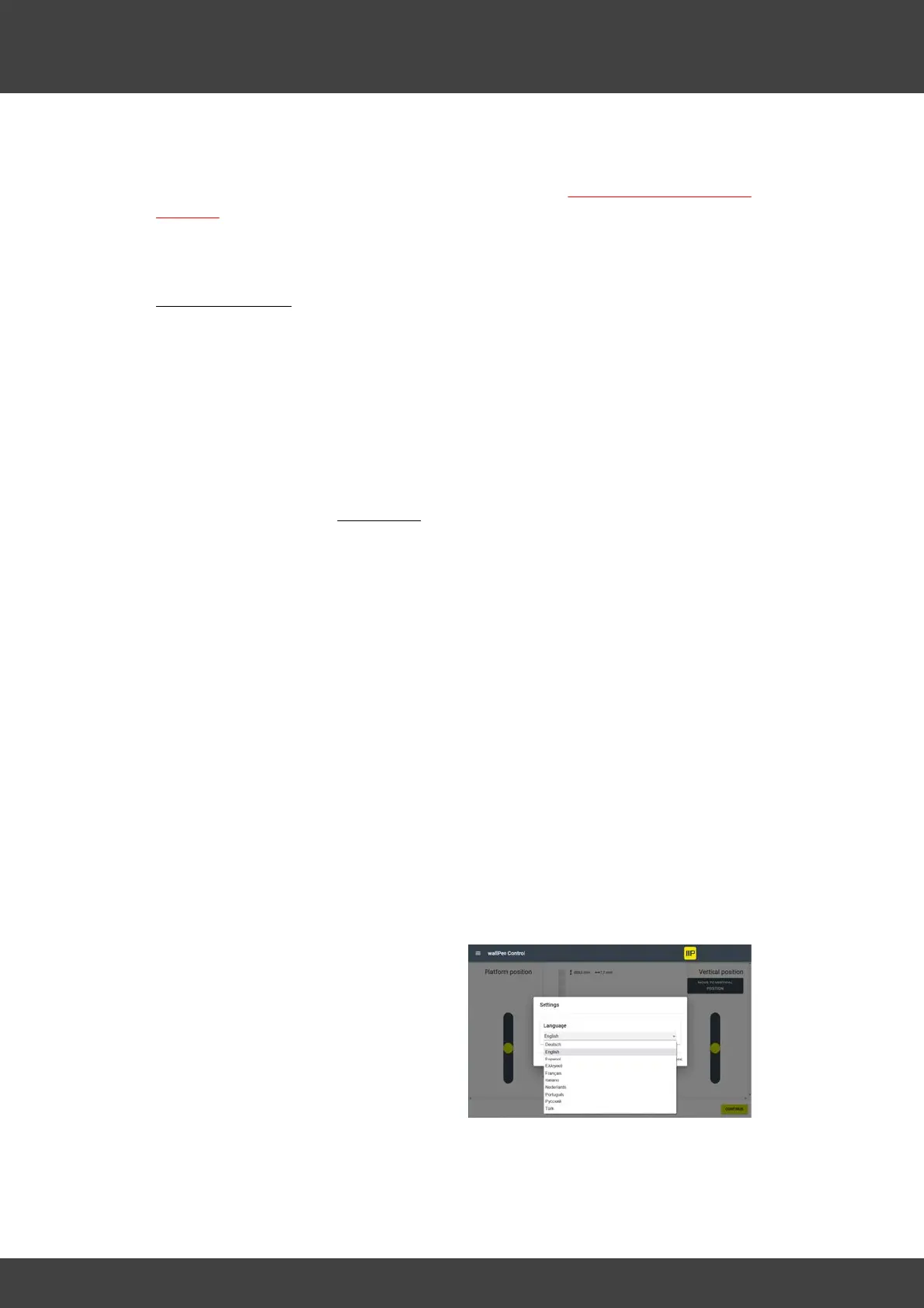
C - Settings - Change the user interface
language
If you find any errors in the translation,
please write us by email to
info@wallpen.com and we will consider
your corrections in one of the next updates.
Also, if your language is not yet
implemented, please write us and we will
check the possibilities of adding it. Thank
you!



 To Next Page