wallPen E2 | User Manual
66
Software
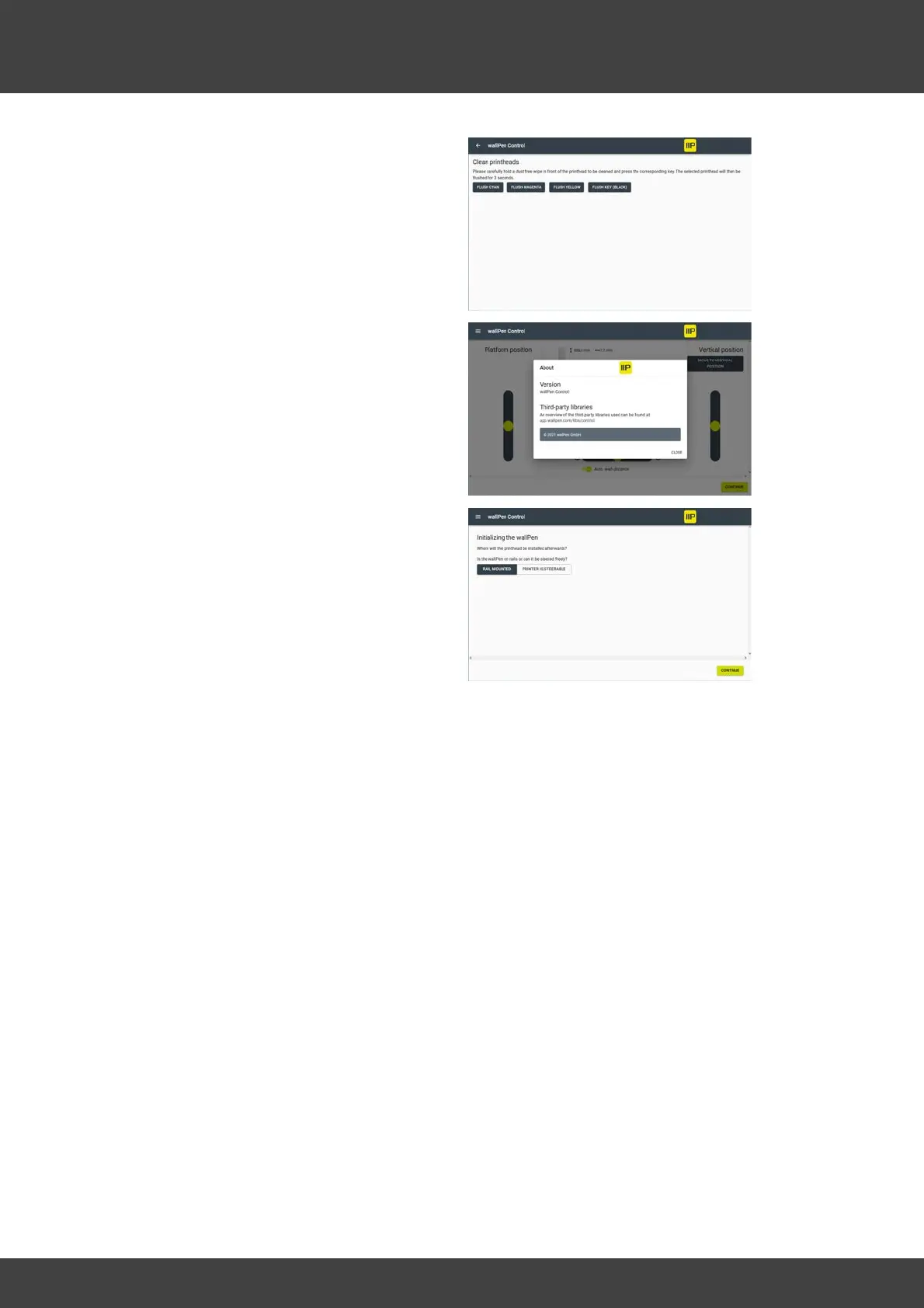
D - wallPen Control - This function allows
you to jet ink for a set amount of time (3
seconds) to verify that the printheads are
functioning properly. Be sure to cover each
printhead with a soft, dust-free cloth before
initiating the flushing process.
E - About - Shows the actual version of the
software and legal information.
F - Reinitialize - Use this function to change
the setup from track to floor mounting or
vice versa.
G - Shutdown - Please always use this function before switching off the device. After
selecting the function, the device emits four short beeps. Now wait at least 10 seconds
and switch off the device.



 To Next Page