wallPen E2 | User Manual
60
Software
I - Shows the current height of the printhead bottom to the floor / tracks.
J - Displays the instantaneous distance between the printhead nozzle plates and the
substrate. As a rule of thumb, a range between 7 and 8 mm is a good value to find the
best print distance for general applications on relatively flat materials or on standard
walls.
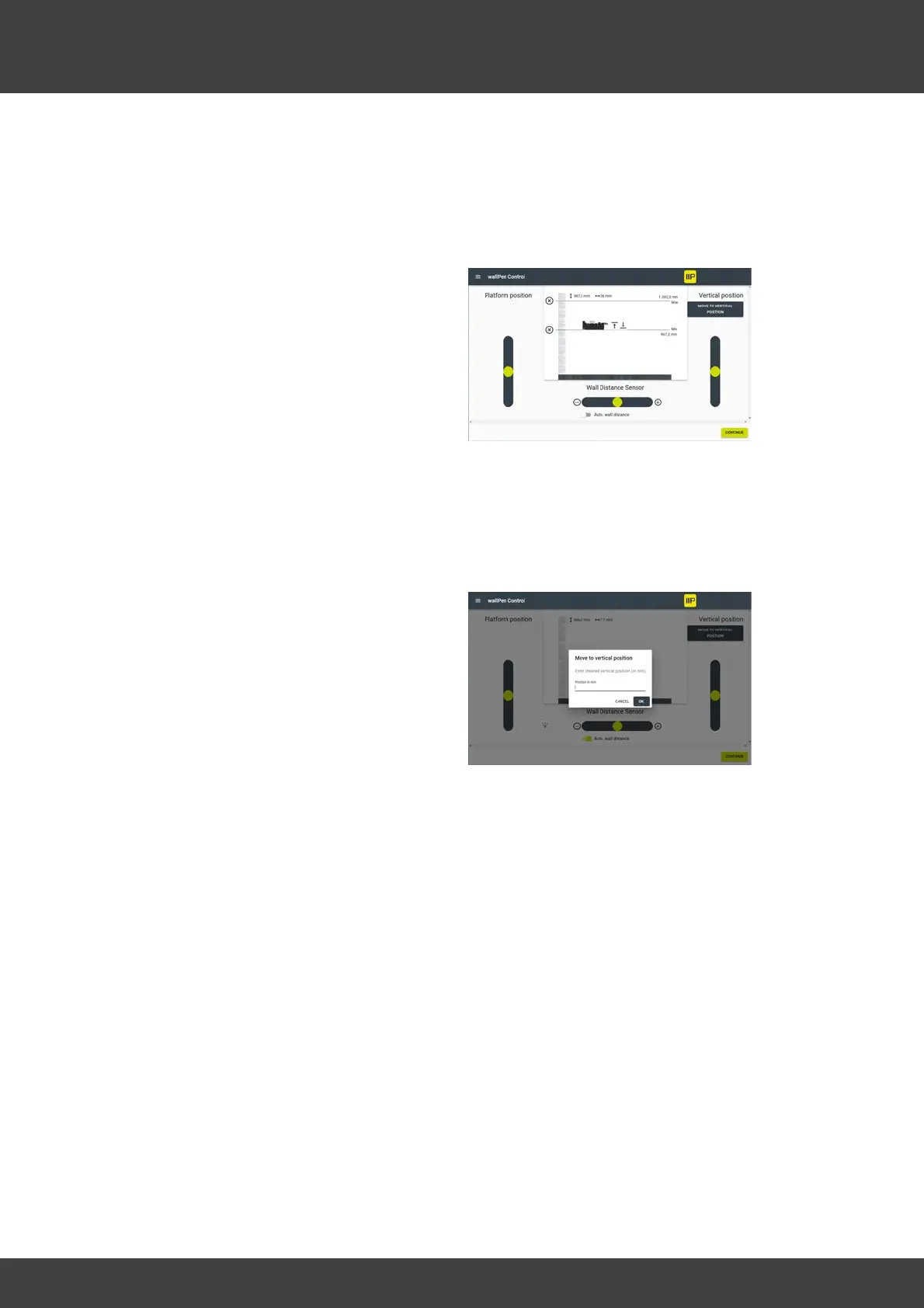
K - Touch to define the current slide
position as an upper soft travel limit. Once
an upper limit has been set, it is displayed
as a horizontal limit and can be removed
by pressing the (X) to the left of the line.
L - Touch to define the current slide
position as a lower soft travel limit. Once a
lower limit has been set, it is displayed as a
horizontal limit and can be removed by
pressing the (X) to the left of the line.
M - For safety reasons, this message remains until an upper limit is defined for the
vertical axis. As long as this message is displayed, the speed of the vertical axis is
limited and it can only be moved upwards.
N - Enables precise approach to a freely
definable vertical position. Enter the
desired position in millimeters and press
OK.
O - Continues to the image selection and the printing dialog (see Chapter "Software /
wallPen Control / Printing" below)



 To Next Page