75
Version 2.0.4 | © 2016-2021 wallPen GmbH
Best Practice
Procedure on the PC
1. Load the image and scale it to the required size as usual for printing.
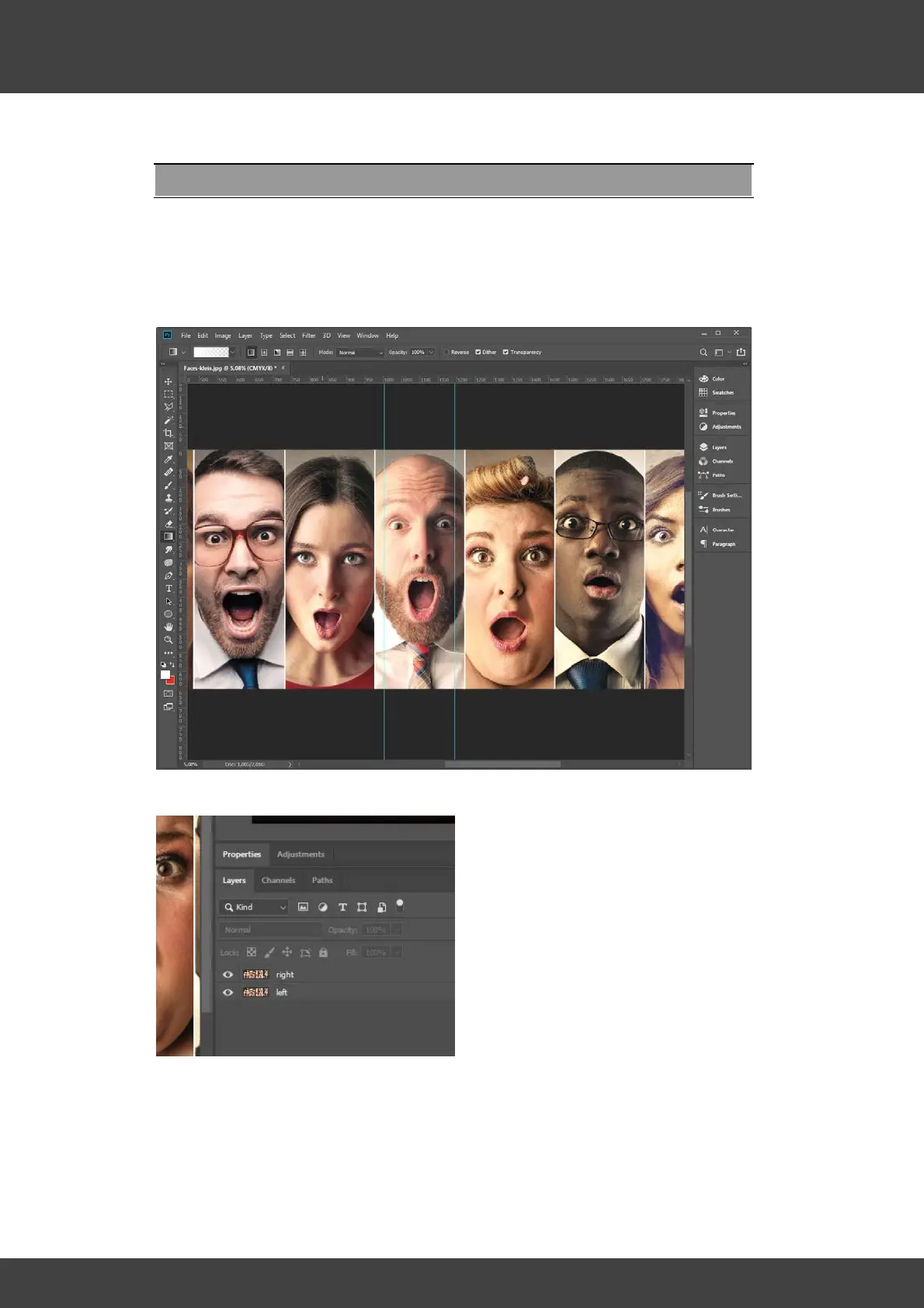
2. Set two guide lines to define the region in which the left screen is to be faded out
and the right screen is to be faded in.
3. Duplicate the layer with the image and name one layer "left" and the other "right".
4. Define "White" (C=0, M=0, Y=0, K=0) as the foreground color.
5. In Photoshop select the "Gradient tool" and then the gradient type "Foreground to
Transparent".



 To Next Page