Replacing Fuses 75
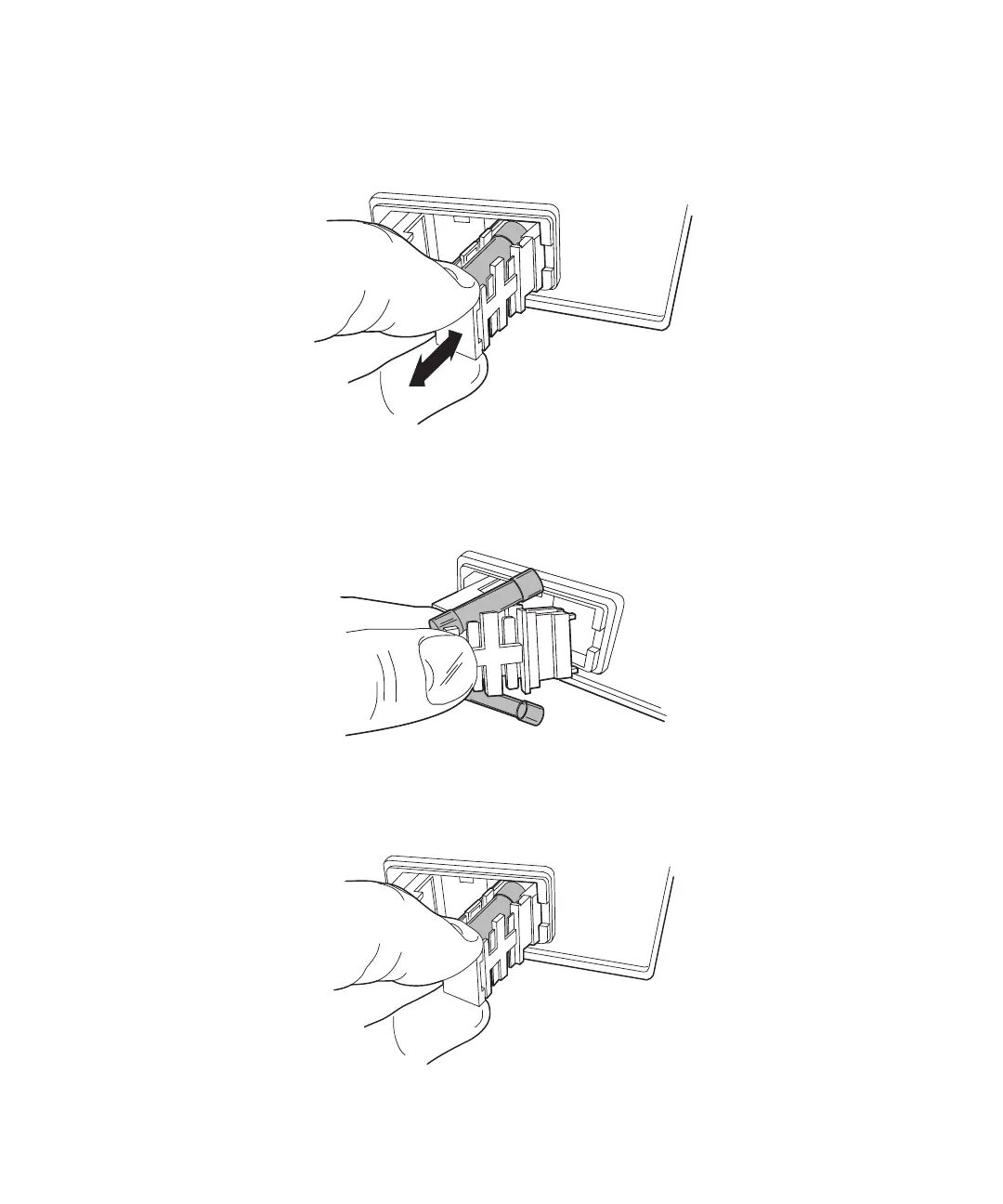
3. To change the AC power fuses, pull the red fuse holder as though opening a drawer.
Spare fuses are included in the 600E Multisolvent Delivery System Startup Kit
(Figure 4-14). For ordering information, see Appendix A, Spare Parts.
Figure 4-14 Removing the Fuse Holder
4. Install the correct fuse in the holder and slide it back into place (Figure 4-15).
Figure 4-15 Installing the Fuses
5. While securing the fuses in the holder, slide it back into place (Figure 4-16).
Figure 4-16 Replacing the Fuse Holder



 To Next Page