Installing a Column or Cartridge 23
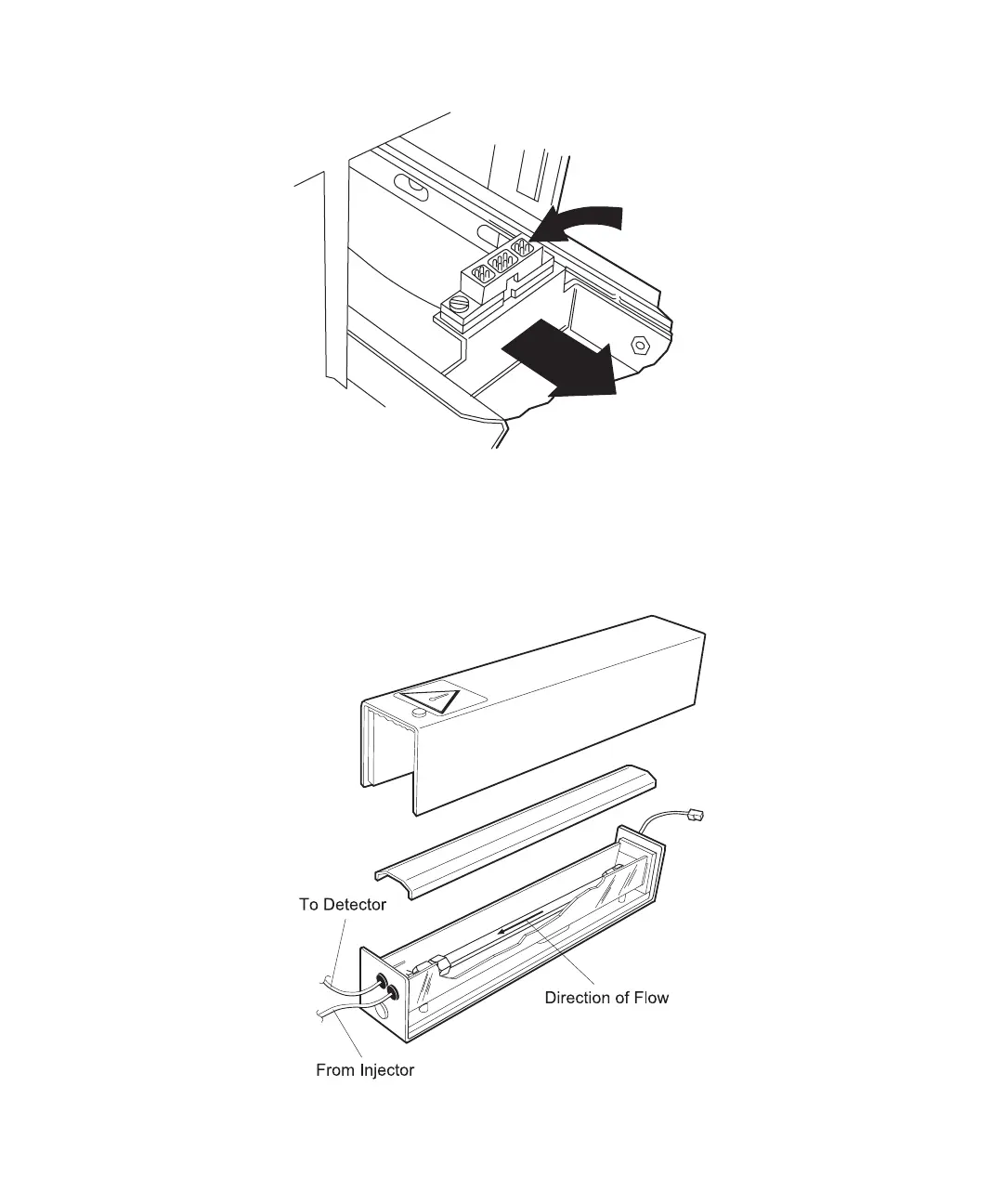
Figure 2-13 Column Heater Signal Cable Connection
4. Lift the column heater covers straight off the column heater (Figure 2-14). Place
your column (up to 8 mm ID by 30 cm) in the center channel of the column heater
tray with the arrow on the column label pointing toward the front of the drawer.
Figure 2-14 Column Installation in the Column Heater
Receptacle
Drawer
Pulls Out



 To Next Page