32 Making Electrical Connections to the 600 Controller
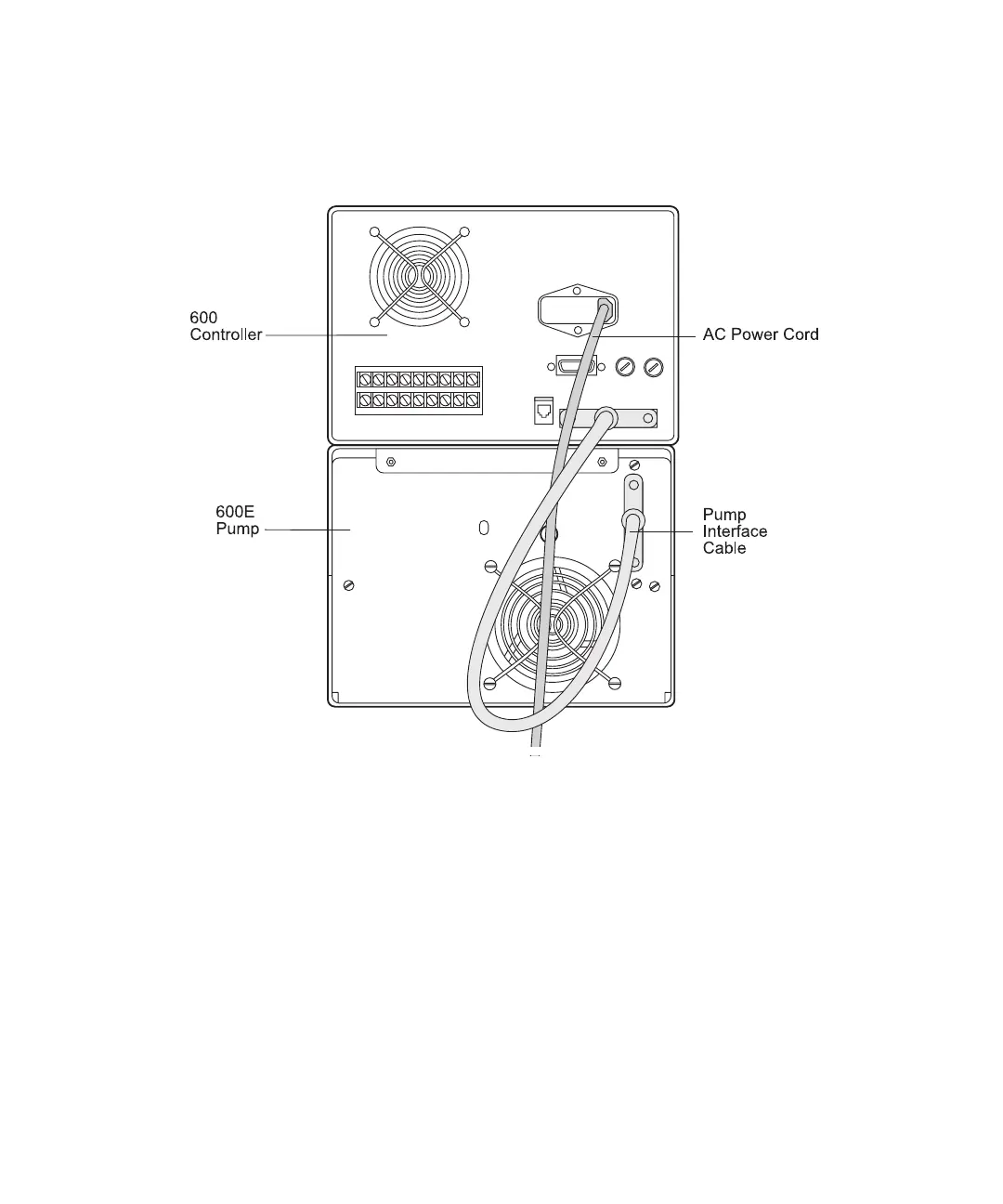
2. Connect the 37-pin interface cable to the pump interface connector on the 600
controller rear panel (Figure 3-2).
3. Connect the other end of the 37-pin interface cable to the rear of the 600E pump.
Figure 3-2 Pump Interface Cable and Power Cord Locations
Attaching the AC Power Cord
1. Insert the D-shaped connector end of the power cord into the power receptacle on
the 600 controller rear panel (see Figure 3-2).
2. Insert the other end of the power cord into the wall outlet. For more information,
refer to Section 1.3.1, System Power Requirements.



 To Next Page