November 16, 2016, 715004521 Rev. C
Page 109
Restriction: Do not select the Bypass position on the primary CM-30S. In a dual
configuration, the bypass port is used to direct flow from the outlet of the primary column
manager to the inlet of the secondary column manager. The Bypass selection is therefore
invalid, and selecting Bypass will result in an alarm.
5. Select the column manager instrument method editor that does not contain the column.
6. Select the General tab.
7. Select the Column Selection mode.
8. In the Column Selection area, in the Valve Position field, select “None” to indicate that a
column in the other column manager will be used.
Restriction: Do not select Bypass.
C.3.0.3.3 Selecting a column in a control panel or console
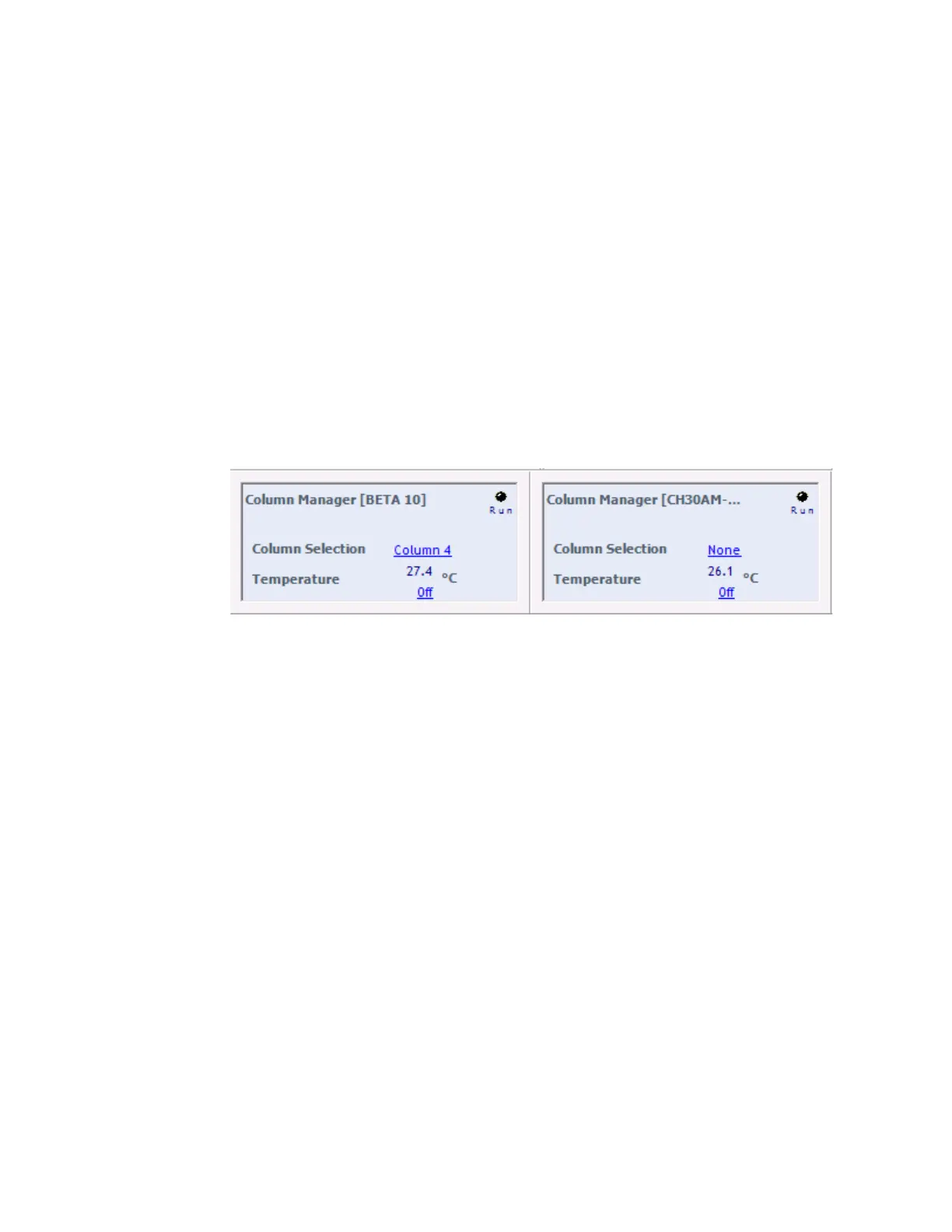
When you select a column in a control panel, the Column Selection field in the other column
manager’s control panel automatically updates to None.
Example:
C.3.0.4 Recovering from a “Multi mode column selection is out of range” alarm
When you select a new column, the alarm “Multi mode column selection is out of range CM(x)
CM(y)” can appear. x is the column selected for the primary column manager, and y is the column
selected for the secondary column manager.
If this alarm appears, you have entered one of the following invalid combinations into the two
column managers:
• Bypass and column number
• Column number and column number
• None and None
Tip: Selecting No Change is equivalent to selecting a column, because No Change directs the
system to use the current column.












 To Next Page