Chapter 3: Installing Power, Surge Protection, and Communications
•
21
Lightning
Surge
Protection
W
ProtectedProtected
Click!
200
RS-485RS-232 DCE
110 VAC
SmartSensor
GNDGNDRDTDCTSRTSGND
485+485-GND-DC+DC
L N GGL
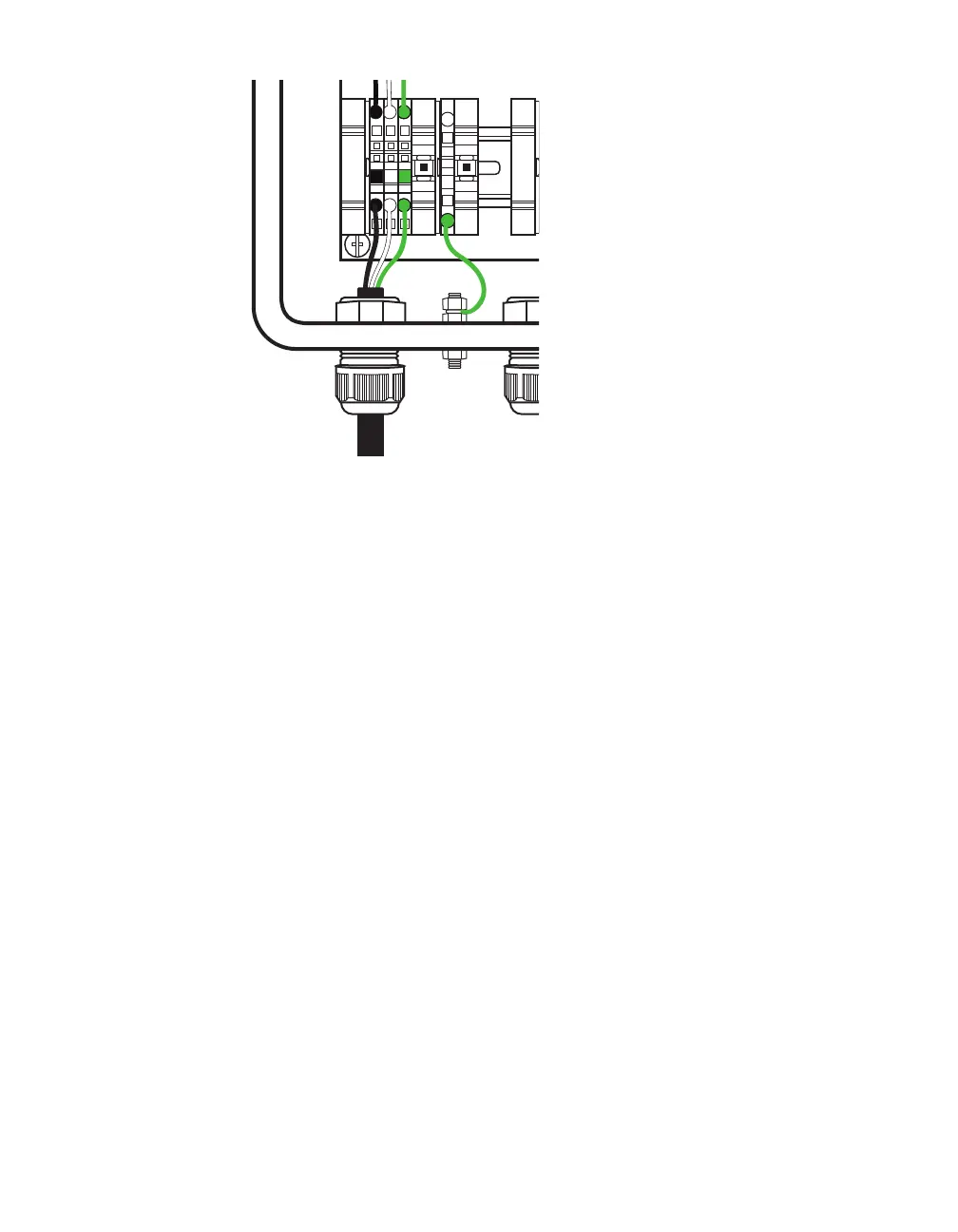
Figure 15. Connecting power cable to terminal blocks
3 Insert the power cable through the leftmost cable grip on the
bottom of the box. Twist the cable grip to tighten.
4 Insert the black conductor into the round hole on the plug por-
tion of the L terminal block (do not strip the insulation). Insert
a small screwdriver into the square hole above it, and rock
upwards to secure the conductor in place.
5 Repeat step 4 with the white conductor in the N terminal block,
and the green conductor in the G terminal block, as shown
above.



 To Next Page