90
•
SmartSensor HD User Guide
each interval that passes (they don’t all fit on the screen, so click
and drag from side to side to show more data):
˿
Name – Of each lane or approach.
˿
Volume – Number of vehicles detected during the interval.
˿
Occupancy – Percentage of time, during the interval, that the
detection zone was occupied.
˿
Speed – Average lane speed during the interval. (Note that
if Direction Protection is on, the speeds of any wrong-way
detections aren’t factored into this average speed. If Direction
Protection is o, wrong-way detections are factored into the
average speed. See chapter 7 for more details.)
˿
85% – 85th percentile speed, meaning that 85% of the vehicles
in the interval were going this speed or slower.
˿
Headway – Average time separation between vehicles in the
interval, measured from front bumper to front bumper.
˿
Gap – Average time separation between vehicles in the inter-
val, measured from back bumper of the front car and front
bumper of the back car.
˿
Classes – How many vehicles fell into each of the length-,
speed- and direction-based bins set on the Definitions screen.
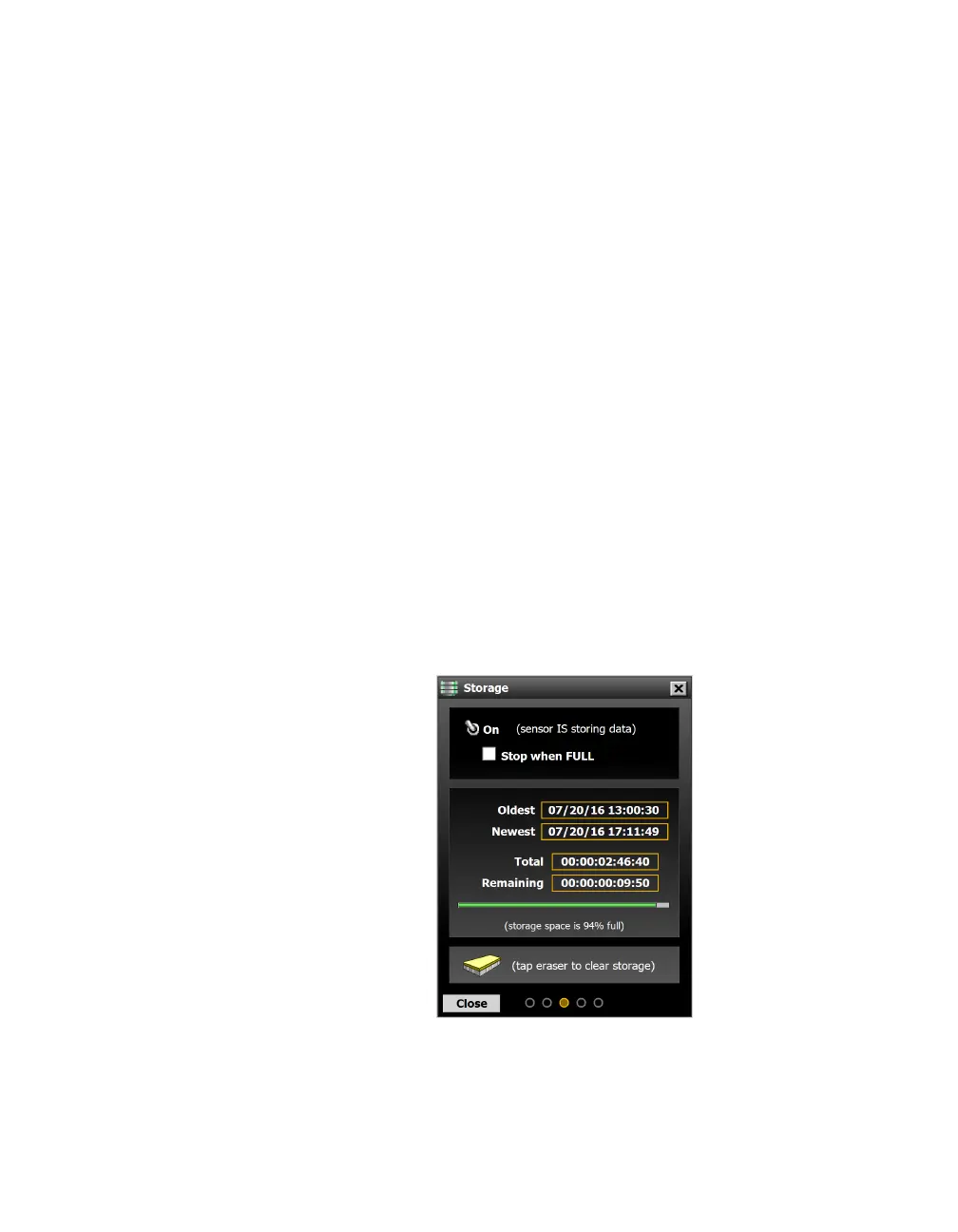
Storage
Figure 85. Storage screen
Access the Storage screen by clicking the Storage button on the
Data screen.
For more information.
See support
document 299,
How Does the
SmartSensor
HD Measure
Occupancy? for more
on how occupancy
is calculated.



 To Next Page