92
•
SmartSensor HD User Guide
About storage capacity
The storage capacity shown on this screen is measured in time—
how much time until the storage is full. This is aected by the size
and frequency of the interval packets that are saved.
˿
Larger packets—ones with more approaches, more bins, more
lanes, etc.—will fill up the sensor’s storage faster.
˿
Having a short interval means that there will be more frequent
interval data packets, so the storage will fill up faster. A long
interval means fewer packets and therefore you can leave the
sensor alone for longer periods between your data downloads.
Always check back to this screen after you have changed all other
settings to get the most accurate information on how often your
sensor will need to have information downloaded from it.
A few things can cause this screen to be incorrect: if you’re using a
virtual connection, or if the sensor setup is dierent now from what
it was when the sensor started storing its current batch of data.
In the latter case, the green status bar will be a better indicator of
storage capacity.
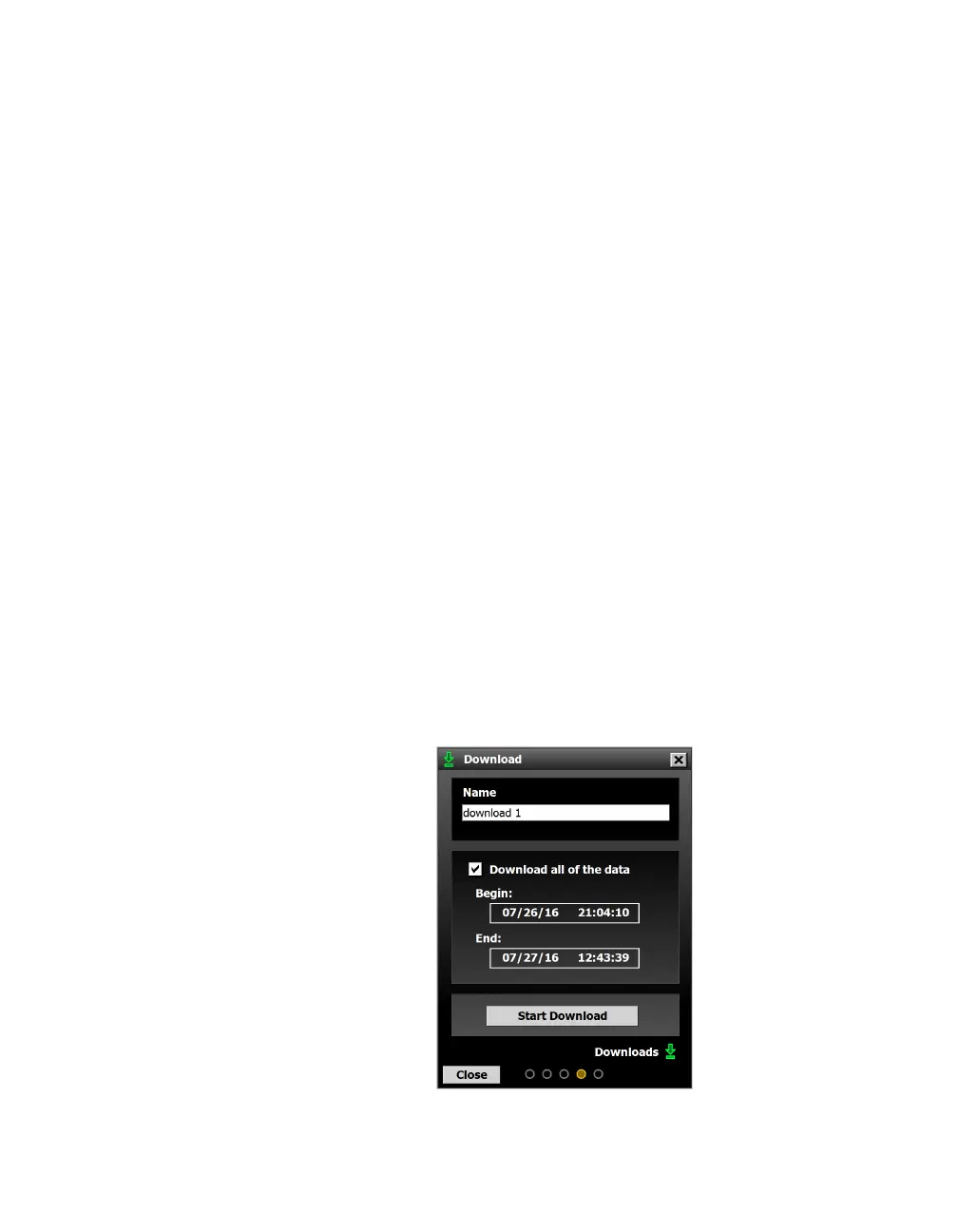
Download
Access the Download screen by clicking the Download button on
the Data screen.
Figure 86. Download screen



 To Next Page