Chapter 8: Setting Up and Downloading Sensor Data
•
93
Downloading stored detection data
1 Type a name for your download in the Name text field.
2 If you want all the data currently on the sensor, keep the Down-
load all of the data checkbox checked. If you want only part of
the data, uncheck that checkbox, which will make the Begin:
and End: fields editable. Set those to the desired begin and
end date/times for your download.
3 Click Start Download.
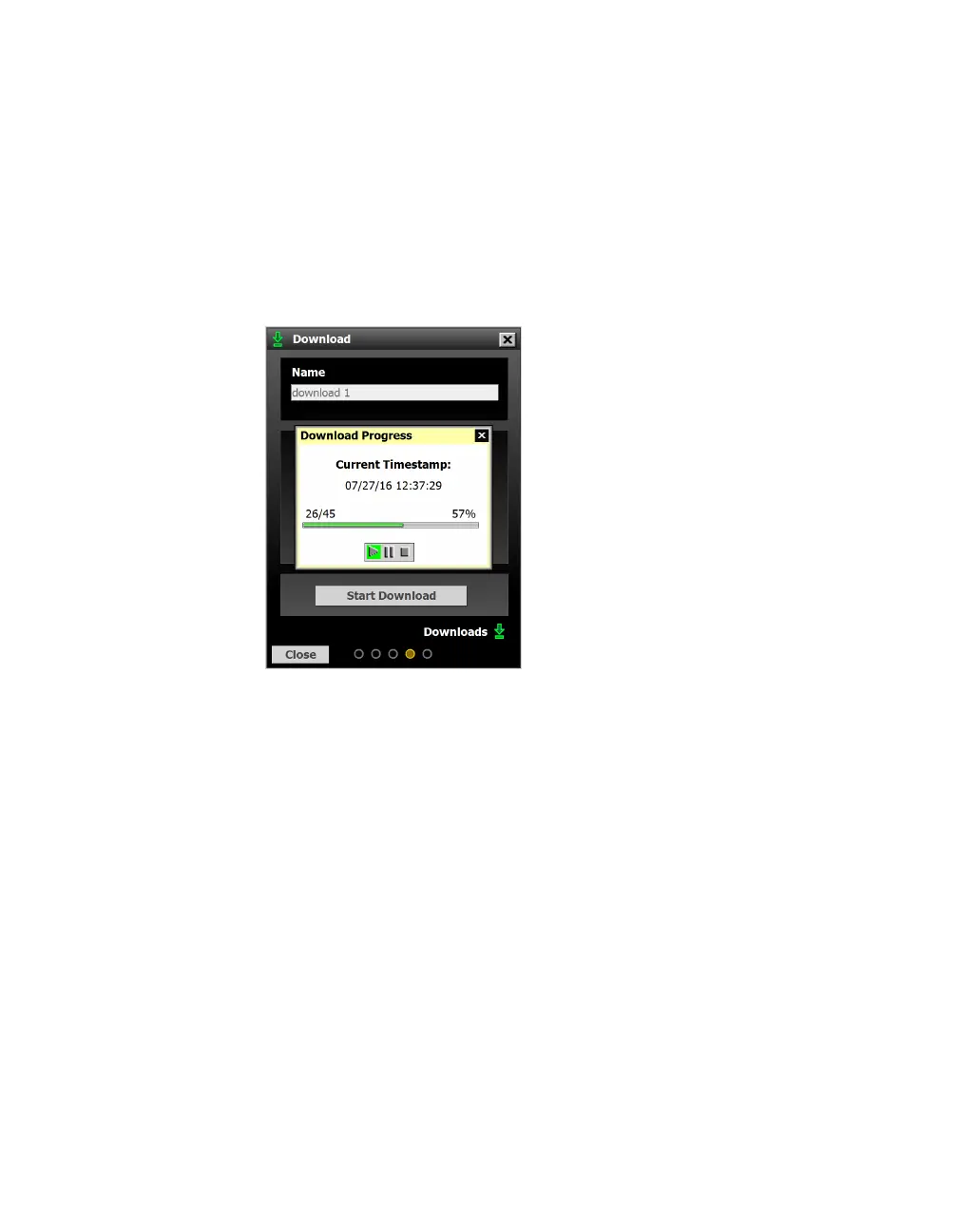
Figure 87. Download Progress
4 The Download Progress window will appear to show the status
of the download. If you need to, use the buttons at the bottom
of the window to start, pause or stop the download.
Note. You can view
a list of previous
data downloads by
clicking the green
Downloads arrow
in the lower right
corner. A similar
button can be found
in the corner of the
Data button on the
main SSMHD screen.



 To Next Page