94
•
SmartSensor HD User Guide
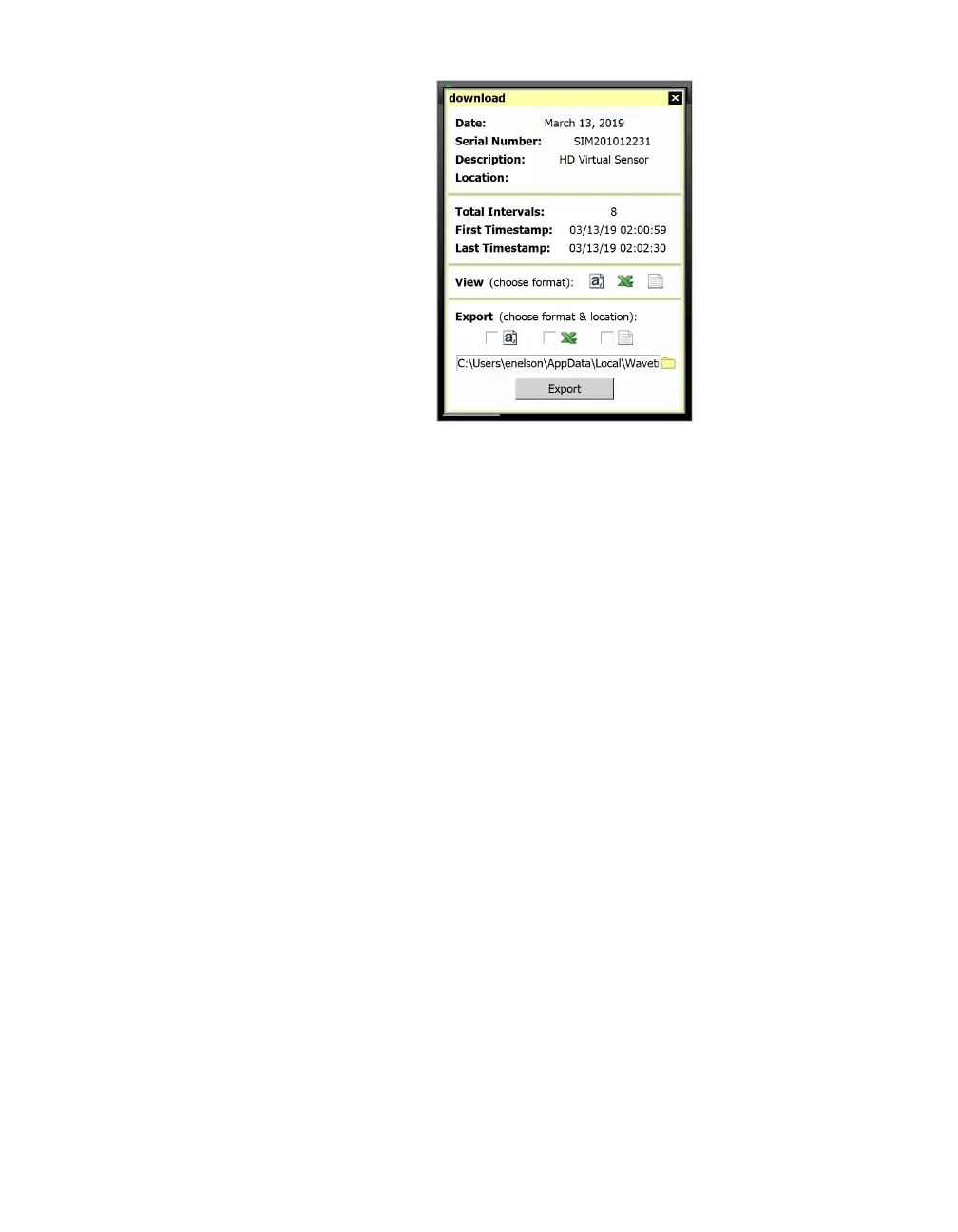
Figure 88. Export window
5 When the download is complete, the Export window will appear,
showing the following information about the downloaded file:
its name, the date it was downloaded, information about the
sensor, the number of intervals downloaded and the time frame
that the downloaded data covers.
6 There are three formats you can view or export the downloads
in: a comma-delimited (.csv) file, a Microsoft Excel file, or a
Wavetronix-specific text format that opens in a text editor like
Notepad. To view the downloaded data, click the desired for-
mat’s icon on the View: (choose format) line.
7 To export the downloaded data, click the checkbox next to your
desired format on the Export: (choose format & location) line.
Click the magnifying glass icon to change where to save the
file, if desired, and then click Export.



 To Next Page