Chapter 8: Setting Up and Downloading Sensor Data
•
95
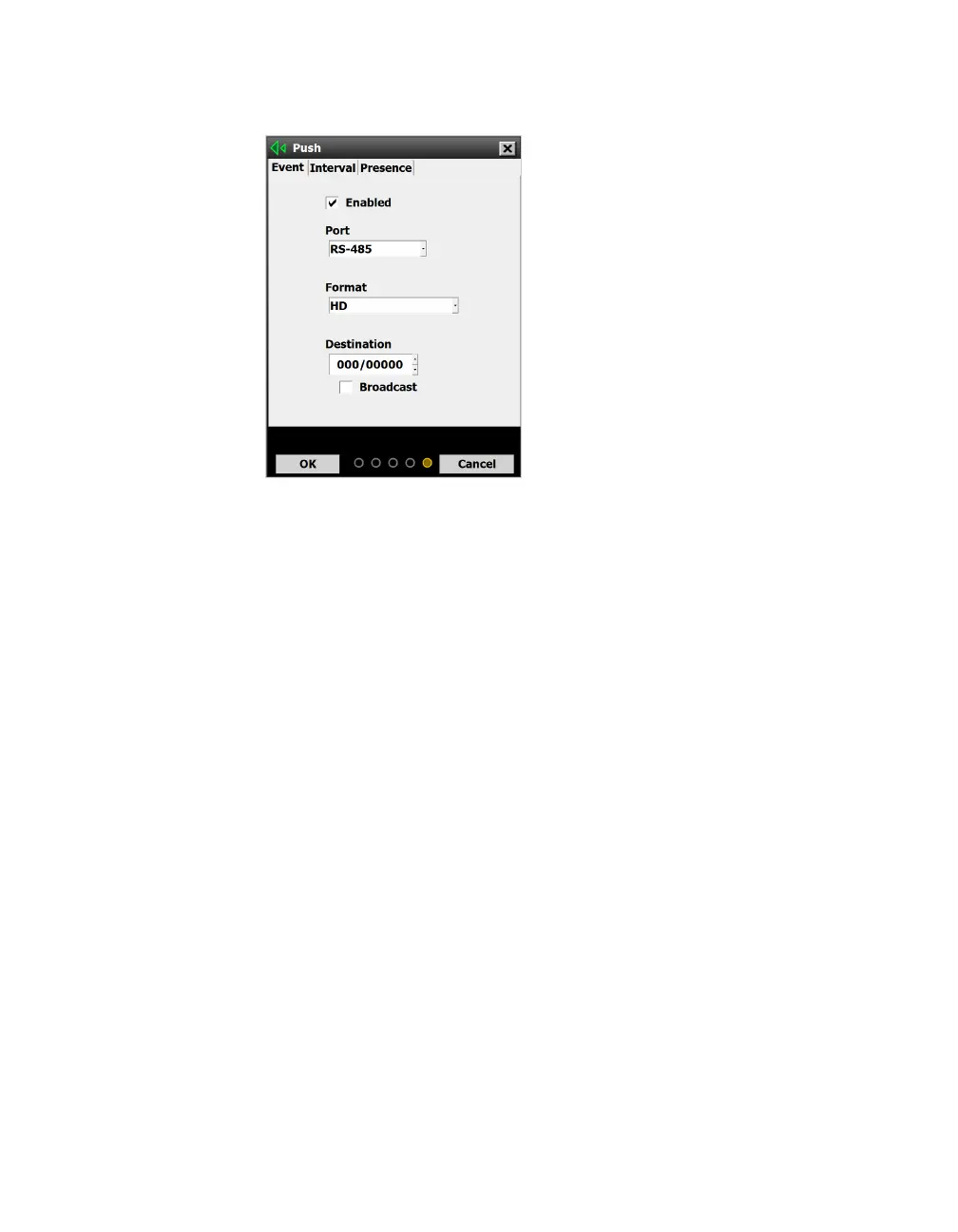
Push
Figure 89. Push screen
Access the Push screen by clicking the Push button on the Data
screen.
This function lets you push data from the sensor without waiting for
a request from SSMHD. You can push event, interval or presence
data.
Enabling data push
1 Choose which kind of data you want to push, then click on the
corresponding tab: Event, Interval or Presence.
2 Click the Enabled checkbox.
3 Choose which port you want to push the data on, RS-485 or
RS-232. Be aware that both of these are half-duplex, meaning
that they can’t send and receive data at the same time. If you
use one of these ports for pushing data, you might want to use
a dierent port when connecting to the sensor.
4 Choose which format you want the pushed data in.
Note. You can set
the sensor to push
multiple kinds of
data at the same
time, but if you do,
set them to push
on dierent ports.



 To Next Page