EasyManua.ls Logo

Weber Markoprint iJET - Cover Installation

Weber Markoprint iJET
127 pages
Print Icon
To Next Page IconTo Next Page
To Previous Page IconTo Previous Page
Loading...
Art. No.: 72801001
Appendix
Page 100 of 127
13.3 Cover installation
Material damage due to improper print system
installation!
With the print system switched on, a defect may occur in
the system electronics.
Therefore:
Only install the system when it is switched off.
Required Resources
Setscrew wrench (Torx
®
) TX10
Instruction
Please install the cover as follows:
Step
Procedure
1
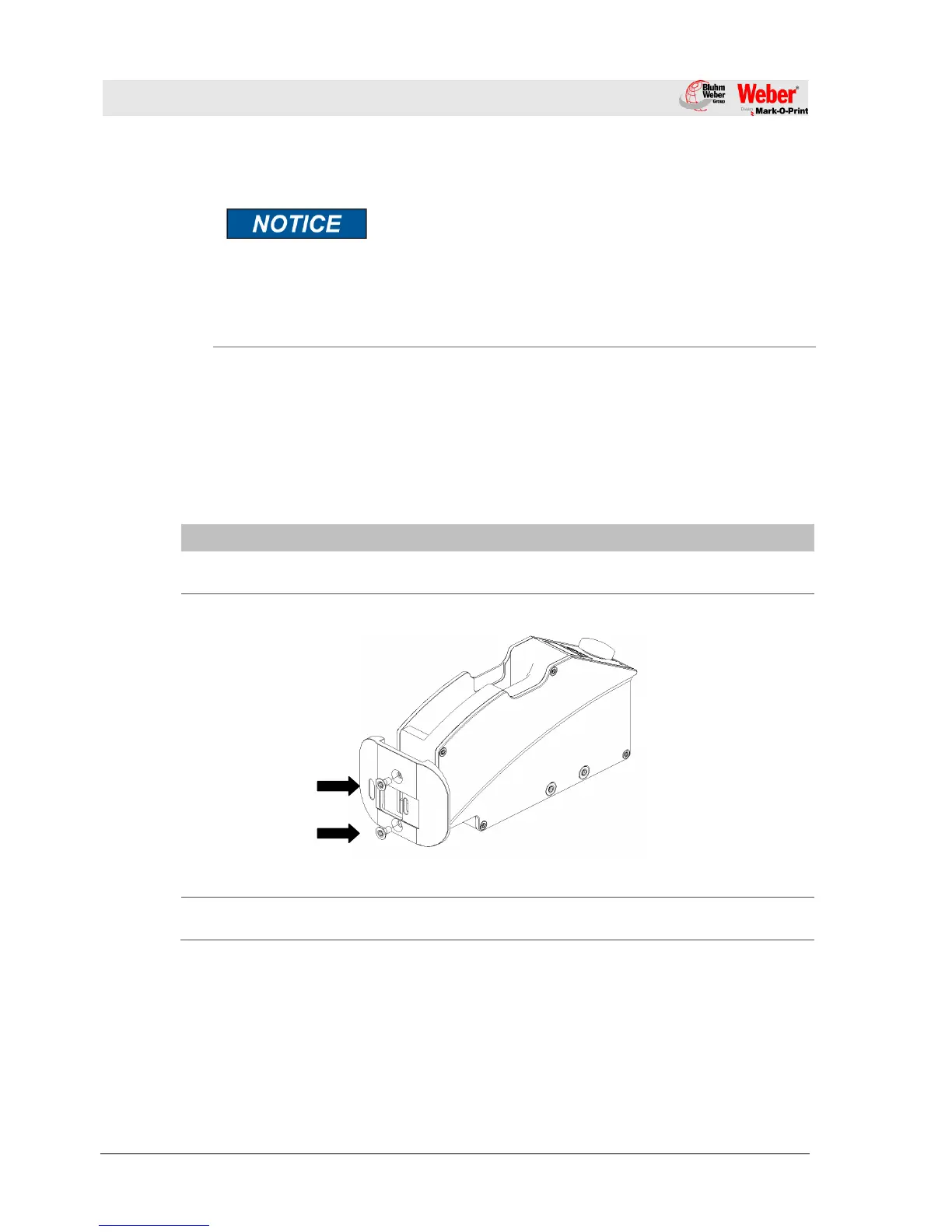
Disconnect both fixing bolts (this will used again) of the deflector and remove
it from the system unit. (see Fig. 13-1).
Fig. 13-5: Disassembly deflector
2
Put the Flexbracket-deflector on the system unit and tighten it with both fixing
bolts (see Fig. 13-6).

Table of Contents