Page 77 of 127
8.28 Web-Interface
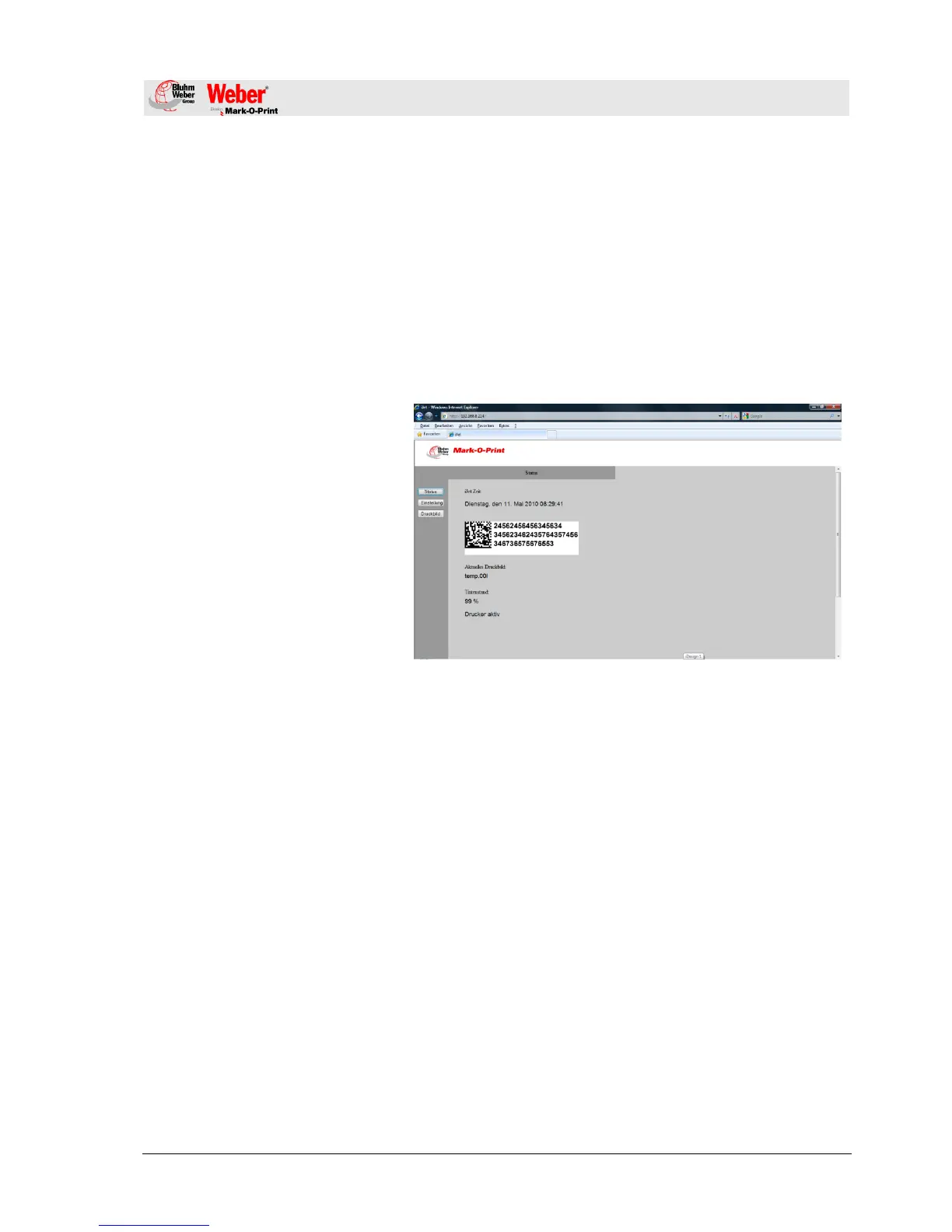
There is the option to make settings on the iJET by the Web
browser via a PC, which is connected with the iJET.
On this the IP of the respective system has to be entered in the
address bar of the Web browser.
Possibly other settings had to make on the PC to have access to
the IP address. (system administrator)
The system IP can be read or rather set up on the system directly.
Chapter 8.24, Page 73
Fig. 20: User interface Web-Interface
To set up the parameters, please enter the username: „user“ and a
password „1234“.
If you cannot change the parameters, the functions are not unlock,
i.e. HiSpeed in the Advanced version.
Layouts can’t be created with the WEB interface.



 To Next Page