Page 53 of 127
8.2 Indicator lights
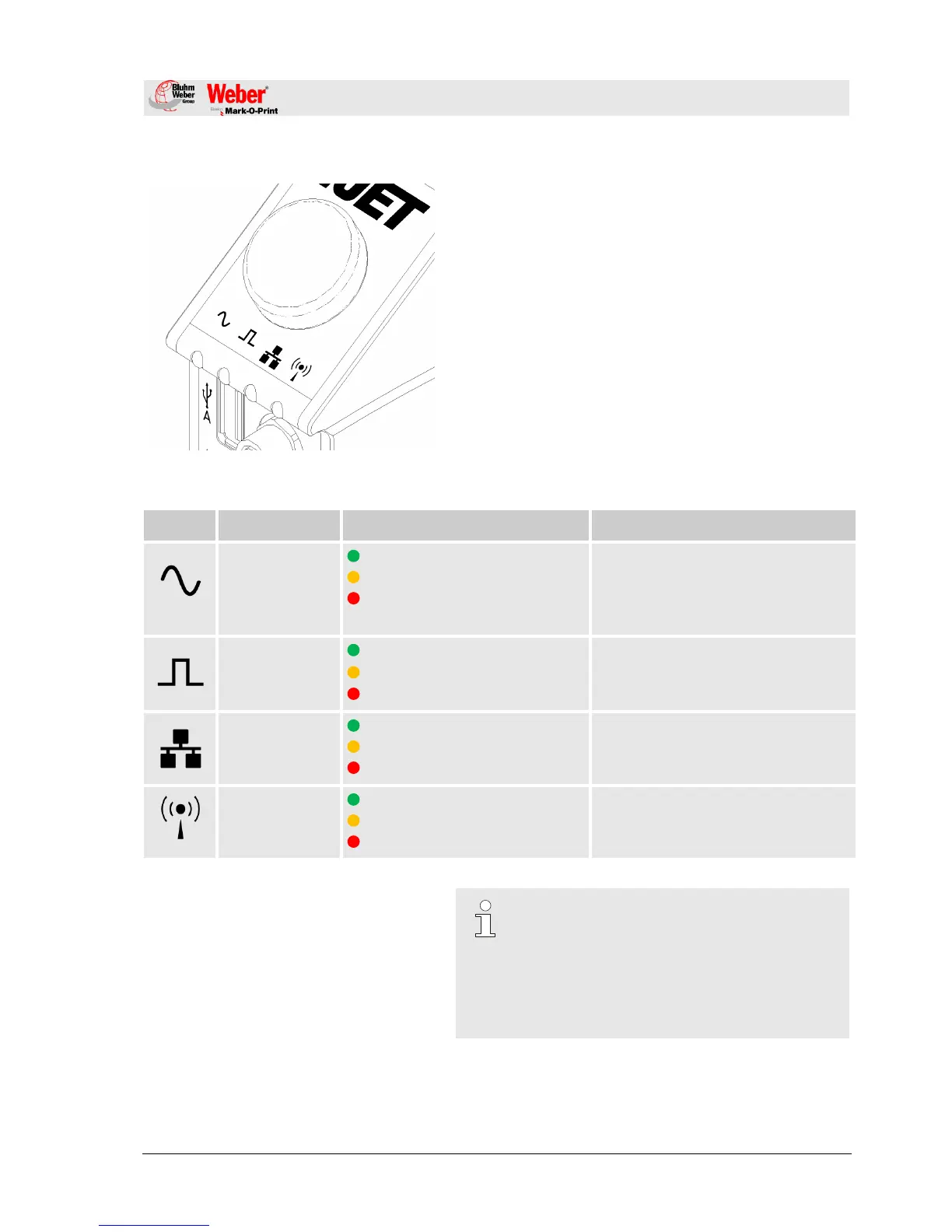
Fig. 18: Indicator lights
Indicator lights on the controller
LED’s, which light up in different colours according to the
operating mode, are located underneath the printed symbols
on the back of the controller.
The meaning of the different coloured messages is
explained in the table below.
e.g. No text, ink almost empty
e.g. no ink cartridge inserted, ink
empty
YELLOW: Start signal present
No data
No encoder signal
NOTE!
When starting the system unit the progress of
the starting process can be monitored on the
LED’s. If errors occur during booting, an error
code is transmitted via the LED’s and can be
analysed in more detail.
Chapter 13.13, Page 108



 To Next Page