Transport, packaging and storage
Page 43 of 127
6.5.1 Store ink cartridge
If ink cartridges are not used for an extended period of time, they
must be stored in a cartridge clip (CartClip) to prevent the ink in the
nozzles from drying out.
To do this, the ink cartridges must be removed from the controller.
Kapitel 7.2.2, Seite 48
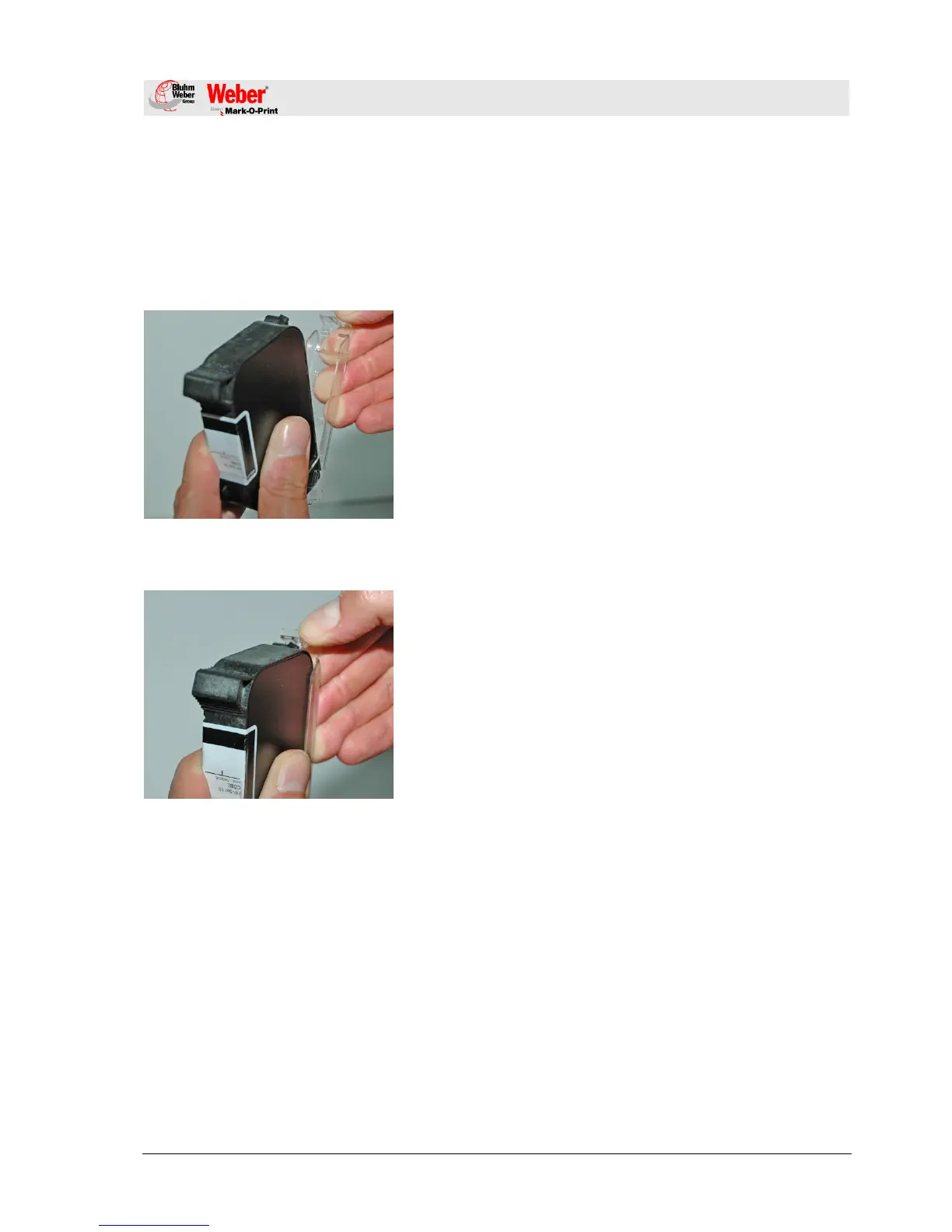
Abb. 8: Tintenkartusche einsetzen
To insert the ink cartridge in the CartClip:
1. Close the CartClip over the ink cartridge and press until the
top flap of the CartClip snaps into the holder.
Abb. 9: Tintenkartusche entnehmen
To remove the ink cartridge from the CartClip:
1. Lift the top flap of the CartClip until the ink cartridge is
released.
2. Pull the ink cartridge upward out of the CartClip.



 To Next Page