31
11.1 Usage of non-WindowMaster motors
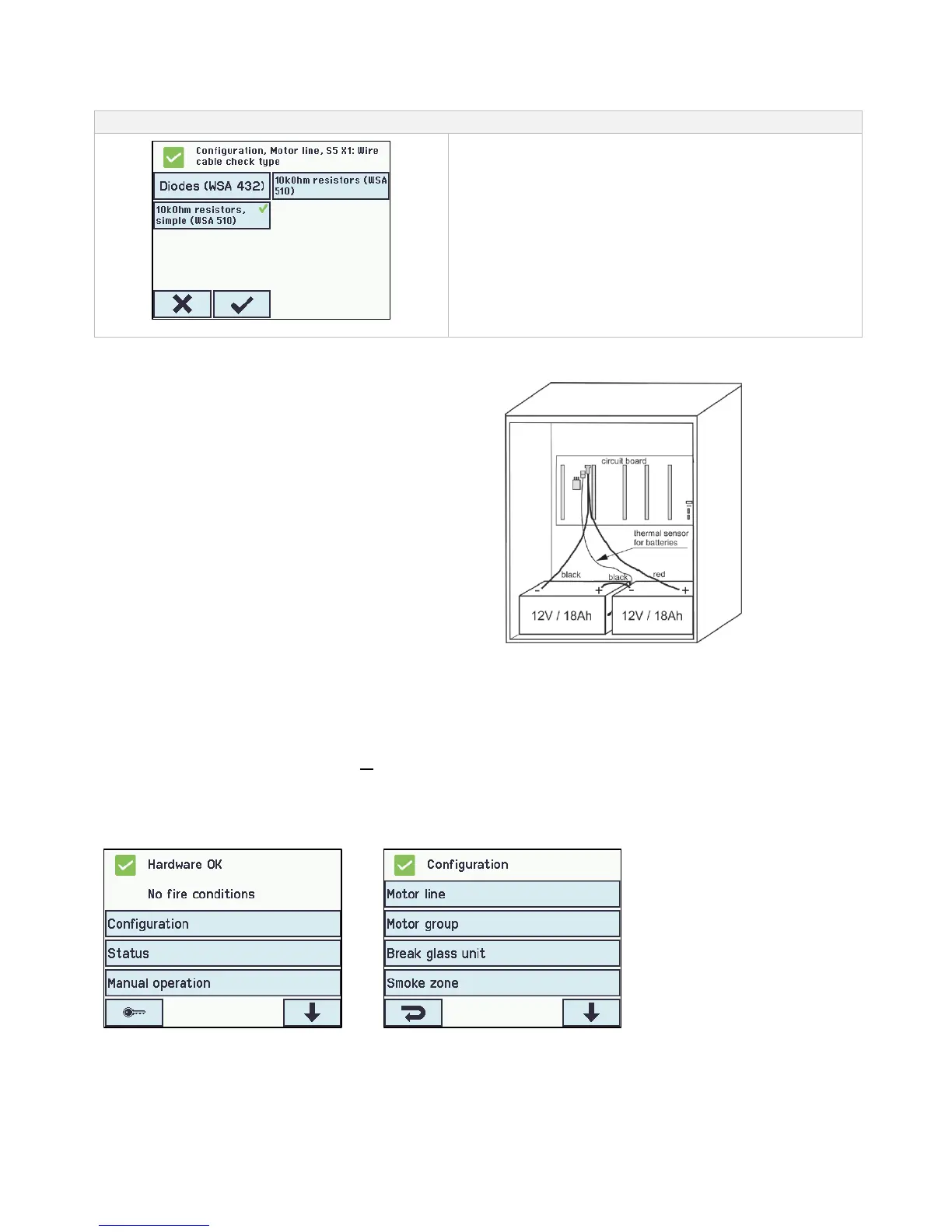
When using non-WindowMaster motors the cable monitoring ist set to ”simple”’.
Configuration of cable monotoring with non-WindowMaster motors
Configuration of cable monitoring
If cable monitoring of non-WindowMaster® motors connected to the
FlexiSmoke™ is required the cable monitoring type is set to
”simple”.
Note: A few types of non-windowmaster motors can not run
together with FlexiSmoke™, due to the cable monitoring control
voltage. These motors can be brought to run, in some cases, if the
cable monitoring in the 4 motorlines of the module are switched off
and a 390Ohm / 5Watt resistor is mounted on each of the
motorlines in use.
Connect 2 pcs. back-up batteries type WSC 017 for
each 20A section.
See chapter 21 “Maintenance” for further information.
13 Touch screen
The smoke ventilation panel comes with one touch screen per 20A section i.e. that WSC 520 comes with one screen, WSC 540
with two screens and WSC 560 with three screens.
All connected components (motors, break glass units, keypads, weather station etc.) are to be configured on the touch screen. On
the WSC 540 (two touch screens) and the WSC 560 (three touch screens) the components can either be configured on the touch
screen in the section that they are connected or they can be configured on the other touch screen(s) in the smoke ventilation panel.
The menu of the touch screen is in steps:
Step 1: main menu
Step 2: sub menu
Step 3: configuration / showing / operation of the sub menu



 To Next Page