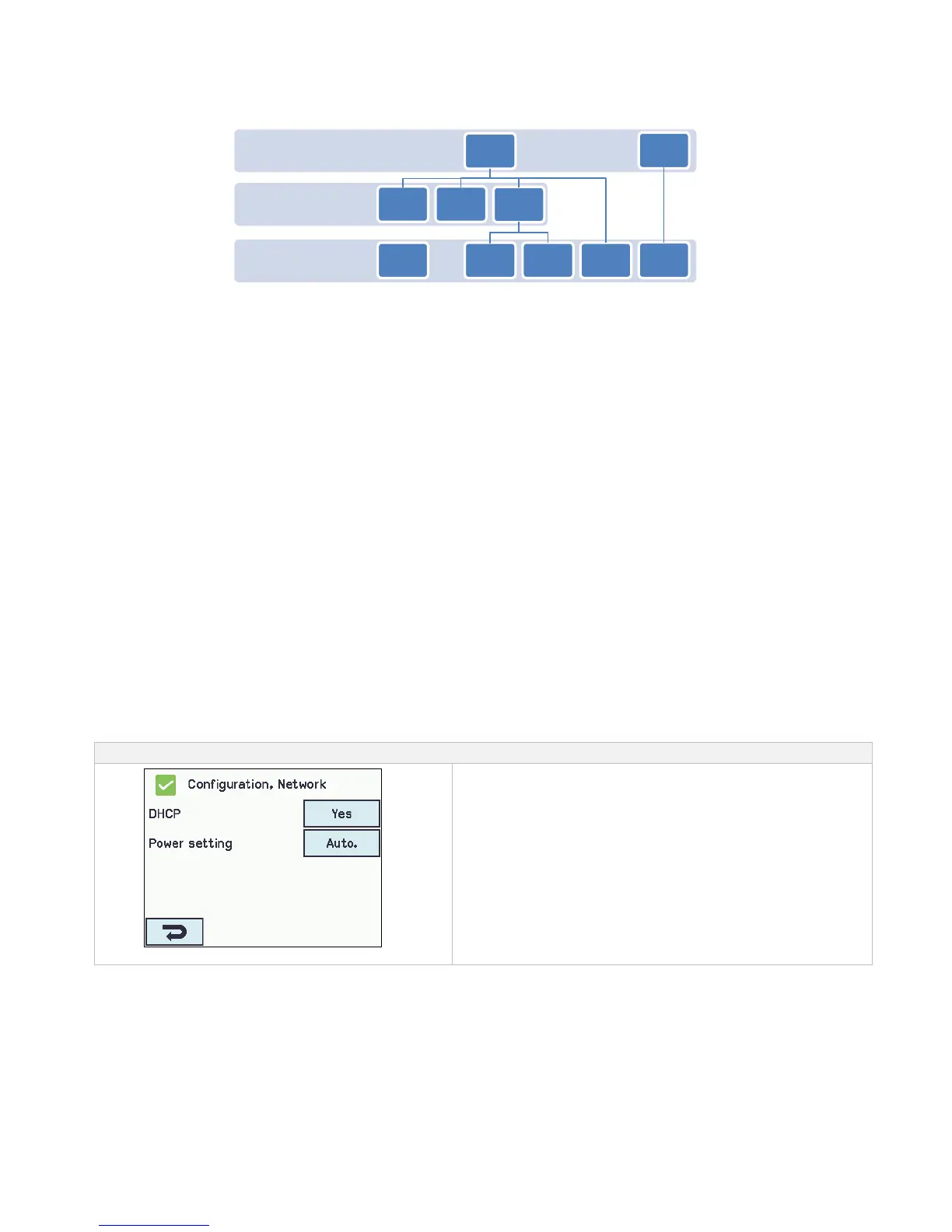
Break glass units and input assigned to a slave-smoke zone are automatically sent to the master smoke zone. They are in the
evaluation of smoke on equal level as the local input on the master. The master sends the smoke commands to slaves, which only
receive input from the master. To get the fastest response, it is recommended that break glass units are assigned to the section in
which the master belongs.
When a smoke area (several smoke zones connected in a master-slave relation) consists of more sections and/or more master-slave
levels, it is necessary to press the the re-set button on the break glass unit for 5-10 sec to ensure that the close command reaches all
sections in the smoke zone.
A smoke zone (master or slave) can be configured to react / not react on associated keypads.
A smoke zone can be configured to react / ignore comfort commands from its slaves. If the smoke zone is configured to ignore
comfort commands from its slaves, these signals will not be send to the Master. This mechanism can be used to establish comfort
keypads which e.g. only operate a part of a larger smoke zone.
The configuration of a master/slave is done in the menu "Configuration smoke zone <n>" where each of the up to 4 slaves
connections can be selected from the connected and active sections.
14.14 Network
For configuring network addresses
The WSA 5MC module has a 10/100Mbit Ethernet connection. The connection support DHCP or fast IP address as well as
Gateway
It is possible to configure different power consumption profiles for the Ethernet connection. To burden the 72 hours back-up
batteries as little as possible, use the setting ‘Off’ or ‘Auto’ (factory setting).
The appendix contains all the items that can be configured - see appendix for detailed explanation.
Network is used in connection with BACnet IP interface – for further information see the “WSC 5xx Protocol Implementation
Conformance Statement (PICS)” on the home pages (www.windowmaster.com).



 To Next Page