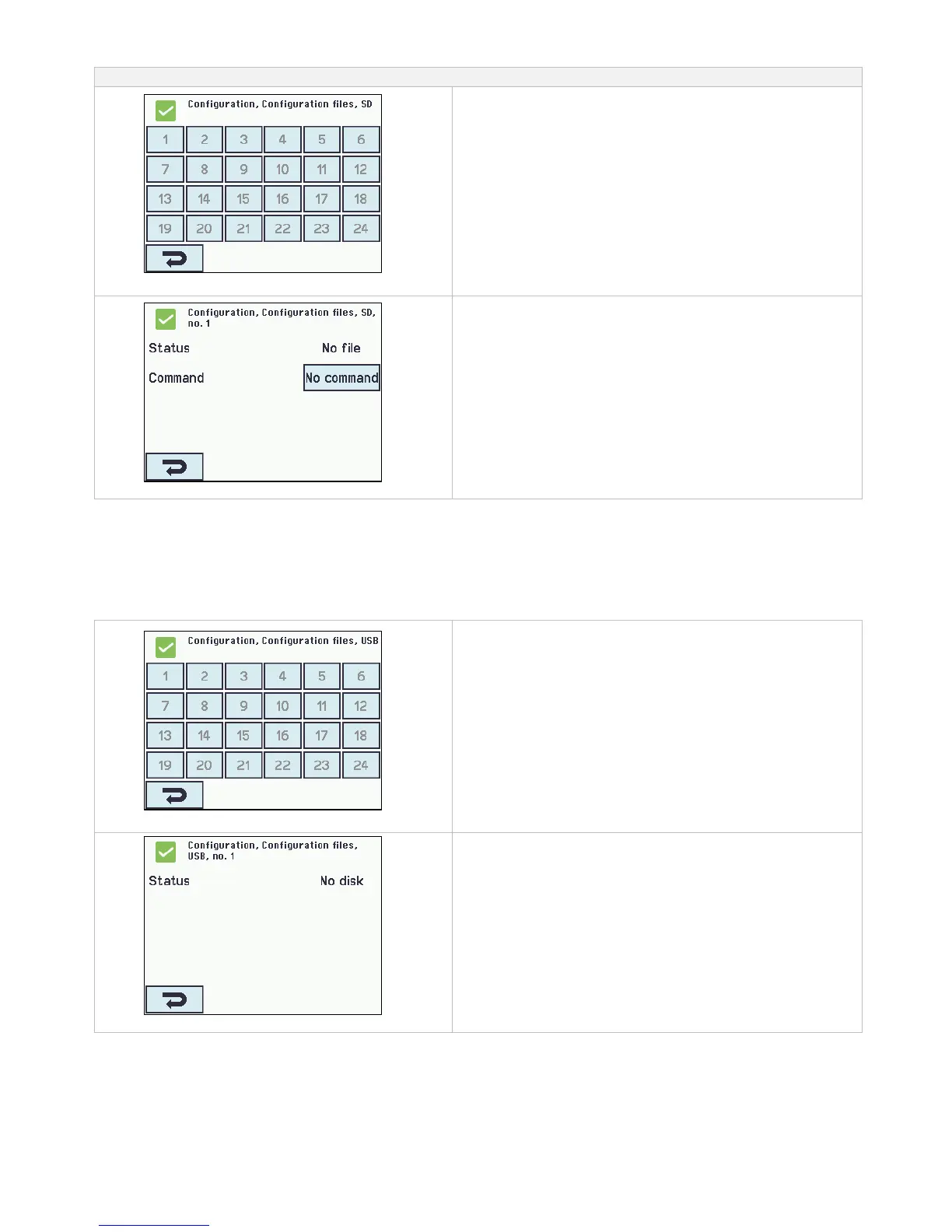
Configuration files on SD
Configuration files on SD overview.
Configuration files on SD overview.
Configuration of configurations file on SD – no.1
Configuration of configurations file on SD – shown for no.1
14.18 Configuration files on USB
The panel has a plug in for an USB stick. It is possible to save all the configurations of the panel and this way save the stick as
documentation. It is also possible to reinstall from the USB stick.
Copying to/from the USB stick is to be done section by section – meaning that there are to be made 3 savings for a WSC 560.
The USB stick’s file names are numbered from 1 to 24.
Files on the USB stick can be printed from a computer.
Configuration ‘Configuration, files on USB’ – overview
Configuration files on USB – overview.
Configuration of ‘Configuration files on USB – no. 1’.
Configuration of configuration files on USB – shown for no. 1.



 To Next Page