Repairs and Adjustments
Phaser 3100 MFP 04/08 4-79
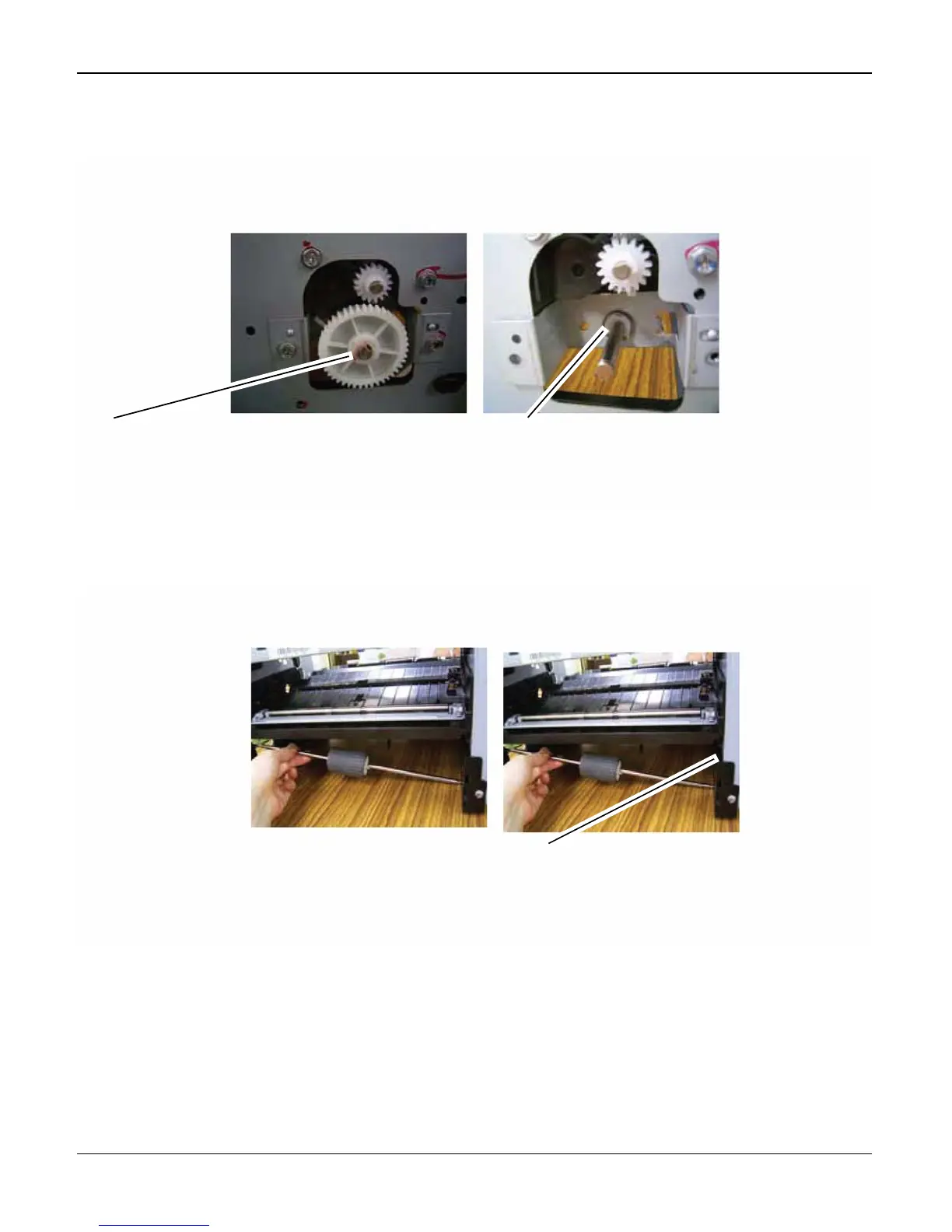
2. Remove the electromagnetic clutch assembly, Figure 2.
Figure 2
3. Release the second clip to remove the shaft, Figure 3.
Figure 3
1
Remove the clip to release the
clutch from the shaft
2
Remove the clip to release the
shaft end
2
Release the second clip to allow
the shaft to be withdrawn and re-
moved


 To Next Page
 Loading...