15
Xtreamer e-TRAYz Settings
Basic Setup
After installing software, you can setup default settings using Setup Wizard. At initial setup, you must complete
all steps to use the Xtreamer e-TRAYz.
The Setup Wizard automatically runs after login, and you can change the settings at any time
Disk
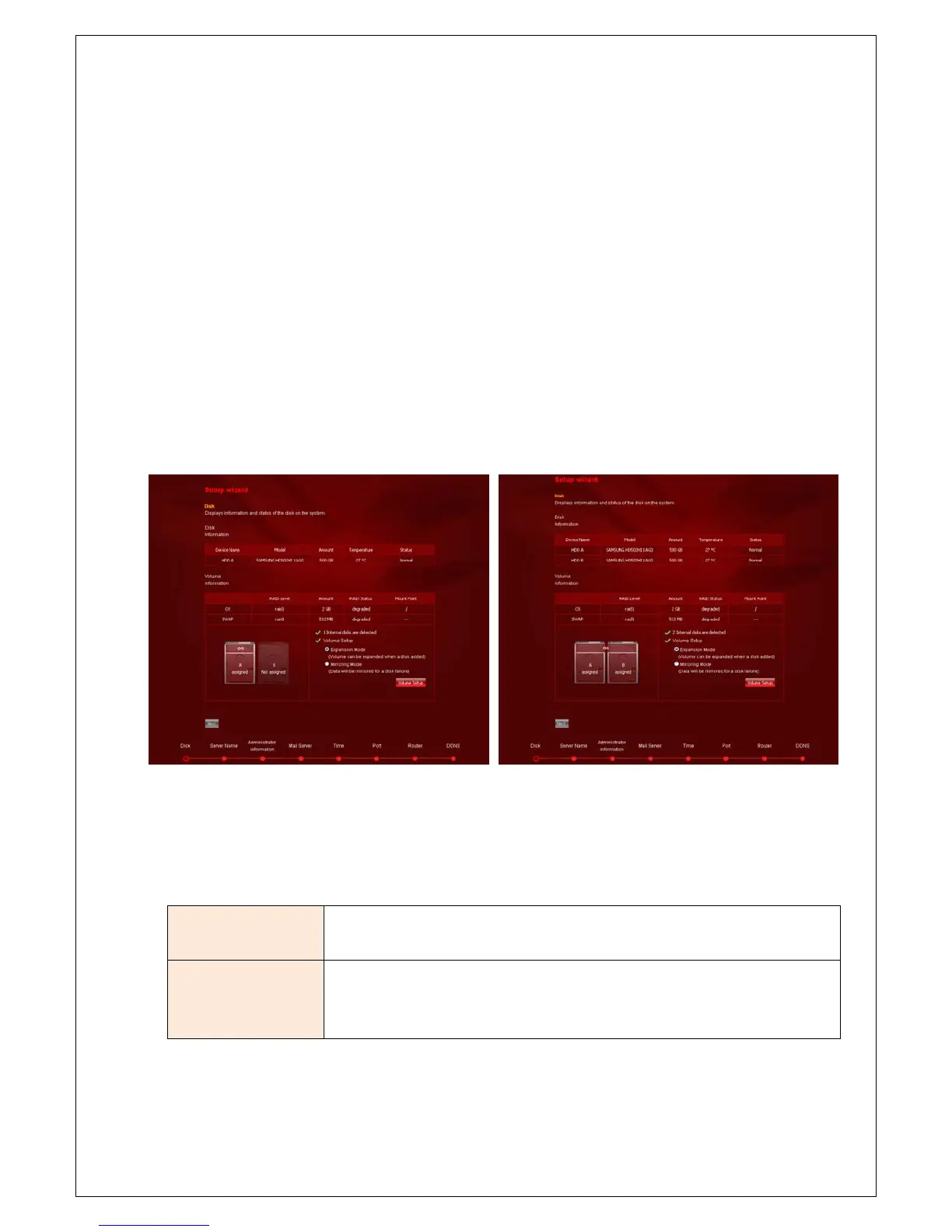
1. You can view information and status of the disk on the system and setup RAID mode.
Using 1 HDD Using 2 HDD.
2. Set RAID mode of internal hard disk as Linear or RAID 1. If security is more important than disk capacity,
choose the mirroring(RAID 1) mode, or if you want to use the maximum capacity of the disk, choose the
expansion(Linear) mode.
Expansion(Linear)
mode
The installed disks are integrated into one big logical disk: 2 physical 1-TB disks
are treated as one 2-TB disk.
Mirroring(RAID 1)
mode
The same data is copied on two different disks. Should one disk fail due to an
error, you can still read the data from the other disk, provided that you have
selected security mode.
3. Click ‘Volume configuration’. It may be take several minutes.



 To Next Page