65
Sharing Options
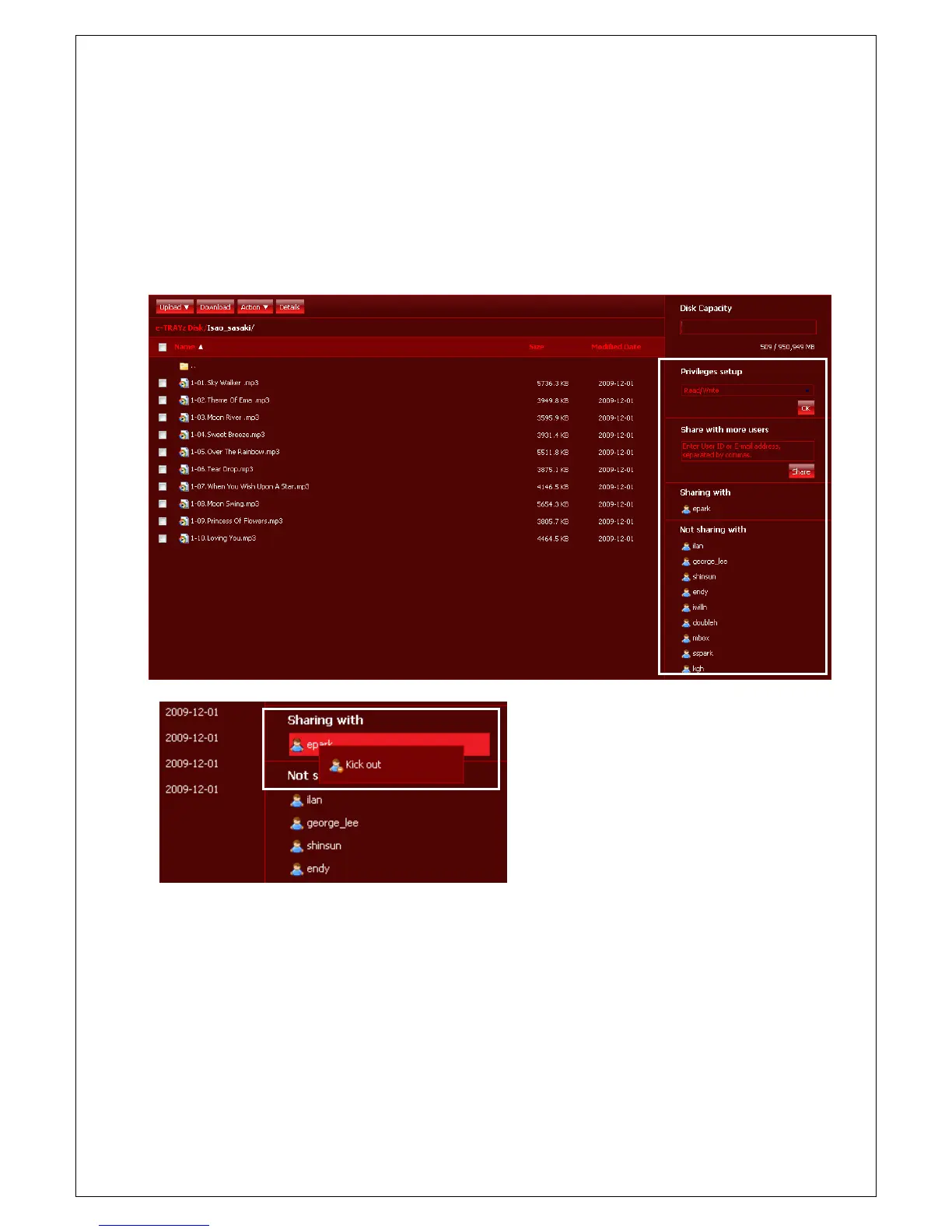
You can change sharing information, such as access privileges and user setup.
1. Move to shared folder to change.
2. On right side of Windows, You can find that 'Sharing with' list maintains users who share this folder and
'Not sharing with' list maintains users who do not share this folder.
3. If you click 'OK
'privileges setup', altering of privileges is
completed.
When you want to release share status for
a user, click left mouse button of the user
ID and then select 'Kick out' menu.
4. When you want to add new users for
sharing a folder, click the user's ID or insert
the ID directly. In unregistered user case,
you can set up account and sharing by
inserting their e-mail address.



 To Next Page