42
Backup & Recovery Firmware
If you need to run firmware backup because of Disk configuration changes or etc, you can backup all of the
firmware and configuration information and restore it again. * Data backup is not supported.
Move to [Settings] – [Backup] – [Firmware Backup] page.
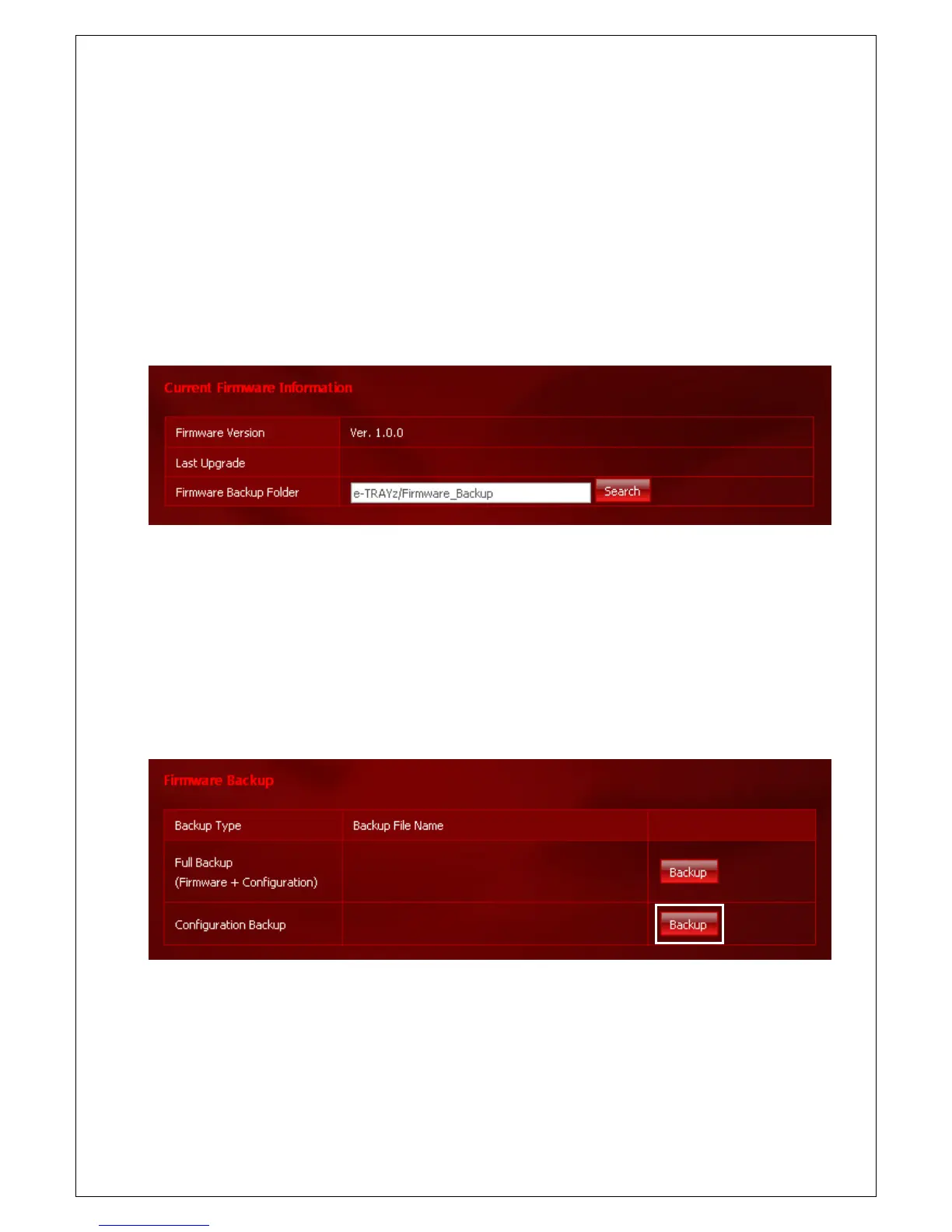
Current Firmware Info.
Check current firmware version and recent upgrade date. Set directory for firmware backup and the backup files
are saved automatically when you run backup the firmware. Default directory for firmware backup is e-TRAYz
Disk/ Firmware_Backup.
The Firmware Backup Folder will be create automatically when you backup.
Backup & Recovery Firmware
1. Click Backup button on the right side.
2. etrayz_Firmware version_Full(Config)_Backup_Date created.bin file is created.



 To Next Page