97
USB Auto copy
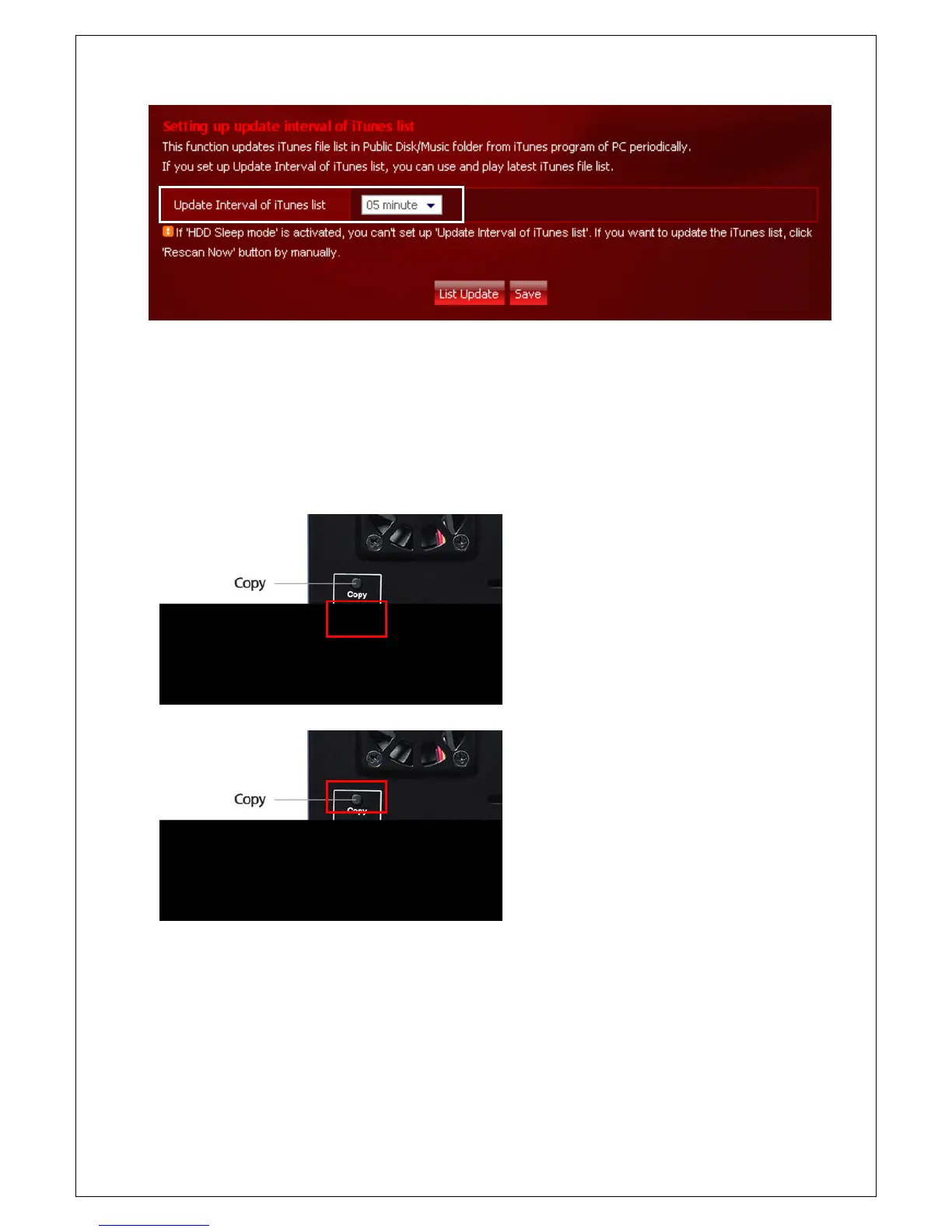
In case you execute USB Auto Copy, the files in USB device are backup automatically in USB_Copy folder of e-
TRAYz disk .
1. Connect The USB device to USB 2.0 Port of
e-TRAYz device. (If you connect it to USB
1.1 port, USB autocopy is not excuted.
2. Press the Copy on the back of the device
for about a second. It begins copying from
the USB device to USB_Copy folder along
with a beep sound.
3. If backup is finished, two beep sound will
be produced.
4. During the copy, this button is pressed for
3 sec and released the copy stopped with 2
beeps.
6. You can see the backup folder created with combination of data and time at ‘Public Disk / USB_Copy’ folder.



 To Next Page