38
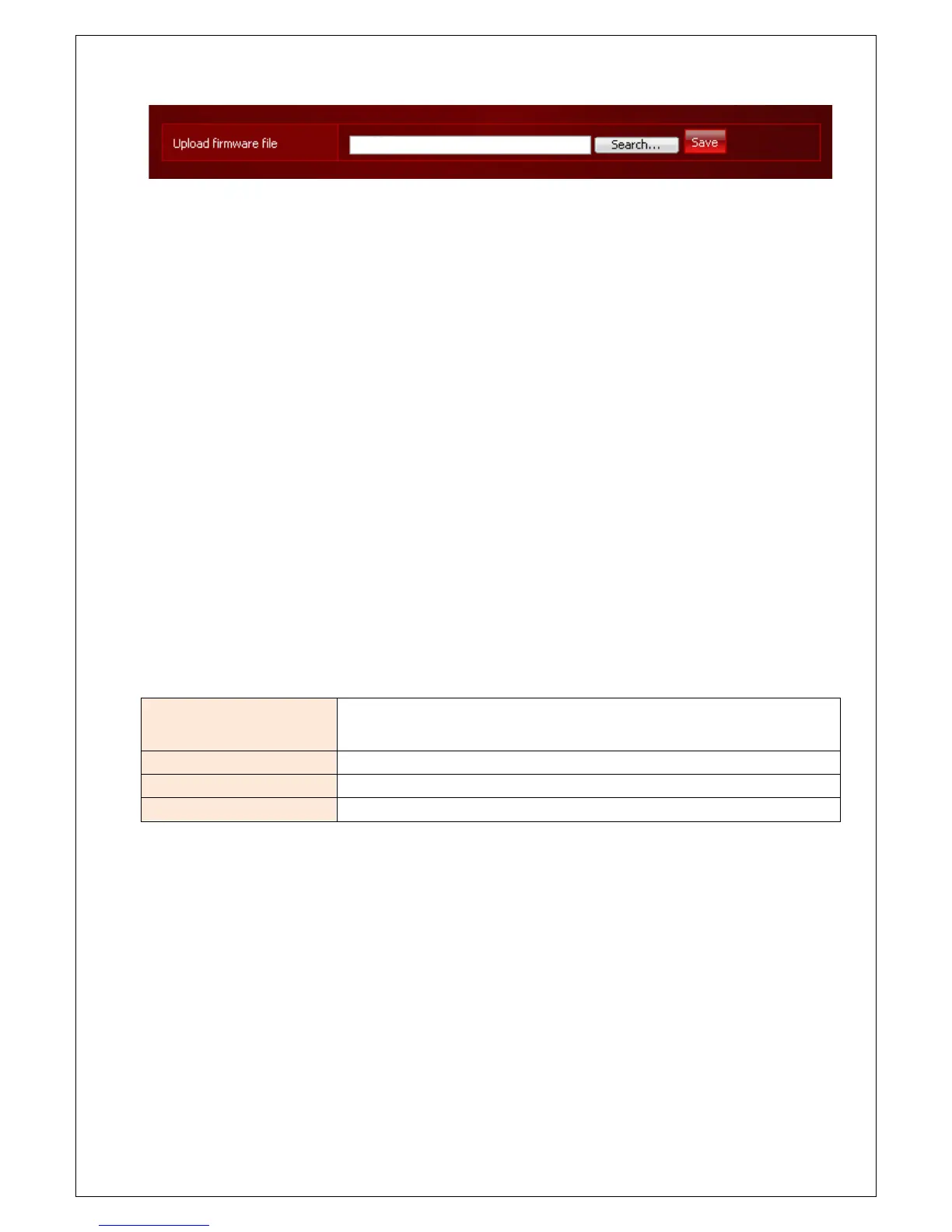
After the upgrade is complete, the system can be rebooted. After reboot, please connect again.
* Configuration information and data are preserved, so backup or recovery is not required.
Reset
System can be initialized as a factory default or all configuration values initialization.
Factory Reset
System will be initialized as a factory default. All configuration including user account will be initialized and all
data will be removed.
e-TRAYz software should be re-installed after factory reset.
Configuration Reset
Disk settings and user account information(data) are retained and the following configuration information is
initialized.
Network Setup
Network IP is initialized to get information from the DHCP server and when
cannot get IP address from DHCP server, IP will be set to 192.168.0.199.
Port Setup Port values of all service will be initialized with the default settings.
SMTP Setup The SMTP setup is initialized.
Service Setup Configuration information for each service is initialized.



 To Next Page