70
. In 'Recent upload' page, you can remove file information by clicking 'Delete' button after checking files on list.
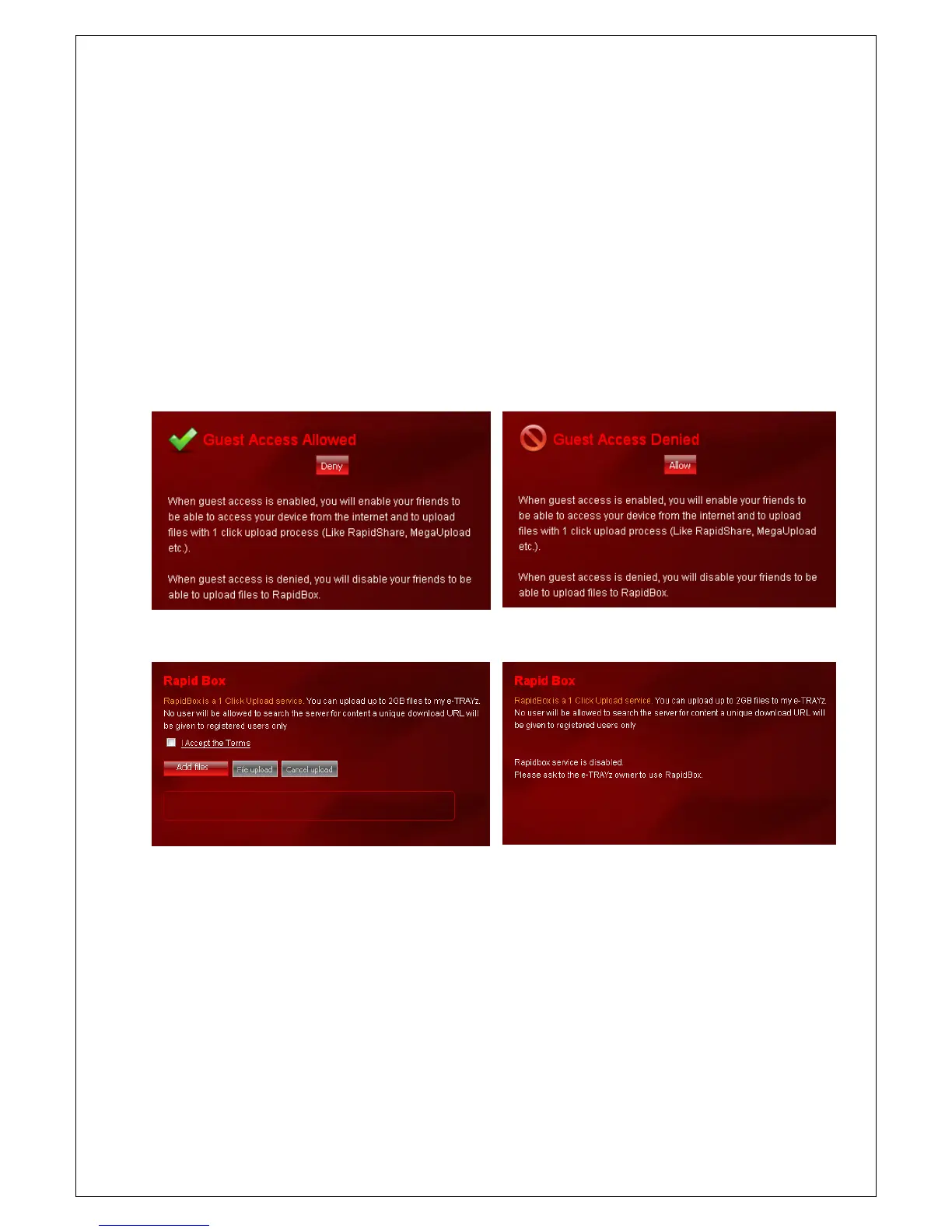
Allow Guest access
When you allow using RapidBox for guest who does not has user account, guest can upload files at the
Rapidbox field on web login page. The uploaded files are stored on Rapidbox folder in e-TRAYz Disk.
This functionality is useful when e-TRAYz owner want to receive some files without giving user account for file
sender. If you who are e-TRAYz owner, worry about arbitrary upload from others, you can deactivate the
function.
It can be set on RapidBox page or [Settings] – [Service] – [RapidBox] page.
RapidBox : status of ‘Allow’ RapidBox : status of ‘Deny’
Web login : status of ‘Allow’ Web login : status of ‘Deny’



 To Next Page