29
Settings
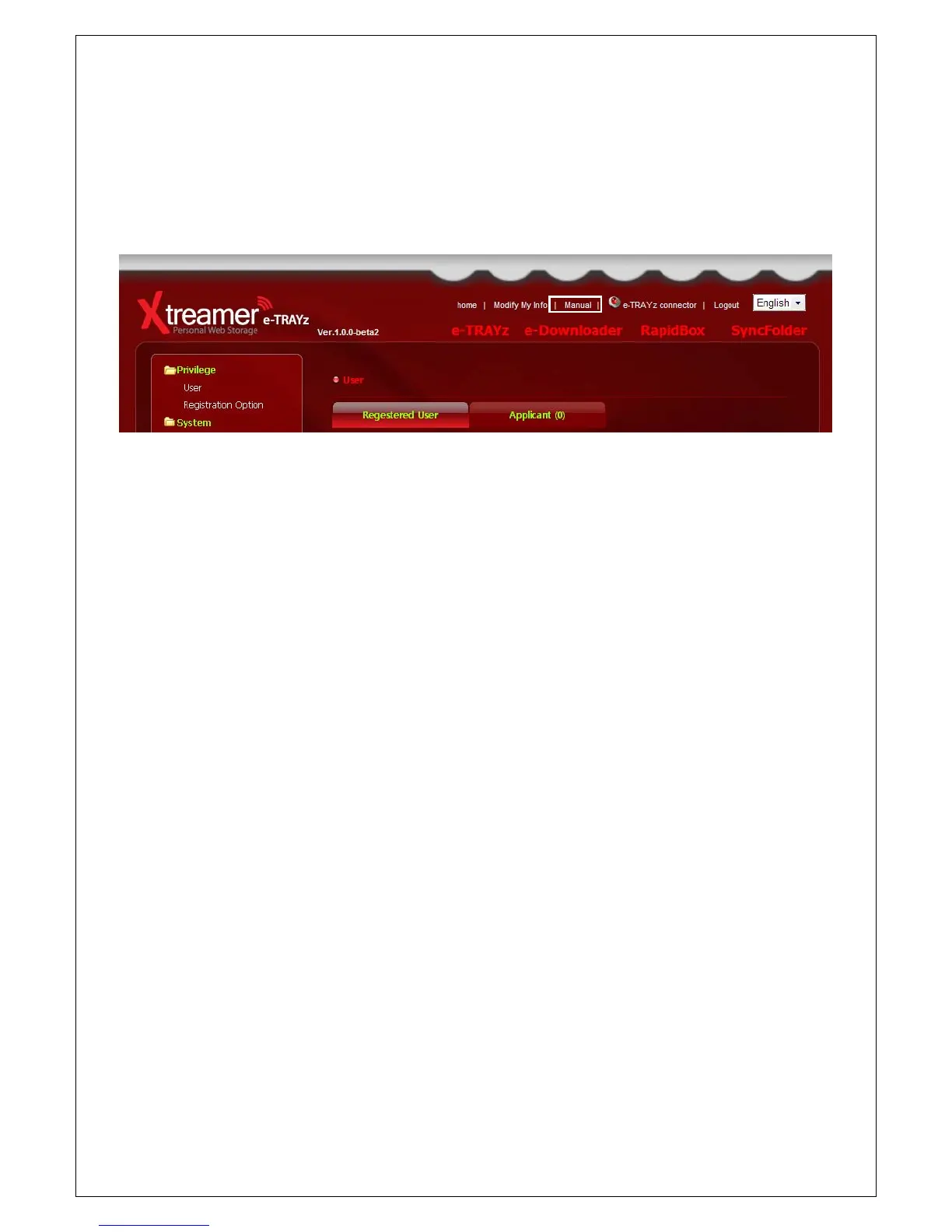
You can manage all of your Xtreamer e-TRAYz setting at ‘Settings’ page. Each page provides comments to help
management and you can find more information with ‘Settings’ manual.
Access to e-TRAYz Home
1. Open the Web browser.
2. Enter http://Xtreamer e-TRAYz IP address(or Domain):8080/. (Domain is the DDNS which set at Setup
Wizard page. ex. eunicorn.myetrayz.net)
3. It will take you to the Login page of e-TRAYz Home.
4. Enter ID and Password. The ID for management is sysadmin.
5. Click ‘Login’ button.
6. Click ‘Settings’ icon for managing of e-TRAYz server.
Disk and Volume Management
You can add a new disk or change RAID mode at [Settings] – [System] – [Disk] page or [Setup Wizard] –[Disk]
step.
RAID mode changing
You can change the RAID mode regardless of the number of disks. Xtreamer e-TRAYz supports Linear mode and
RAID 1(mirroring) mode.
If you change the RAID mode, all data and partition information of disk are deleted, so you need to
backup first.



 To Next Page