username (admin) and your password (password).
2. Click the Port Forwarding/Port Triggering menu.
3. Choose the Port Forwarding.
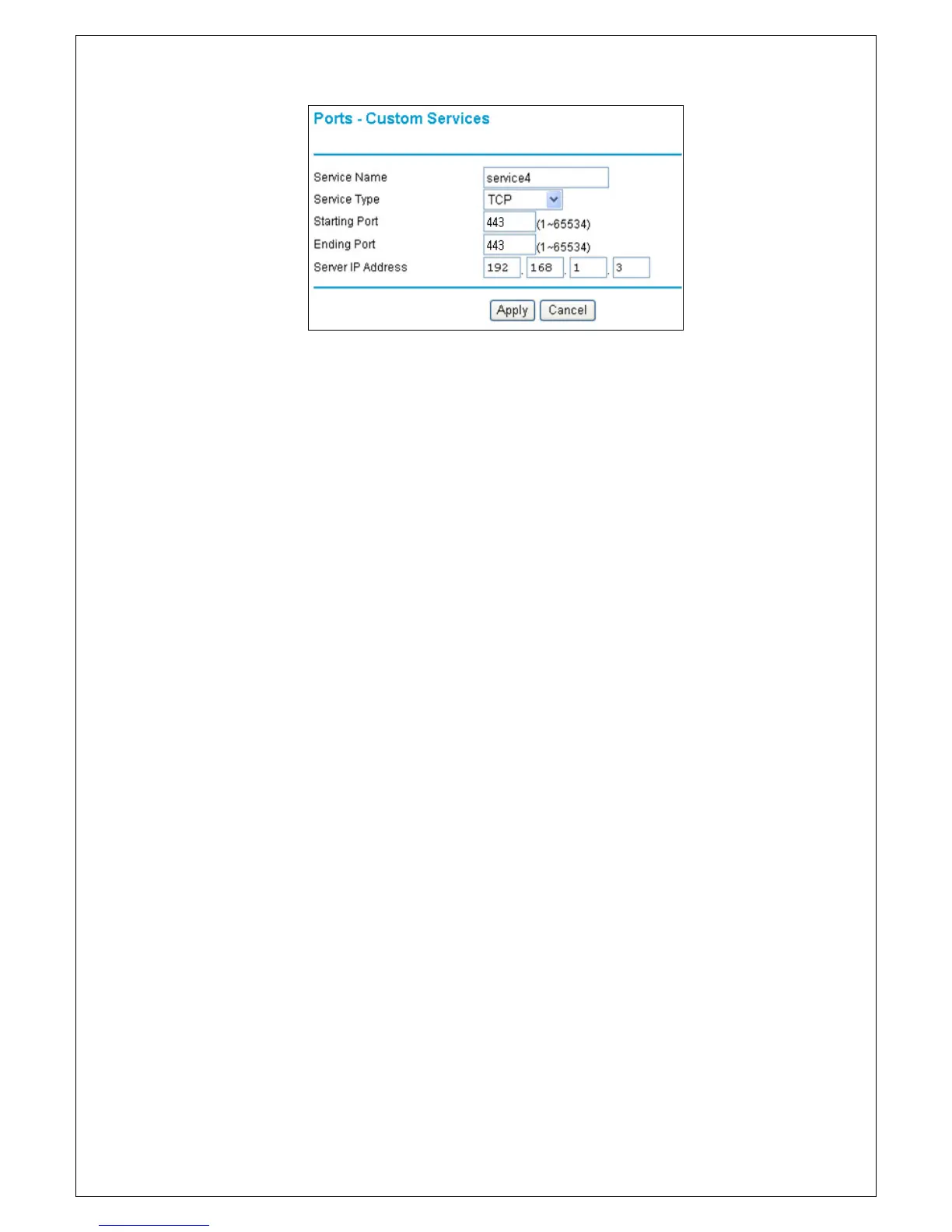
4. Click the Add Custom Service button.
- Enter the service name in the Service Name.
- Enter the beginning port number in the Starting Port.
- Enter the same port number in the Ending Port.
- Enter the IP address of the server computer in the Server IP Address.
5. Click Apply and then Continue to save the changes.



 To Next Page