46
e-TRAYz
e-TRAYz supports functions to store my data on e-TRAYz server as well as to share it with others on equivalent
interface with Windows explorer at internal network environment and external internet environment.
* e-TRAYz is allowd on Windows 2000, 2003, XP, Vista, and Windows7 environments. The e-TRAYz edition
for MAC OS X will be supported later.
Since e-TRAYz is connected with local computer as like network drive, such as C:\ or D:\ hard disk drive, you
can store, move, copy, update, delete, and execute files conveniently on (or from) e-TRAYz without using FTP
program or complicated up/download.
You also can simply share files with others by creating user account conveniently to set up sharing function.
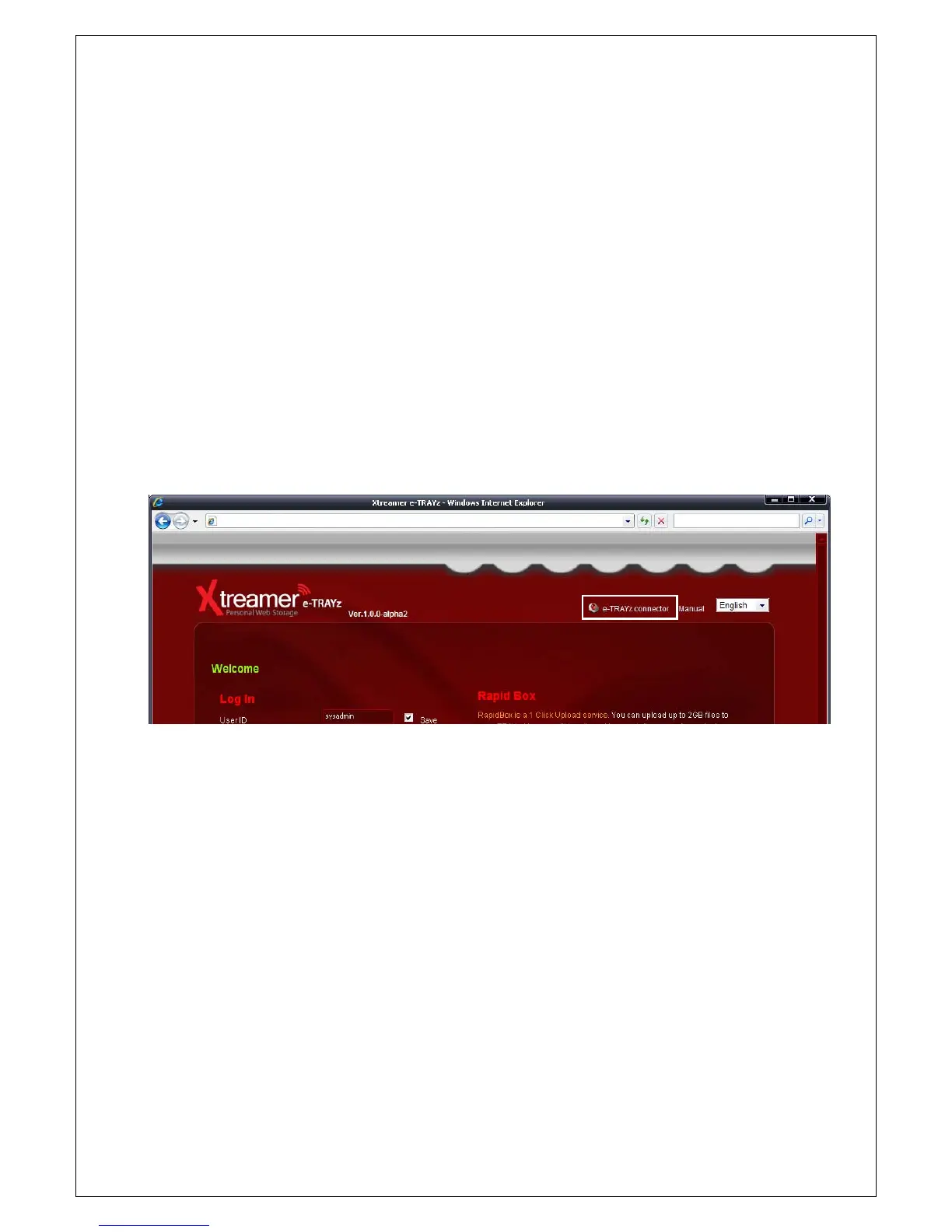
To use e-TRAYz functionality, first of all, You need to install e-TRAYz connector on my PC. You can download
e-TRAYz connector from right upper side of web login page (http://IP address:8080/).
Install the connector program accordance with the procedures. After installation, please reboot the PC and use
the Xtreamer e-TRAYz.



 To Next Page