22
Internet Connection
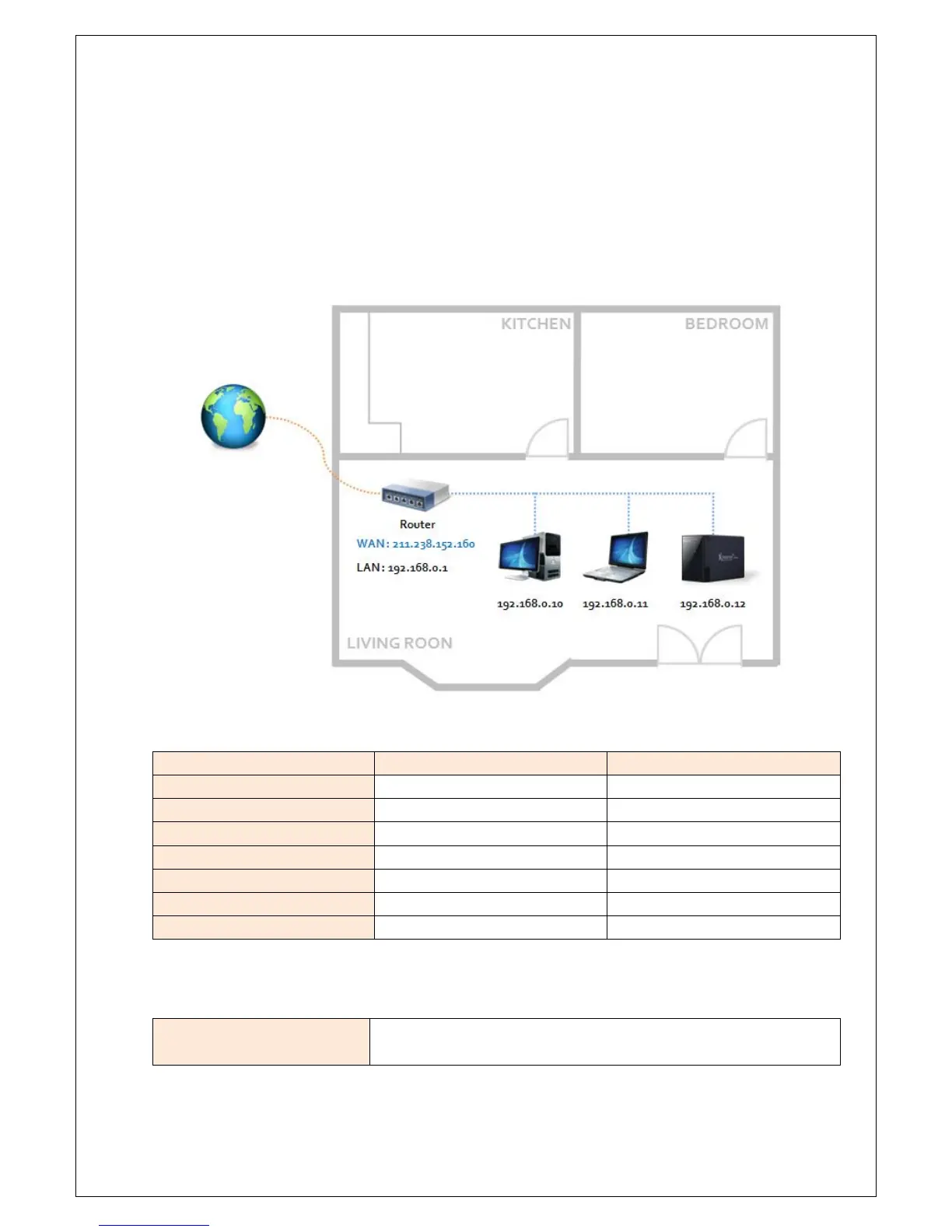
Example of Internet Connection with a Router
Step 1. Configuration
- IP address of e-TRAYz : 192.168.0.12
- Port Number used by e-TRAYz
Function Protocol Port Number
Private Homepage TCP 8000
e-TRAYz Home TCP 8080
e-TRAYz Connector TCP 443, 13196
e-Torrent TCP 6890~6900
SyncFolder TCP 873
SSH TCP 22
FTP TCP 20, 21
Step 2. Router Setting
Using UPnP
(e-TRAYz setting)
- Enter a external port number you want and click ‘Apply’ check box and
'Change Setup' button.



 To Next Page