74
Download Option
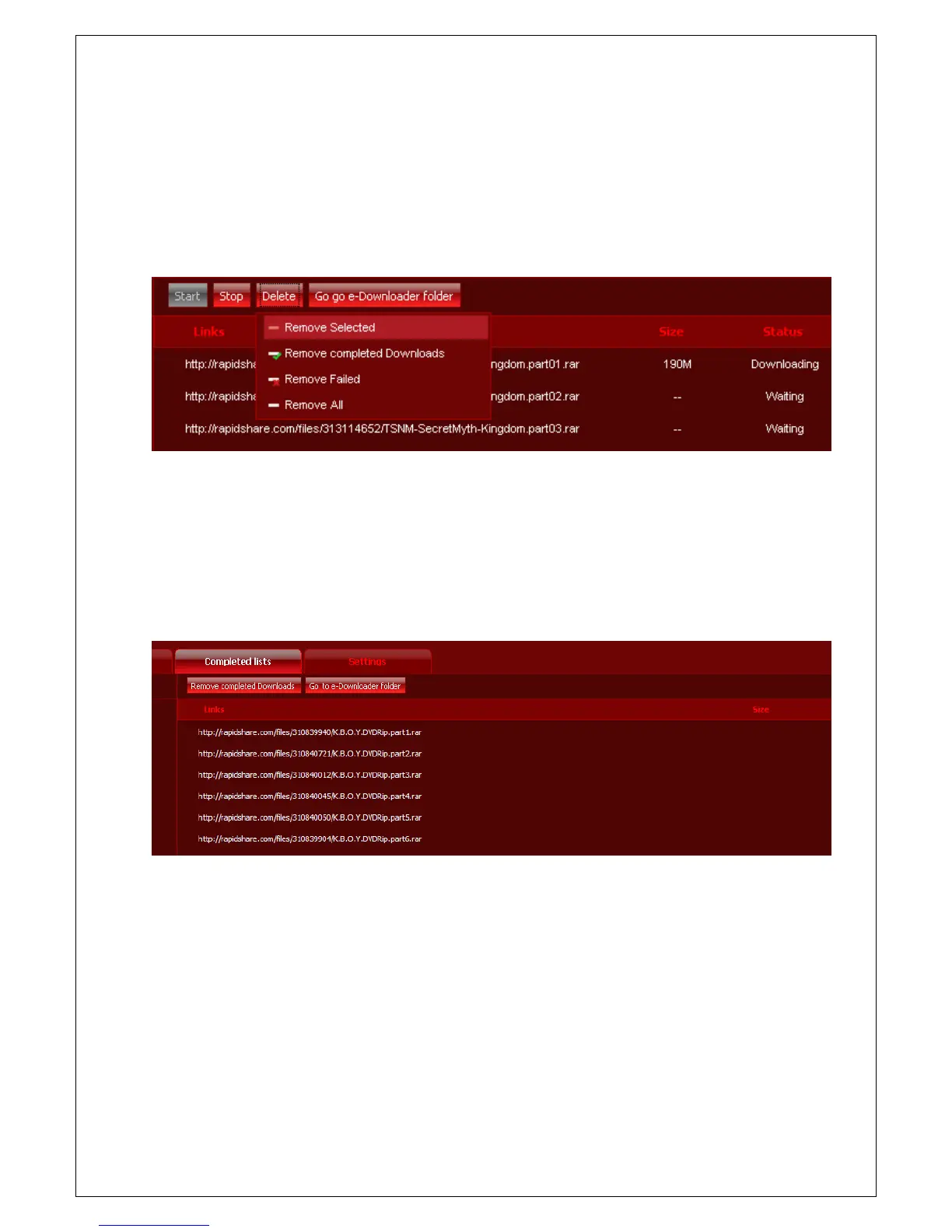
1. If you click 'Stop' button on upper side, download is stopped. And then if you click 'Start' button again,
download is started beginning step again.
2. When you want to delete a list of particular files, click 'Delete' button. You can delete selected list,
completed download list, failed download list and all list.
Completed Lists
You can find completed download list all by through e-Downloader on 'Completed lists' page. You can delete
some of list or all by selecting the list. (It is deleted on the list only, but not downloaded files.)



 To Next Page