58
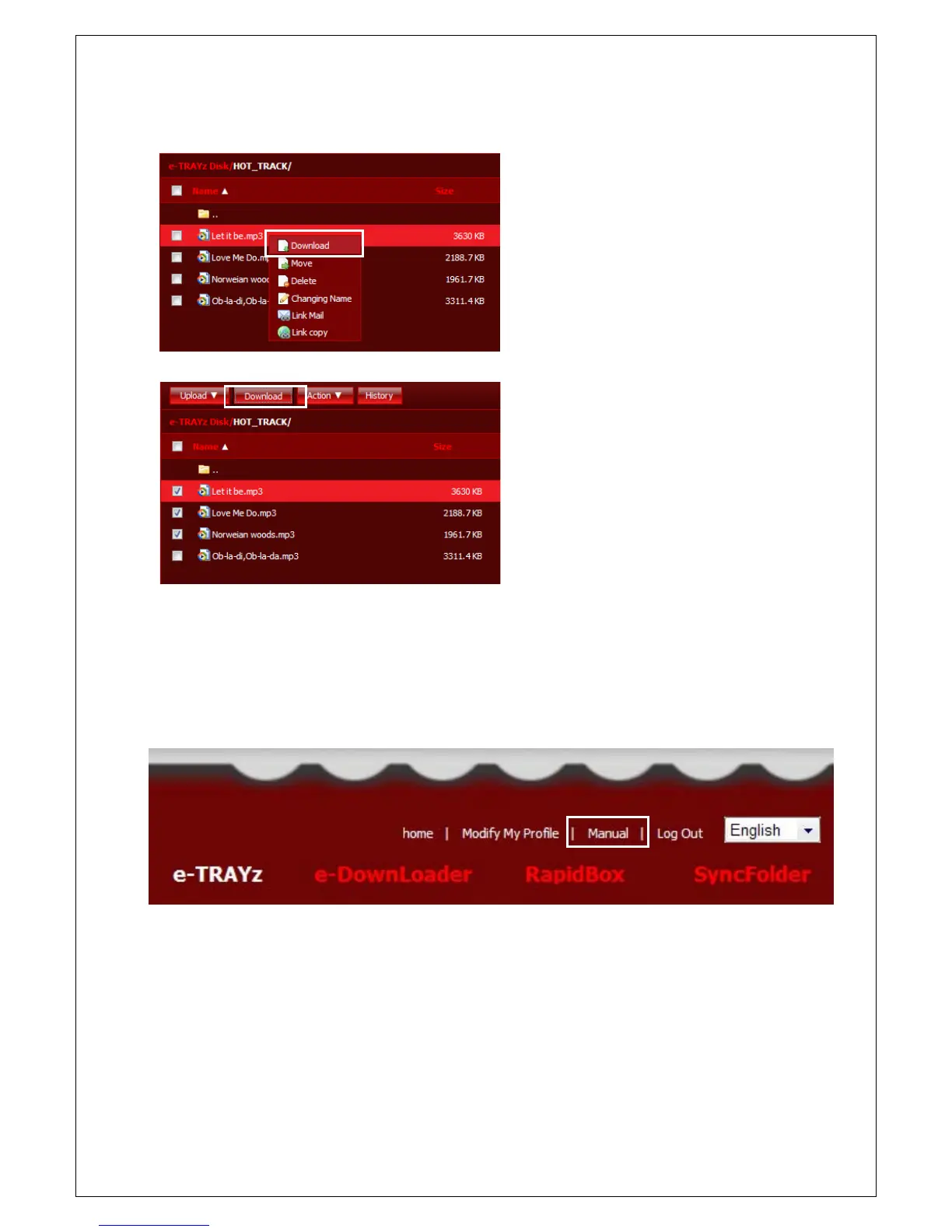
File/Folder Download
1. Click file or folder to download. (Click file
name for file and triangle button for folder.)
2. If you click download menu with mouse
over on file name, the down
ou want to download multiple
files/folders in same time, select
files/folders and click 'Download' button on
upper end.
NOTICE)
When multiple files and folders are transfered, it is automatically compressed and then transfered.
Refer to ‘Online user manual’ for more information about ‘Create New Folder’, ‘Move File/Folder’ and so on. You
can find Online User Manual at the top of the e-TRAYz web page.



 To Next Page