62
will automatically create user account and send an e-mail included account information and sharing
information.
4. Click 'Share' button, sharing setup is completed. The folder icon(
) is altered into shared folder icon( ).
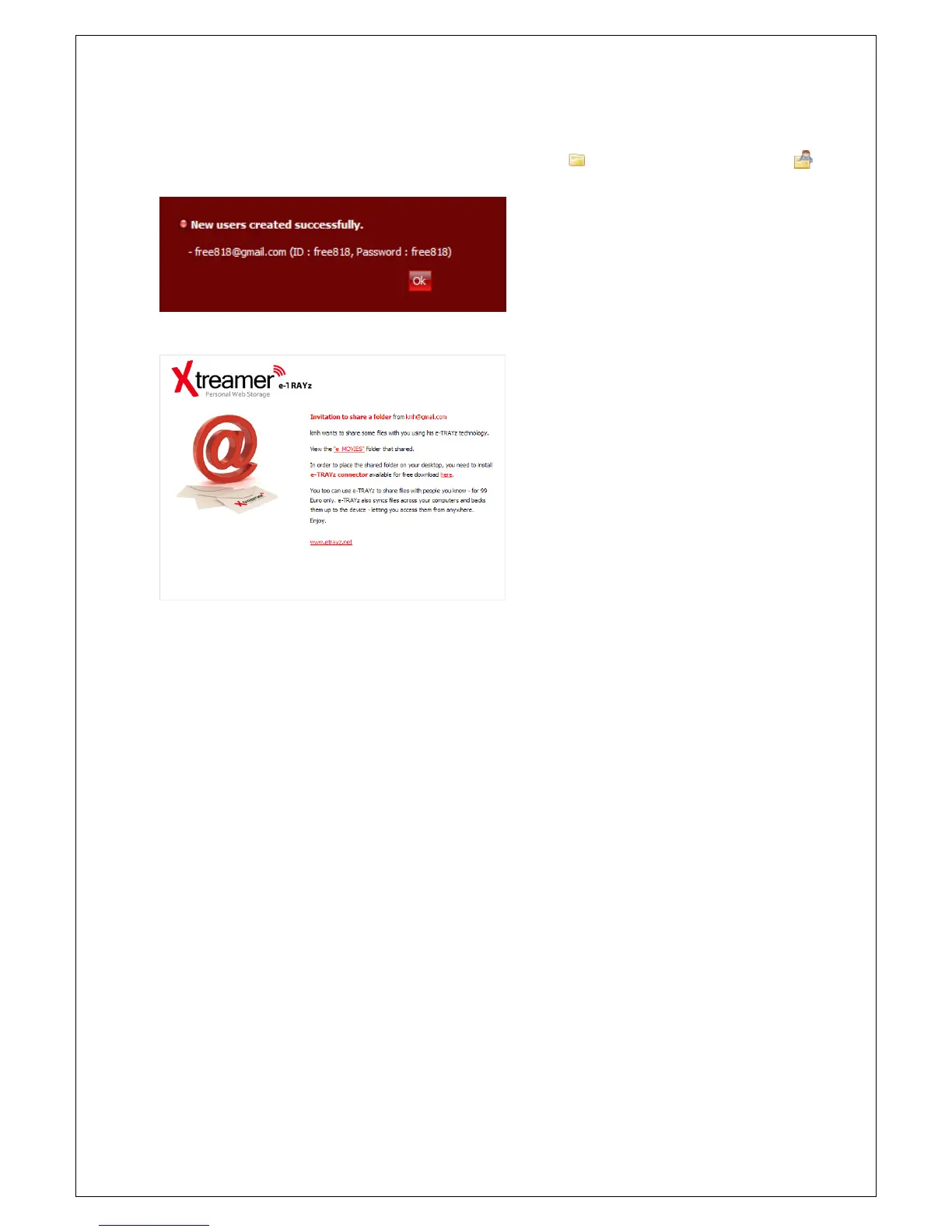
5. When user account is created, confirm
window is opened.
6. e-TRAYz will send sharing information for
the folder to users via e-mail. (To send e-
mail, mail server and DDNS must be set
up before.)



 To Next Page