Configuring Basic Features
51
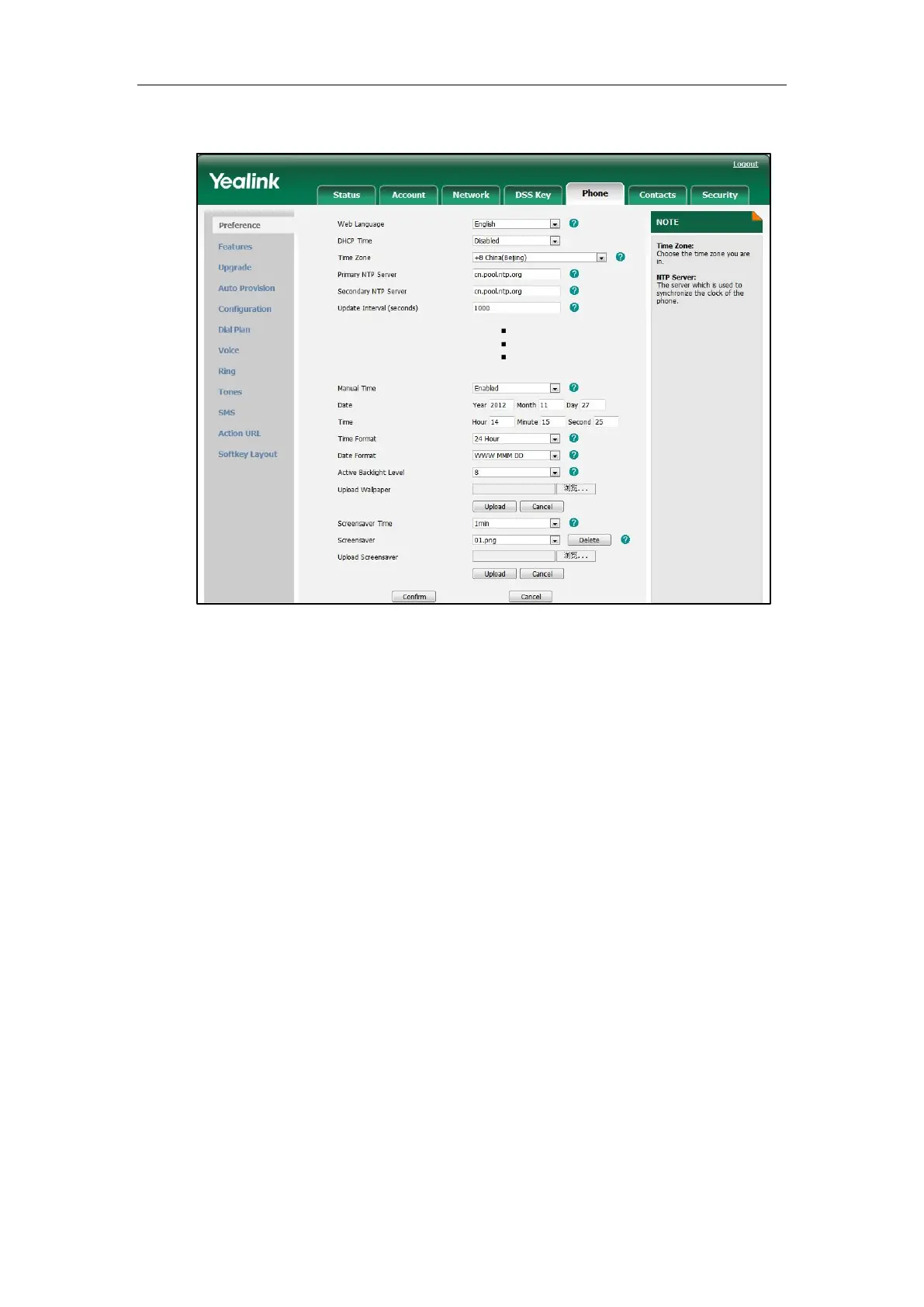
3. Enter the date and time in the corresponding fields.
4. Click Confirm to accept the change.
To configure the time and data format via web user interface:
1. Click on Phone->Preference.
2. Select the desired value from the pull-down list of Time Format.


 To Next Page
 Loading...