3D printing workow
92
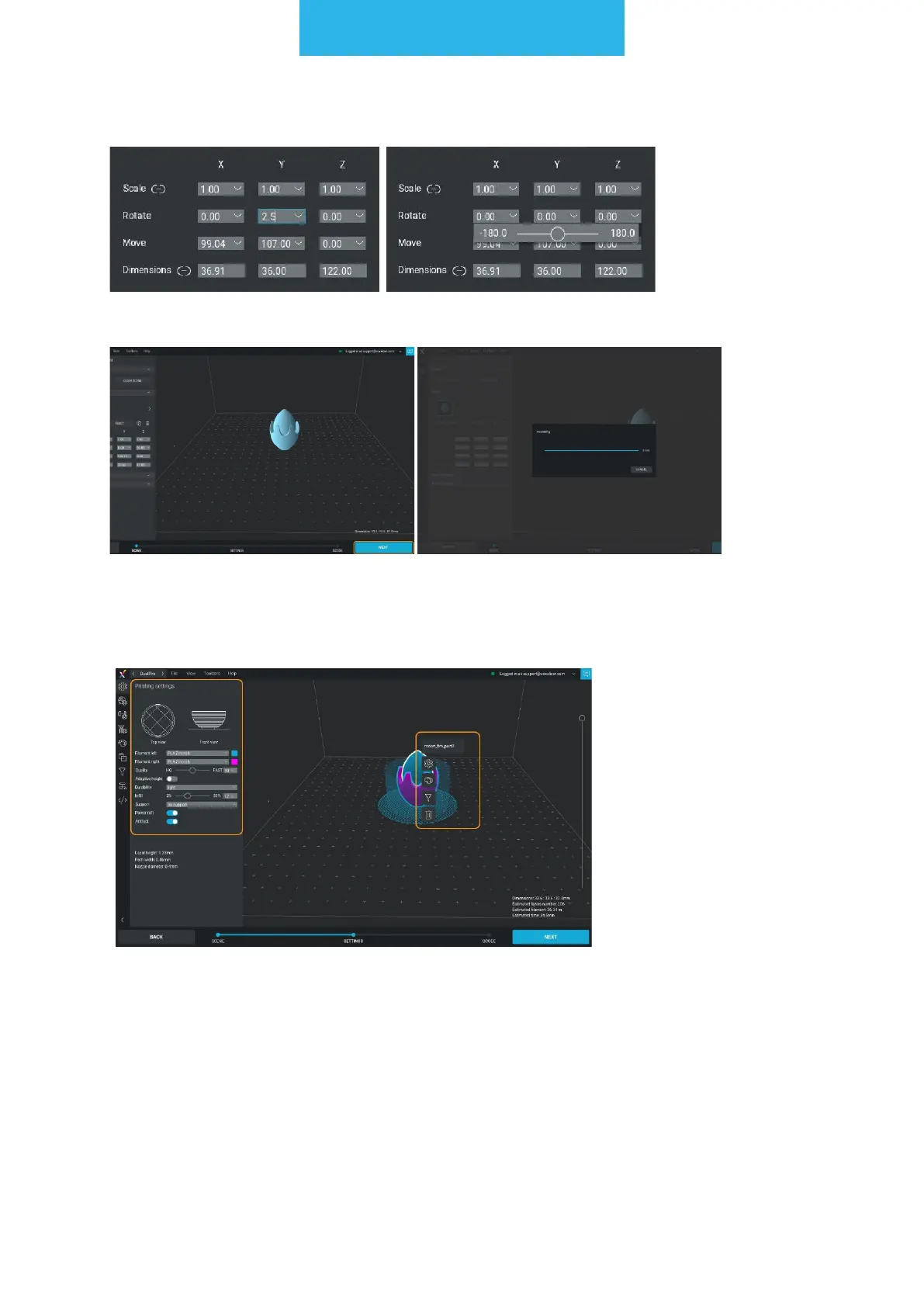
You can set values manually or use sliders.
Set the model according to your preferences and click NEXT to voxelize the model.
The second step of the le preparation is to set the printing parameters.
There are 2 types of menus - global (placed to the left of the screen) and local (opened
by clicking the right mouse button on the model).
NOTE: there can be many different unbound models on the workspace, by clicking the
right mouse button on them different printing parameters can be selected for each of
them.



 To Next Page