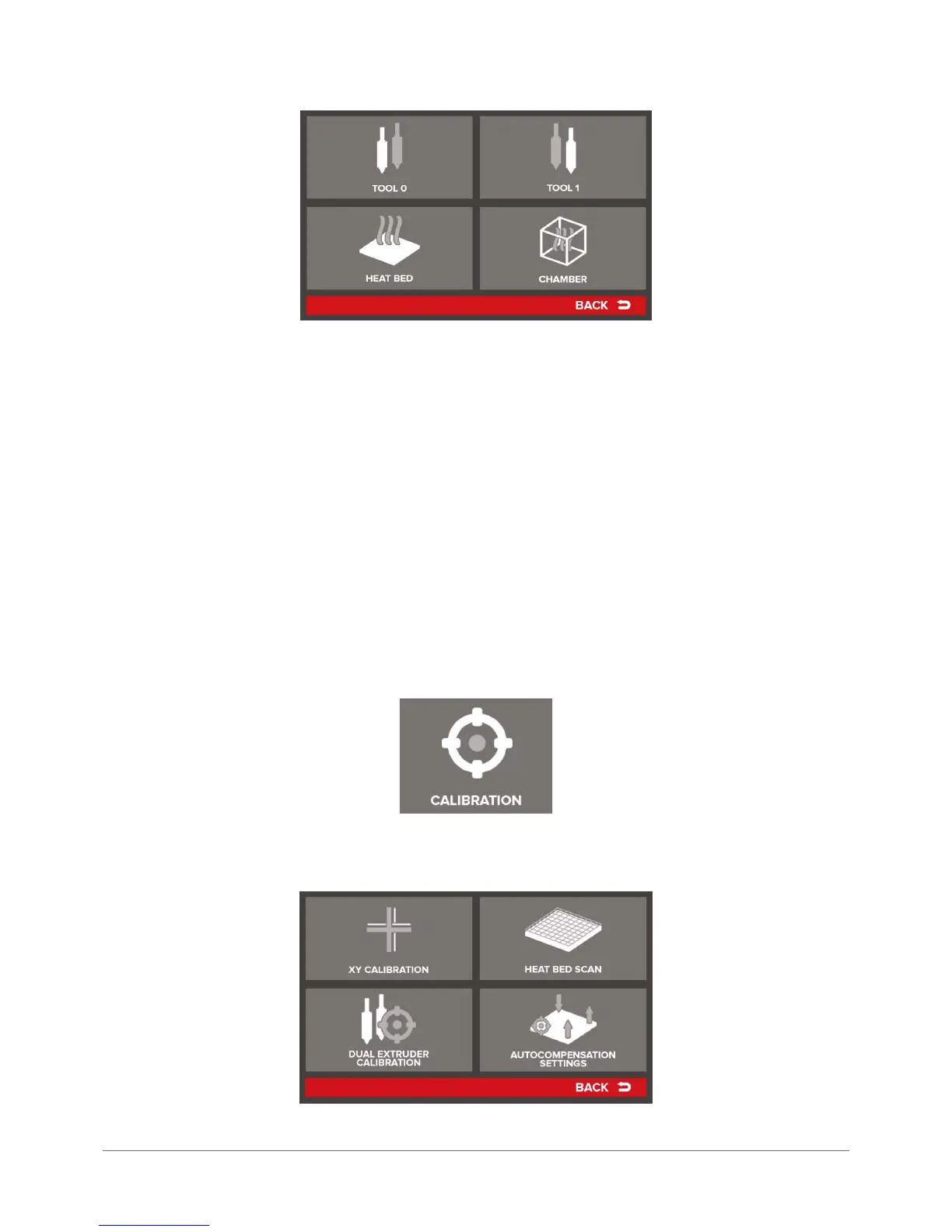
Tool 0 – allows users to set any temperature for the extruder head 0 in the range 180–250°C. Possible temperature de-
pends strictly on the version of Dual-head module.
Tool 1 – allows users to set any temperature for the extruder head 1 in the range 180–250°C. Possible temperature de-
pends strictly on the version of Dual-head module.
CAUTION: Do not leave the heads heated to high temperatures for longer than 15 minutes, if no material ow is present.
It can lead to the degradation of material in the head, and consequently, to its clogging.
Heat Bed – allows users to set any temperature to the printing bed in the range 40–160°C.
Chamber – allows users to set any temperature to the device chamber in the range 20–85°C.
Fan Settings – menu that allows to dene the behavior of print cooling fans. The two available options include:
Fan Override – enabling this option (ON) sets the fans to power values preset in the printer. The commands resulting from
the machine code will be ignored.
Fan Enabled/Disabled – this option allows users to turn the print cooling fans completely off.
Fan Speed – the screen allowing for variable adjustment of current power level of the print cooling fans. By pressing +/-
users can make adjustment, while by pressing RESET the default value can be restored.
CALIBRATION
CALIBRATION menu includes settings and parameters for device calibration:



 To Next Page