30 | 3DGence INDUSTRY F340
Cooldown – turns off all device heaters.
Load Filament – starts the assisted procedure of loading a lament. For more on the procedure of loading laments refer
to the PREPARING FOR OPERATION chapter, section 4, subsection 4.1. and 4.2.
Unload Filament – starts the assisted procedure of unloading a lament.
Hotend Change – starts the assisted procedure of changing the printing module.
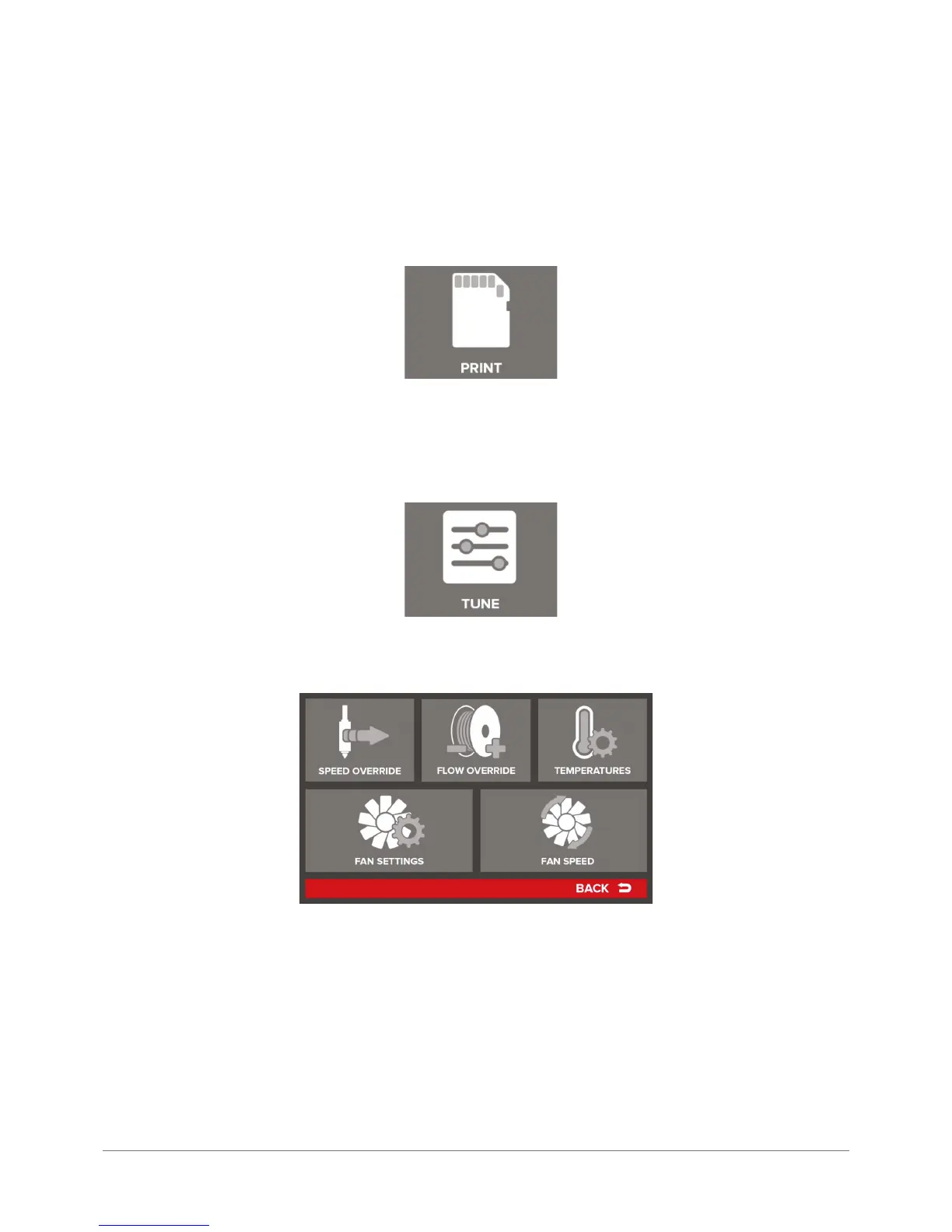
PRINT
PRINT menu sends the user to the le manager of SD card, where he can start a print of selected model stored in the SD
card. PRINT menu is described above in the instructions.
TUNE
The TUNE icon allows the user to introduce precision changes to the basic print parameters:
Speed Override – percentage print speed. 100% means a default print speed resulting from the machine code. By pressing
+ and – keys you can increase or decrease the print speed. The key marked with (RESET) symbol restores the default
100% value.
Flow Override – percentage of the material fed. 100% means a default quantity of material extruded resulting from the
machine code. By pressing + and – keys you can increase or decrease the quantity of material fed to improve the quality
of printed components. It is not recommended to introduce changes exceeding±5%.
Temperatures – sends the operator to the control screen of all device heaters:



 To Next Page