Rise Bed – pressing it once moves the printing bed towards the working head by 0.025 mm. This key can be used to
adjust the adhesion of rst print layer.
Lower Bed – pressing it once moves the printing bed away from the working head by 0.025 mm. This key can be used to
adjust the adhesion of rst print layer.
Park Up – sets the printing bed in upper position, restricted by axis Z endstop.
Park Middle – sets the printing bed in the middle of the axis Z movement range.
Park Down – sets the printing bed in the bottom position.
CAUTION: Park Up/Middle/Down and Home Z elds should not be used when the previous print or other object is inside the
chamber. In some cases using the options listed above results in homing the Z axis, and then setting it in a desired position.
It can lead to damage to the device!
MENU
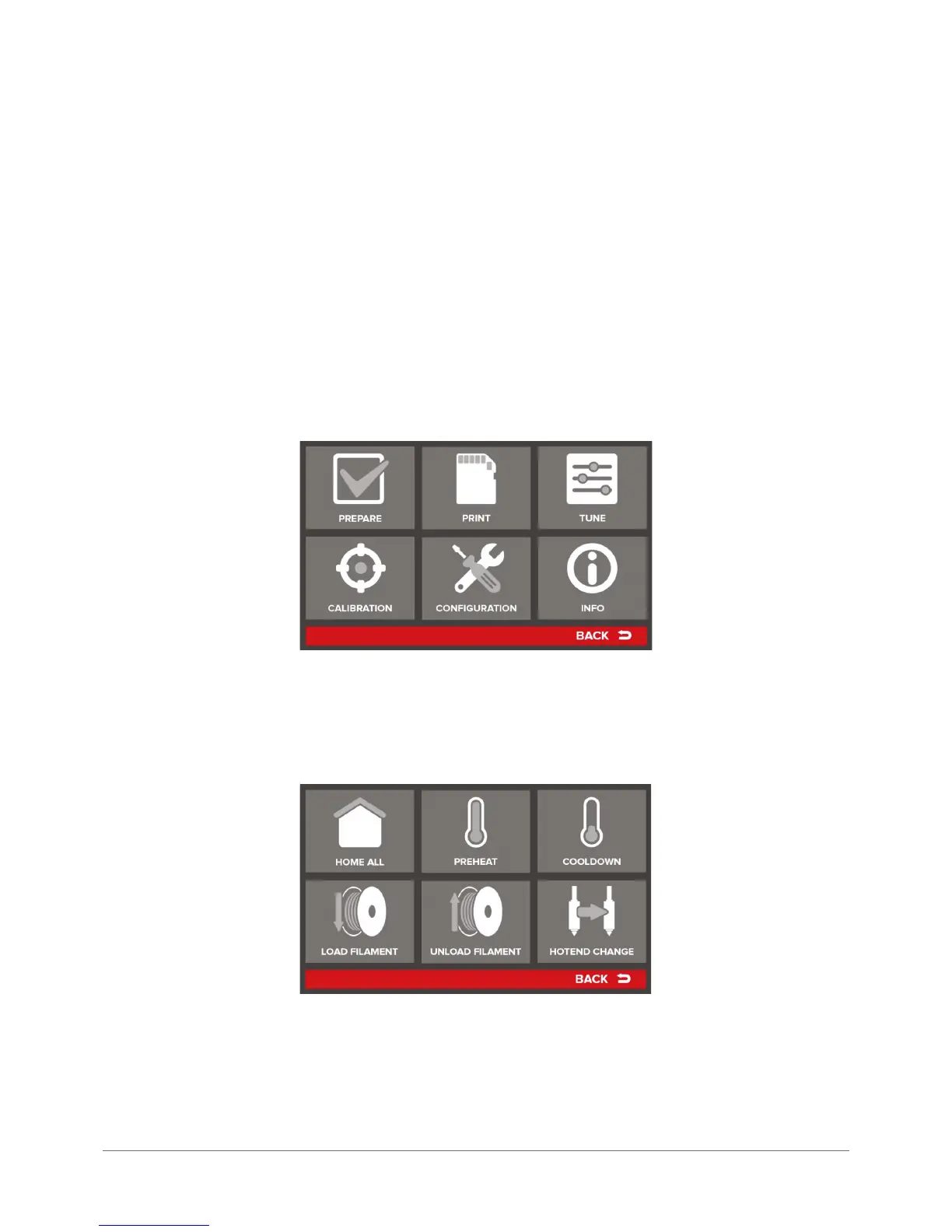
The MENU key in standby mode triggers different advanced options of the 3DGence INDUSTRY printer. They are described
in detail below:
PREPARE
The PREPARE key sends the operator to menu for printer preparation operations. The PREPARE menu has the following
components:
Home All – homes (sets in zero position) all printer’s axes. Point X = 0, Y = 0, Z = 0 is located in the right back corner of
the device printing bed.
Preheat – starts initial device heating. The working heads are heated to temperatures resulting from data read from SMM
system (i.e. appropriate for the identied material.) For ABS it will be 245°C. The working table is heated to the temperature
appropriate for the combination of materials.



 To Next Page